

Torrenting is safe only when the file, the client, and your privacy setup are safe. The protocol itself is not the villain. The risk comes from fake uploads, malware, exposed IP addresses, and sloppy client settings. That matters because AV TEST tracks more than 450,000 new malicious programs and unwanted apps per day [source: AV TEST].
TLDR: For most people, qBittorrent is the safest pick because it has strong privacy controls, no ads, and a clean interface. Deluge is great for power users and seedboxes, but its plugins need care. Transmission is light and simple, but it needs tighter manual setup. Example: if you download 100 torrents a month, even a small 2% bad-file rate means two risky downloads unless you check sources, scan files, and avoid sketchy installers.
So, is torrenting actually safe?
Yes, but not by default. Torrenting exposes your IP address to other peers in the swarm. Anyone sharing the same torrent can usually see it. That includes normal users, data collectors, and copyright monitoring groups.
The second risk is the file itself. A movie file is usually less risky than a fake “codec update” or cracked software installer. Honestly, it feels like half the danger comes from people clicking the first flashy upload they see.
Good torrent safety means doing four things:
- Use a trusted open source client.
- Bind the client to a VPN interface if privacy matters.
- Scan downloads before opening them.
- Avoid pirated software, cracks, keygens, and strange archives.
qBittorrent: best all-round security choice
qBittorrent is usually the best answer for regular users. It is open source, free, and not stuffed with ads. That already puts it ahead of many old-school torrent clients.
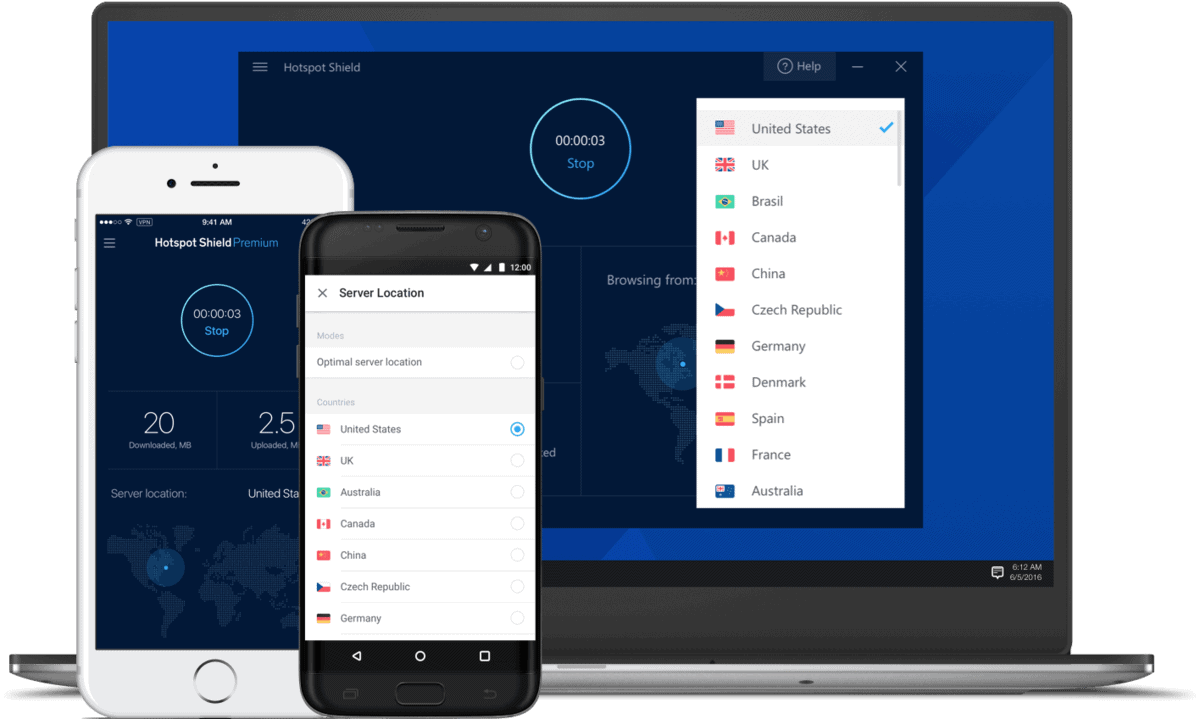
Its best privacy feature is network interface binding. This lets you force qBittorrent to use only your VPN connection. If the VPN drops, downloads stop instead of leaking through your normal internet connection. That is a big deal.
qBittorrent also supports:
- Protocol encryption, though this does not hide you like a VPN.
- IP filtering through blocklists.
- Proxy settings for users who know what they are doing.
- Anonymous mode, which reduces some client-identifying data.
- Web UI authentication for remote access.
The annoyance? Some settings are buried. Expect to waste time finding the exact VPN interface name, especially on Windows where it may appear as something vague like “tun0” or “wg0.” Still, once it is set, qBittorrent is hard to beat.
Deluge: powerful, but easier to misconfigure
Deluge is also open source and respected. It shines when used on a server, NAS, or seedbox. Its split design lets the background daemon run on one machine while you control it from another.
That is useful. It can also be risky. Remote access must be locked down with strong passwords and limited access. Leaving a Deluge Web UI open to the internet is asking for trouble.
Deluge supports encryption, plugins, scheduling, labels, blocklists, and remote control. The plugin system is its biggest strength and weakness. Extra features are great, but every add-on adds another thing to update, trust, and check.
Deluge is best for people who like control. If you run a seedbox, automate downloads, or manage torrents from another device, it is a strong pick. If you just want to download a Linux ISO or a public domain film, it may feel like too much.
Image not found in postmetaTransmission: simple, clean, and light
Transmission is popular on macOS, Linux, Raspberry Pi systems, and NAS devices. It is small, fast, and refreshingly plain. No clutter. No nonsense.
Its security features include:
- Encryption support for peer traffic.
- Blocklist support.
- RPC access controls for remote management.
- Speed limits and queue controls.
The tradeoff is control. Transmission is not as rich in privacy options as qBittorrent. Some settings may need config file edits, especially on headless systems. That is fine for Linux users. It is annoying for everyone else.
Transmission is safest when used locally or inside a protected home setup. If you enable remote access, use a VPN, firewall rule, or private tunnel. Do not expose it raw to the open web.
Security feature comparison
| Client | Best for | Security strengths | Main weakness |
|---|---|---|---|
| qBittorrent | Most users | VPN binding, anonymous mode, IP filters, no ads | Some settings take hunting |
| Deluge | Seedboxes and advanced users | Plugins, daemon mode, remote control | Easy to expose if set up badly |
| Transmission | Lightweight systems | Simple design, blocklists, encryption | Fewer privacy controls |
Quick safety checklist
- Use a VPN with a kill switch if you care about IP privacy.
- Bind qBittorrent to the VPN interface when possible.
- Do not trust protocol encryption as anonymity. It is not enough.
- Disable auto-opening downloads.
- Scan files before running them.
- Avoid cracked software. This is where malware loves to hide.
- Keep your client updated.
- Use strong Web UI passwords and avoid public exposure.

Best pick
Choose qBittorrent if you want the safest balance of privacy, features, and ease. Choose Deluge if you run torrents on a server and know how to lock it down. Choose Transmission if you want something tiny, clean, and low maintenance.
The real answer is simple: torrenting can be safe, but only if you stop treating the client as the whole security plan. The client helps. Your habits matter more.

