


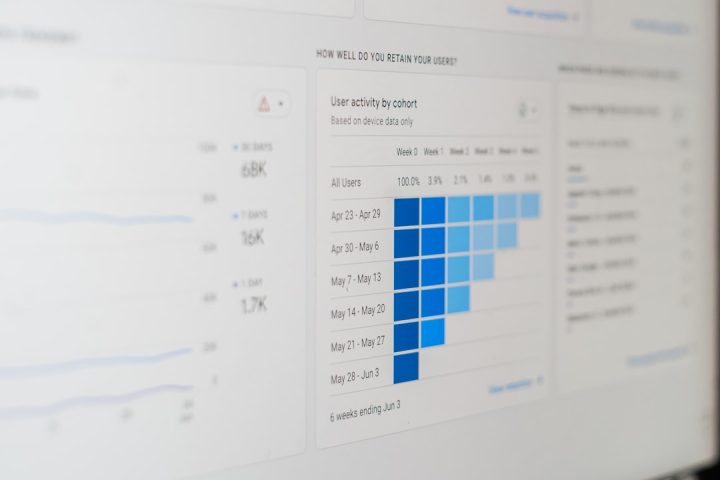
Internal data is now one of the most valuable assets a company owns, but it is also one of the hardest to manage. Files live in cloud drives, conversations happen in chat apps, policies hide in wikis, customer insights sit in CRMs, and operational data flows through dozens of specialized platforms. The best AI software for managing internal data and resources helps bring this scattered information together, making it searchable, understandable, secure, and useful for everyday decisions.
TLDR: The best AI tools for internal data management include platforms for enterprise search, knowledge management, workflow automation, analytics, data governance, and resource planning. Options such as Microsoft Copilot, Glean, Notion AI, Atlassian Intelligence, ServiceNow, Power BI, Tableau, Collibra, and Workday AI are especially valuable depending on company size and needs. The right choice depends on where your data lives, how employees access it, and how much governance your organization requires.
Why AI Matters for Internal Data and Resource Management
Traditional data management tools were built mainly for storage, organization, and reporting. AI adds a more dynamic layer: it can interpret questions, summarize documents, detect patterns, recommend actions, and automate routine processes. Instead of asking employees to remember exactly where a file is stored or how a dashboard is configured, AI allows them to ask questions in natural language and receive practical answers.
For example, a sales manager might ask, “Which enterprise deals are at risk this quarter?” An AI-enabled system can review CRM notes, emails, support tickets, revenue forecasts, and meeting summaries to generate a useful response. Similarly, an HR team can use AI to find outdated policies, identify hiring bottlenecks, or answer employee questions without manually searching multiple systems.

1. Microsoft Copilot: Best for Microsoft 365 Environments
Microsoft Copilot is one of the strongest choices for organizations already using Microsoft 365, Teams, SharePoint, OneDrive, Outlook, and Excel. It connects deeply with everyday business tools, allowing employees to summarize meetings, locate documents, draft emails, analyze spreadsheets, and create presentations based on internal information.
Its biggest advantage is context. Copilot can work across emails, files, chats, calendars, and documents, provided the correct permissions are in place. This makes it useful for companies that want AI assistance without forcing employees to adopt an entirely new platform.
- Best for: Companies already invested in Microsoft 365
- Key strengths: Document search, meeting summaries, spreadsheet analysis, email drafting
- Considerations: Requires strong permission management and clean data structures
Copilot is especially valuable for internal resource management because it reduces time spent searching for information. It can help teams understand project status, locate relevant files, and convert scattered communication into usable summaries.
2. Glean: Best for Enterprise Search
Glean is designed to solve a common workplace problem: employees often do not know where to find the information they need. It connects to systems such as Google Workspace, Microsoft 365, Slack, Salesforce, Jira, Confluence, GitHub, and many other business applications, then provides AI-powered search across them.
What makes Glean interesting is that it does not simply search keywords. It understands workplace context, user permissions, relationships between documents, and the relevance of different data sources. Employees can ask questions such as “What is our refund policy for annual enterprise contracts?” and receive answers drawn from approved internal resources.
- Best for: Mid-size and large companies with information spread across many tools
- Key strengths: Unified search, source citations, permission-aware answers
- Considerations: Works best when connected systems are well maintained
Glean is a strong option when internal knowledge is fragmented. It gives employees a single doorway into the company’s collective information.
3. Notion AI: Best for Flexible Knowledge Management
Notion AI combines documentation, project management, databases, and AI writing assistance in one highly flexible workspace. It is particularly useful for startups, creative teams, product teams, and smaller organizations that want an adaptable system for managing internal knowledge and resources.
Teams can use Notion to create company wikis, onboarding hubs, project trackers, meeting notes, SOP libraries, and content calendars. The AI features help summarize long pages, improve writing, generate action items, answer questions about workspace content, and organize raw notes into structured documents.
- Best for: Startups, small teams, product teams, and knowledge-heavy departments
- Key strengths: Flexible databases, documentation, summaries, workspace Q&A
- Considerations: Requires thoughtful workspace design to avoid clutter
Notion AI is less about heavy enterprise governance and more about creating a living knowledge base that teams actually enjoy using.
4. Atlassian Intelligence: Best for Technical and Product Teams
Atlassian Intelligence brings AI into tools such as Jira, Confluence, Trello, and other Atlassian products. It is especially helpful for engineering, IT, product, and operations teams that depend on issue tracking, project documentation, and technical knowledge bases.
In Jira, AI can help summarize issues, generate user stories, explain technical tickets, and identify blockers. In Confluence, it can summarize pages, answer questions, draft documentation, and transform meeting notes into structured plans. For teams managing internal technical resources, this can significantly reduce administrative overhead.
- Best for: Software development, IT, product management, and agile teams
- Key strengths: Ticket summaries, documentation support, project insights
- Considerations: Most useful for companies already using Atlassian tools
Atlassian Intelligence is valuable because it connects AI directly to the systems where technical work is planned, tracked, and documented.


5. ServiceNow AI: Best for IT, HR, and Enterprise Service Management
ServiceNow is widely used for IT service management, employee workflows, asset management, and enterprise operations. Its AI capabilities help automate support requests, route tickets, summarize incidents, recommend solutions, and improve self-service portals.
For internal resource management, ServiceNow can help companies manage hardware, software licenses, employee requests, approvals, and operational workflows. AI-powered virtual agents can answer employee questions, while predictive intelligence can classify tickets and recommend next steps.
- Best for: Large enterprises with complex IT and employee service workflows
- Key strengths: Ticket automation, workflow routing, asset tracking, virtual agents
- Considerations: Implementation can be complex and requires planning
ServiceNow is a powerful choice when internal resources include not just documents, but physical assets, software access, support processes, and compliance-driven workflows.
6. Power BI and Tableau: Best for AI-Enhanced Analytics
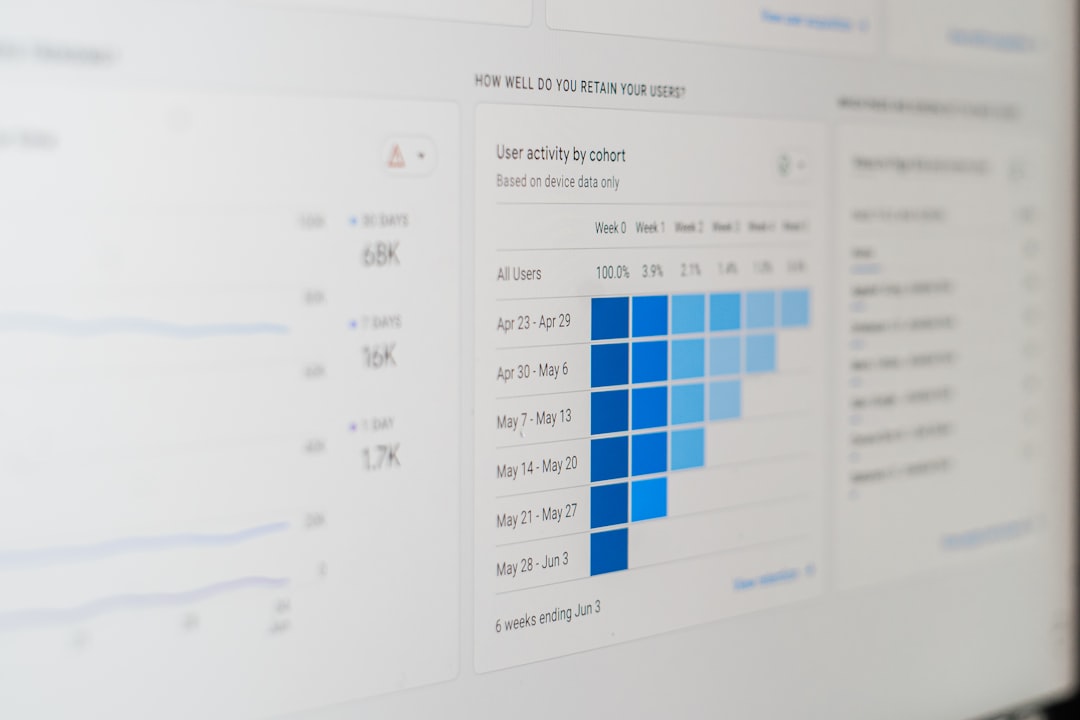
When companies want to make better use of internal data, analytics platforms are essential. Microsoft Power BI and Tableau both offer AI-assisted features that help users explore data, explain trends, create visualizations, and ask natural-language questions.
Power BI is especially appealing to Microsoft-focused organizations, while Tableau is known for strong visual analytics and interactive dashboards. Both tools help departments turn raw operational data into insights that can guide decisions in finance, sales, marketing, HR, and supply chain management.
- Best for: Data-driven teams and business intelligence departments
- Key strengths: Dashboards, forecasting, natural-language queries, trend detection
- Considerations: Data quality and model design are still critical
These platforms are most useful when organizations need more than search. They help answer why something is happening, not just where information is stored.
7. Collibra and Alation: Best for Data Governance and Cataloging
For larger organizations, managing internal data is not only about convenience; it is also about governance. Collibra and Alation are leading data catalog and governance platforms that help companies understand what data they have, where it came from, who owns it, and how it should be used.
AI can support metadata generation, data discovery, classification, lineage tracking, and policy recommendations. This is especially important in regulated industries such as finance, healthcare, insurance, and government, where data misuse can create serious legal and operational risks.
- Best for: Large organizations with complex data environments
- Key strengths: Data catalogs, lineage, governance workflows, compliance support
- Considerations: Requires executive support and cross-functional adoption
These tools are not always visible to everyday employees, but they are foundational for companies that want trustworthy AI. If AI systems are trained or connected to poorly governed data, their answers become unreliable.
8. Workday AI: Best for Workforce and Financial Resources
Workday applies AI to human capital management, finance, workforce planning, talent management, and resource allocation. It is particularly useful for organizations that want to understand skills, hiring needs, payroll trends, budgeting, and internal mobility.
Workday AI can help HR leaders identify skills gaps, recommend learning opportunities, forecast workforce needs, and improve employee experiences. Finance teams can use AI-enhanced planning tools to model budgets, analyze spending, and support strategic resource decisions.
- Best for: Medium and large companies managing workforce and financial planning
- Key strengths: HR analytics, finance planning, talent insights, skills intelligence
- Considerations: Best suited to organizations already using Workday’s ecosystem
When “resources” means people, budgets, and organizational capacity, Workday AI is one of the most relevant platforms.
How to Choose the Right AI Software
The best AI software depends less on popularity and more on organizational fit. A small creative agency may get tremendous value from Notion AI, while a global bank may need Collibra, ServiceNow, Microsoft Copilot, and Power BI working together.
Before selecting a tool, consider the following questions:
- Where does your internal data live? Identify whether most information is in documents, CRMs, chat tools, databases, project systems, or service platforms.
- Who needs access? Consider whether the primary users are executives, analysts, support teams, engineers, HR staff, or all employees.
- How sensitive is the data? Tools must respect permissions, privacy requirements, and compliance rules.
- Do you need search, automation, analytics, or governance? Each category solves a different problem.
- Can the platform integrate with existing systems? AI becomes more useful when it connects to the tools employees already use.
Common Mistakes to Avoid
One common mistake is buying AI software before cleaning up internal data. AI can summarize and retrieve information quickly, but it cannot magically fix outdated documents, duplicate files, conflicting policies, or broken permissions. Another mistake is rolling out AI without employee training. Even intuitive tools require guidance on best practices, security, and responsible use.
Companies should also avoid treating AI as a replacement for governance. The more powerful the AI system, the more important it becomes to define who owns the data, who can access it, and how outputs should be verified. Responsible implementation is what turns AI from a novelty into a reliable business asset.
The Future of AI in Internal Operations
The next generation of AI tools will move beyond answering questions and summarizing documents. They will become proactive assistants that detect risks, recommend resource changes, automate multi-step workflows, and personalize information for each employee. Instead of dashboards that wait to be checked, AI systems may alert managers when inventory is running low, budgets are drifting, or project timelines are at risk.
We are also likely to see more specialized AI agents for departments such as legal, finance, HR, operations, and engineering. These agents will not only retrieve information but also complete tasks across connected systems, such as updating records, generating reports, creating tickets, or preparing approval workflows.
Final Thoughts
The best AI software for managing internal data and resources is not a single universal product. It is usually a carefully chosen combination of tools: Microsoft Copilot for productivity, Glean for enterprise search, Notion AI or Confluence for knowledge management, ServiceNow for workflows, Power BI or Tableau for analytics, Collibra or Alation for governance, and Workday for workforce and financial planning.
The smartest approach is to begin with a clear business problem. If employees waste hours searching for answers, start with AI search. If leaders do not trust reports, focus on data governance and analytics. If support teams are overwhelmed with requests, prioritize workflow automation. When matched to the right problem, AI becomes more than a productivity trend; it becomes the operating layer that helps organizations understand, manage, and use their internal resources wisely.