


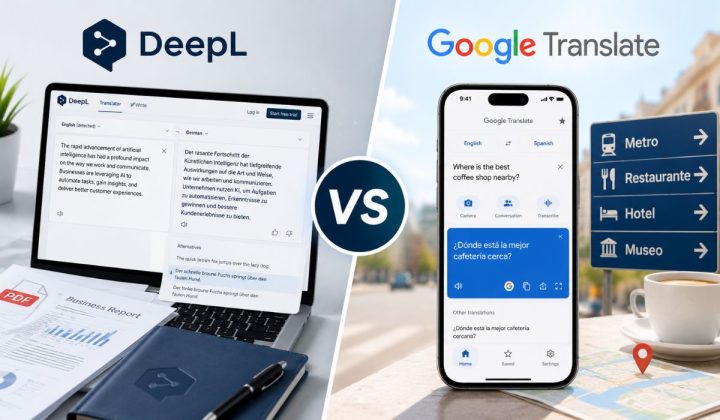
DeepL and Google Translate are both popular translation tools, but they are not the same kind of tool for every job. One may feel better when you translate a full email or document. The other may be better when you are traveling, reading a sign, or translating a quick phrase on your phone.
So, which one is better?
The honest answer is simple. DeepL is often better when you want smooth writing, better tone, and a cleaner document translation. Google Translate is better when you need more languages, camera translation, voice translation, offline use, and quick help in daily life. It depends on what you are translating.
Quick Answer: DeepL is usually better for polished writing, business text, documents, and natural-sounding paragraphs. Google Translate is better for travel, camera translation, voice translation, offline use, and a much wider range of languages. For important work, don’t trust either tool blindly. Always review the final meaning.
DeepL vs Google Translate: Main Difference
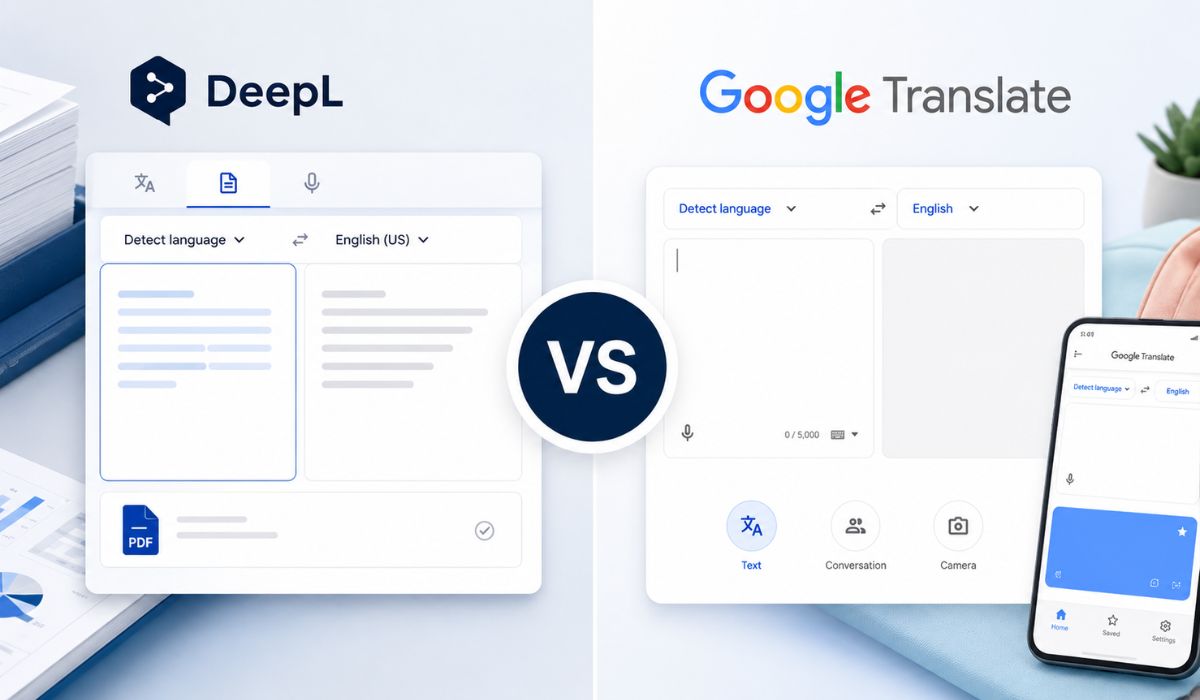

The main difference is the purpose. DeepL feels more focused on quality writing, documents, business terms, and professional translation work. Google Translate feels more like an all-round daily translator that works almost everywhere, especially on mobile.
Google Translate is very strong when you need fast translation in many languages. Its App Store listing says it can translate between up to 249 languages, but feature support changes by language. It also supports things like text, offline translation, camera translation, photos, dictation, conversations, handwriting, and phrasebook features.
DeepL, on the other hand, focuses more on text quality and file translation. DeepL says its platform can translate documents in major formats into 100+ languages while preserving layout and visual context. That makes it useful for people working with Word files, PDFs, business documents, and longer text.
| Feature | DeepL | Google Translate |
|---|---|---|
| Best for | Polished writing and documents | Daily use, travel, and many languages |
| Language coverage | Smaller than Google, but strong for many major languages | Much wider language support |
| Writing style | Often more natural for full text | Good for quick meaning and short phrases |
| Mobile travel tools | Useful, but not the main strength | Strong camera, voice, offline, and conversation tools |
| Business workflow | Strong glossary, tone, document tools | Strong general use and API options |
| Best user | Writers, students, businesses, teams | Travelers, casual users, language learners |
Translation Accuracy: Which One Gives Better Results?
Translation accuracy is not the same for every language pair. English to German may behave differently from English to Urdu, Japanese to English, or Arabic to French. The type of text also matters. A short phrase, a business email, a legal paragraph, and a poem are all different problems.
DeepL often gives smoother results for full sentences and longer paragraphs. It can sound more natural, especially when the text has tone, flow, and context. If you are translating an email, article paragraph, product description, or professional message, DeepL may give a cleaner first draft.
Google Translate is still very strong for quick meaning. It is useful when you just want to understand a sentence, menu, sign, message, or short phrase. It also handles many more languages, so if DeepL does not support your language pair, Google Translate may be the only practical choice.
Still, don’t treat any translator like a perfect human translator. If the text is for legal, medical, financial, academic, or business use, check it carefully. Machine translation can miss tone, context, names, idioms, and small meaning changes.
Language Support: Google Translate Covers More Languages
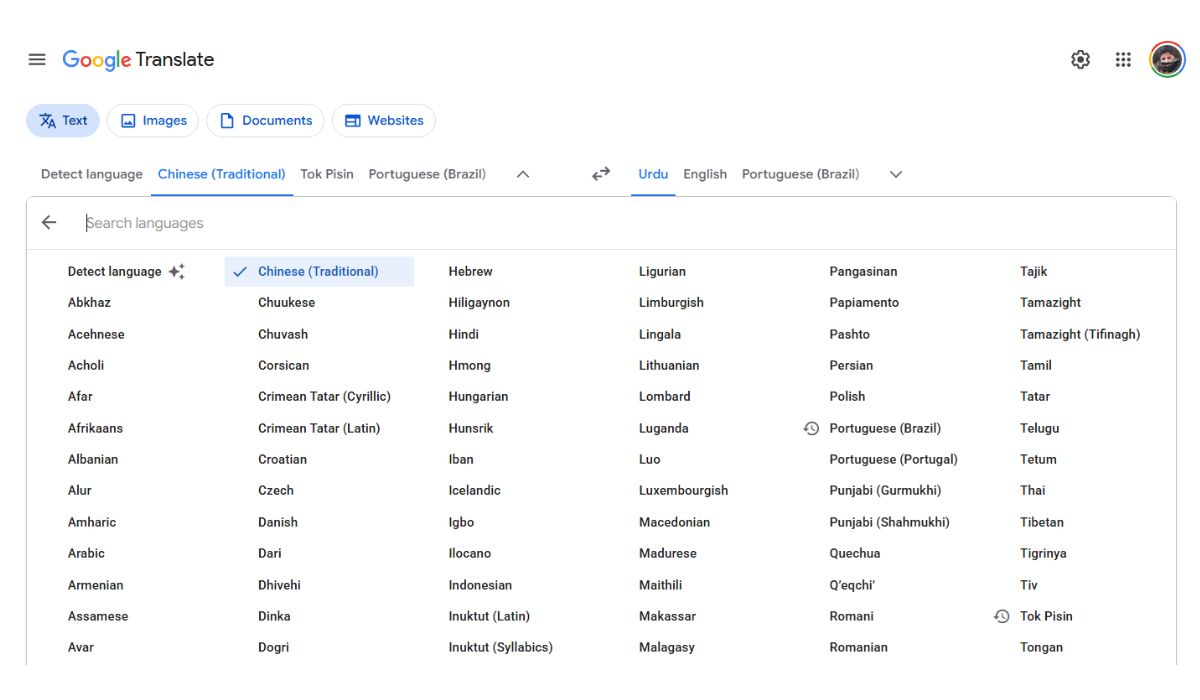
If your main need is language coverage, Google Translate wins. It supports far more languages than DeepL, and this is a big deal for people translating regional, less common, or travel-related languages. Google’s App Store listing says it supports up to 249 languages, though not every feature works for every language.
DeepL supports fewer languages, but that is not always a bad thing. Its focus is more on translation quality, document handling, glossary use, and workflow. DeepL’s own platform page says it supports document translation into 100+ languages, which is still a lot for many users.
So the choice is easy here. If you need a rare or local language, try Google Translate first. If your language is supported by DeepL and you need polished writing, test DeepL too.
Writing Quality and Natural Tone
This is where DeepL gets a lot of praise. Its output often reads like a real sentence instead of a word-by-word translation. It can make full paragraphs feel smoother, especially in business writing, emails, study notes, and content drafts.
Google Translate is better than it used to be, and for many simple lines it works fine. But sometimes it gives a translation that is correct enough, yet a little plain or stiff. Not always, but it happens.
A simple way to test this is to translate one paragraph in both tools. Then read both versions out loud. The one that sounds more natural and still keeps the same meaning is the better choice for that text. Not for every text. For that text.
Document Translation: Which Is Better for PDFs, Word, and Files?
If you translate documents often, DeepL is usually the better choice. It is built strongly around file translation, layout, glossary, and business workflow. DeepL says it can translate documents in major file formats and preserve layout and visual context, which is useful when you don’t want to rebuild the whole file after translation.
Google Translate can also help with documents in some situations, especially for quick use. But DeepL feels more focused when the job is a professional file, not just a copied paragraph.
| Document Need | Better Choice | Why |
|---|---|---|
| Quick text from a document | Google Translate or DeepL | Both can help if you copy text |
| Polished Word document translation | DeepL | Better document workflow and tone control |
| PDF or business file translation | DeepL | Stronger focus on layout and document handling |
| School notes or short document text | Either one | Depends on language and text quality |
| Many languages in one workflow | Google Translate | Wider language support |
If formatting matters, DeepL is usually more comfortable. If you only need the meaning fast, Google Translate is often enough.
Mobile and Travel Features: Google Translate Has the Edge
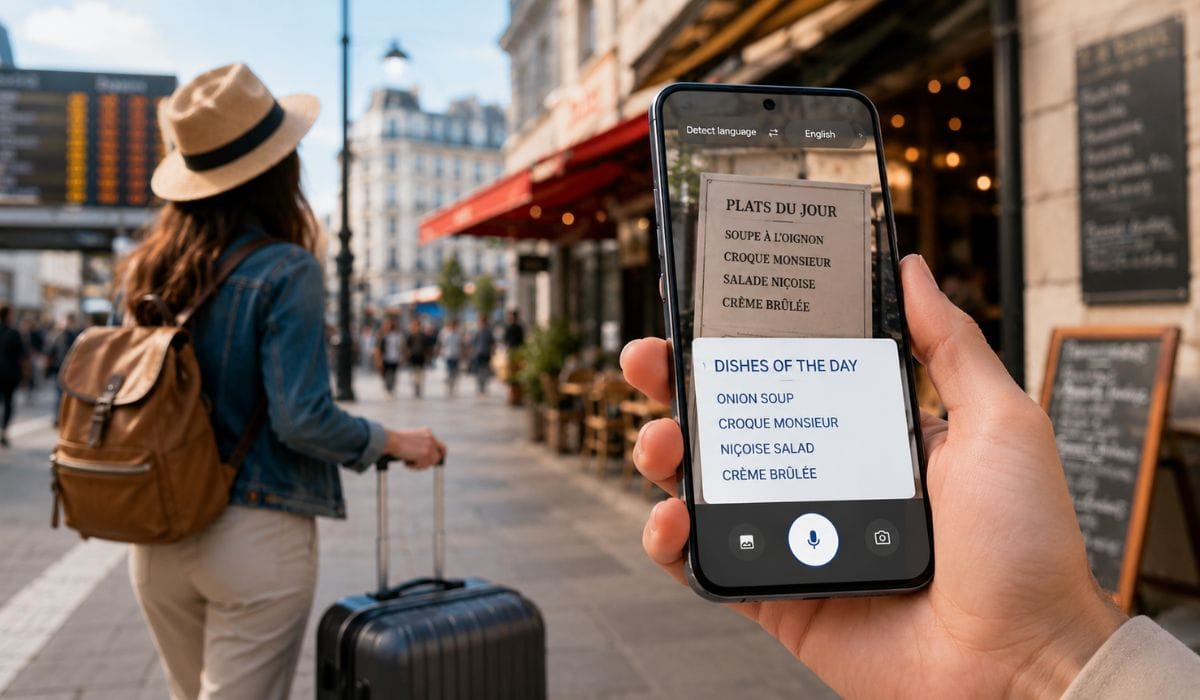
For travel, Google Translate is hard to beat. It is made for real-world moments, not just sitting at a desk. You can use camera translation for signs, photo translation for menus, voice translation for spoken phrases, and offline translation when internet is weak. Google’s app listing mentions camera, photo, dictation, conversation, handwriting, phrasebook, and offline features, with support depending on language.
Google also says its Translate app lets you point your camera at text and translate what you see. It also supports downloading languages for offline use, which is very useful when traveling without stable internet.
Google Translate is useful for:
- Reading restaurant menus
- Translating street signs
- Asking taxi or hotel questions
- Understanding short messages
- Translating spoken phrases
- Saving common travel words
- Using offline language packs
DeepL can still be useful while traveling, especially for writing a better message. But for camera, voice, offline, and quick mobile use, Google Translate is the better everyday travel tool.
Business Use: DeepL Is Better for Teams and Consistent Terms
For business use, DeepL often makes more sense. The reason is not only “accuracy.” It is control. Businesses need product names, technical terms, brand words, and repeated phrases to stay consistent. If one translator writes a term one way and another tool writes it differently, things get messy.
DeepL’s glossary feature is made for this kind of work. DeepL says its glossary helps keep technical terms, product names, and company-specific phrases consistent across languages. It also says the glossary adapts terminology based on context, not just simple word replacement.
This is helpful for:
- Product manuals
- Support articles
- Business emails
- Website localization
- Legal-style wording
- Technical documents
- Brand terms and product names
Google Translate can still work for business drafts, especially quick checks. But if a team needs consistent wording across many files, DeepL has a stronger professional feel.
Free Version and Paid Plans
Both tools can be used for free, but the free versions have limits. These limits may change, so don’t build your whole workflow around old pricing details from random blogs. Check the current plan pages before buying anything.
At a simple level, free users should compare text limits, file translation, privacy needs, glossary access, and API use. Businesses should look beyond price only. They should ask which tool saves editing time.
| Plan Area | DeepL | Google Translate |
|---|---|---|
| Free text translation | Available with limits | Available for general use |
| Paid plans | DeepL Pro and team/business options | Google Cloud Translation for API/business use |
| File translation | Strong focus, especially in paid workflows | Useful, but less focused than DeepL for polished documents |
| Glossary | Strong glossary features | Business/API tools may offer term controls depending on setup |
| API | Available | Available through Google Cloud Translation |
| Best paid use | Documents, teams, terminology | Apps, large scale translation, many languages |
If you only translate simple text sometimes, the free version may be enough. If you translate documents for work every week, paid features can matter more.
Privacy and Sensitive Content
Be careful with sensitive text. This is true for both DeepL and Google Translate. Don’t paste private contracts, financial records, personal IDs, medical details, client data, or confidential company text into any free translator without checking the privacy terms first.
Paid business plans may offer better controls, but you still need to read the rules for your account type. This matters more for companies, freelancers, legal workers, healthcare text, and anyone handling private client files.
For normal daily text, both tools are fine for many people. For sensitive work, slow down and check before pasting. Boring advice, yes. But important.
DeepL vs Google Translate for Students
Students can use both tools, but for different reasons. Google Translate is helpful for quick word meaning, short phrases, and languages that DeepL may not support. It is also useful when reading a page fast and trying to understand the general idea.
DeepL can be better when a student needs a smoother sentence or wants to understand how a full paragraph could sound in another language. But students should not copy machine translation blindly into homework or essays. The meaning can shift, and teachers can often tell when the text is not naturally written.
A good method is simple. Use the translator to understand the text, then rewrite the idea in your own words.
DeepL vs Google Translate for Content Writers and Bloggers

For content writers and bloggers, DeepL is usually better for long-form translation drafts. It often gives better flow, cleaner sentence structure, and more natural paragraphs. If you are translating blog content, email copy, landing page text, or product descriptions, DeepL is worth testing first.
Google Translate is still useful for research, quick phrase checks, and multilingual coverage. If you manage a site with broad international content, Google may help you check more languages faster.
But here is the important part. Translated content still needs human editing. SEO content is not just translation. You need local wording, search intent, natural headings, correct terms, and a tone that fits the audience. A direct machine translation can sound strange even when it is technically correct.
DeepL vs Google Translate for Travelers
For travelers, Google Translate is the better pick most of the time. You need fast help, not perfect writing. You may need to read a sign, understand a menu, ask a basic question, or translate a short message from a hotel or driver.
Google Translate fits those moments well because it offers camera, voice, conversation, and offline tools. Feature support depends on the language, but the travel use is still strong.
Use Google Translate when you need to:
- Read airport or train station signs
- Translate restaurant menus
- Ask a taxi driver something simple
- Understand hotel check-in messages
- Translate photos of notices
- Use offline language packs
- Save common phrases before travel
DeepL can help if you want to write a more polite message to a hotel, client, or local contact. But for fast travel translation, Google Translate wins.
DeepL vs Google Translate for Developers
Developers should compare both based on language support, translation quality, pricing, documentation, glossary needs, and API limits. DeepL offers API options and glossary endpoints for developer workflows. Its documentation includes glossary API support, which can matter if your app needs consistent wording.
Google Cloud Translation is strong when you need large-scale translation, broad language coverage, and Google Cloud integration. It may be a better fit for apps that need many languages or already run inside Google’s ecosystem.
For developers, there is no single winner. Test both with your real content. Check cost, supported languages, speed, and output quality before choosing.
Pros and Cons of DeepL
DeepL is strong, but it is not perfect. It works best when the language pair is supported and the goal is good writing quality.
Pros:
- Often gives natural-sounding translations
- Good for long paragraphs and polished text
- Strong for business writing and documents
- Useful glossary features for consistent terms
- Good option for professional and team workflows
- Better when tone and sentence flow matter
Cons:
- Supports fewer languages than Google Translate
- Some stronger features may need paid plans
- Not always the best tool for quick travel use
- Camera and offline travel tools are not its main strength
- Still needs human review for important content
Pros and Cons of Google Translate
Google Translate is very practical. It may not always sound as polished as DeepL, but it is useful in more daily situations.
Pros:
- Supports a very wide range of languages
- Strong mobile app for travel
- Camera translation is very useful
- Voice and conversation tools help in real life
- Offline translation is available for supported languages
- Good for quick words, phrases, signs, and messages
- Easy to use and widely available
Cons:
- Long translations can sound less natural sometimes
- Tone may feel plain or stiff in some language pairs
- Professional documents may need more editing
- Feature support varies by language
- Not always ideal for business terminology control
Final Verdict: Which One Should You Use?
The best choice depends on your use case. DeepL is better when translation quality, tone, document layout, and consistent terms matter. Google Translate is better when language coverage, travel tools, camera translation, voice translation, and offline use matter.
| Use Case | Better Choice |
|---|---|
| Polished business email | DeepL |
| Translating a document | DeepL |
| Website or blog draft translation | DeepL |
| Technical terms and glossary | DeepL |
| Travel signs and menus | Google Translate |
| Voice or conversation translation | Google Translate |
| Offline translation while traveling | Google Translate |
| Rare or regional languages | Google Translate |
| Quick word meaning | Google Translate |
| Important legal or medical text | Neither alone, get human review |
So, if you ask “DeepL vs Google Translate, which is better?” the answer is not one word. DeepL is better for quality writing and document work. Google Translate is better for reach, speed, mobile use, and travel.
Final Thoughts
DeepL and Google Translate are both useful, but they solve slightly different problems. DeepL is often the better choice for natural writing, business text, documents, and consistent wording. Google Translate is usually better for more languages, travel, camera translation, voice, offline mode, and quick everyday use.
For simple text, use whichever gives you the clearest meaning. For important text, compare both and review the result yourself. Machine translation is helpful, but it is still not a full replacement for a careful human check.
Which one do you need more for your work – travel, school, business, blog content, or document translation? Comment your use case, because the better choice changes with the job.