


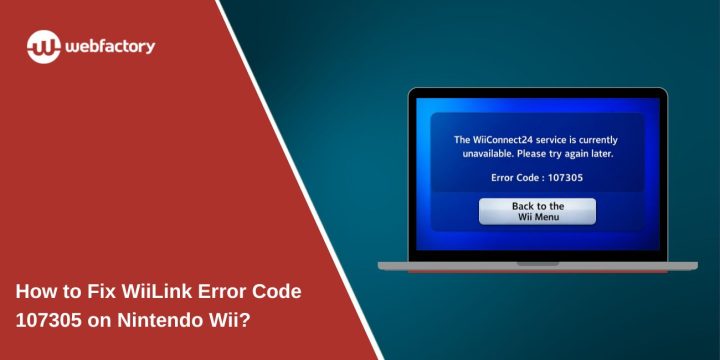
You turn on your Nintendo Wii, open a WiiLink channel, and suddenly the screen shows WiiLink error code 107305. The console fails to connect and the channel refuses to load. That moment can be confusing, especially if your internet connection works on other devices.
This error usually appears when the Wii cannot communicate with the WiiLink servers that power restored WiiConnect24 services. Sometimes the issue comes from incorrect DNS settings, while other times the problem relates to network configuration or router connectivity. In this guide, you will learn what WiiLink error code 107305 means, why it appears, and several ways to fix the connection problem so your Wii can access WiiLink services again.
What Is WiiLink Error Code 107305?
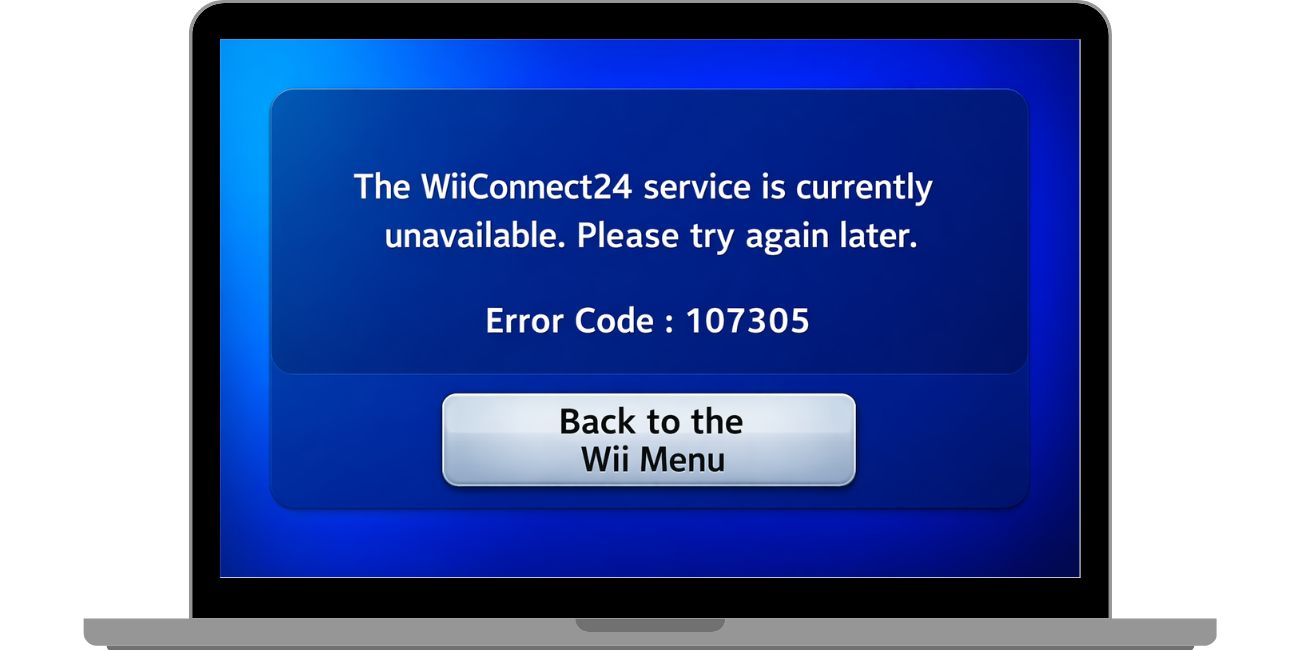

WiiLink error code 107305 is a network connection error that occurs when the Nintendo Wii console fails to communicate with the WiiLink service servers. WiiLink is a community project that restores discontinued WiiConnect24 features, allowing classic channels such as News Channel, Forecast Channel, and Wii Mail to function again. These services require the Wii to connect through a specific DNS configuration so the console can locate WiiLink’s replacement servers instead of the original Nintendo servers that were shut down.
When the console cannot reach those servers or the DNS configuration is incorrect, the system returns error code 107305. The error does not mean the Wii hardware is broken. It usually indicates that the network path between the console and the WiiLink service cannot be completed. Problems with router configuration, unstable Wi-Fi signals, or incorrect internet settings can all interrupt this communication process.
Common Causes of WiiLink Error Code 107305
This error normally points to a connection problem between the console and the WiiLink network services. Several things can trigger the issue.
Common causes include:
- Incorrect DNS settings required by WiiLink
- Weak or unstable Wi-Fi connection
- Router blocking network traffic needed for WiiLink services
- Temporary WiiLink server outage
- Incorrect Wii Internet settings configuration
- Outdated router firmware affecting compatibility
- Network interference affecting the Wii console
Many of these causes relate to internet connectivity or configuration rather than the Wii system itself.
How to Fix WiiLink Error Code 107305?
Different network conditions can trigger the error, so troubleshooting often involves checking the console, network settings, and router connection.
Fix #1 Restart the Wii Console
Sometimes the Wii temporarily loses network connectivity. Restarting the console refreshes the system and reconnects the network services.
Follow these steps.
- Press the Power button on the Wii
- Turn the console off completely
- Unplug the power cable for about 10 seconds
- Plug it back in and turn the console on
- Try opening the WiiLink channel again
A restart clears temporary connection issues.
Fix #2 Test the Wii Internet Connection
Running a connection test helps confirm whether the Wii can access the internet.
Follow these steps.
- Open the Wii System Menu
- Select Wii Options
- Go to Wii Settings
- Choose Internet
- Select Connection Settings
- Run the Connection Test
If the test fails, the network configuration likely needs adjustment.
Fix #3 Verify WiiLink DNS Settings
WiiLink services require a custom DNS server so the Wii connects to the correct online service.
Follow these steps.
- Open Wii Settings
- Select Internet
- Choose Connection Settings
- Select your active connection
- Open DNS Settings
- Enter the correct WiiLink DNS server address
After saving the settings, run another connection test.
Fix #4 Restart Router and Modem
Network equipment sometimes stops responding properly. Restarting the router refreshes the internet connection.
Steps include:
- Turn off the router
- Unplug the modem
- Wait about 30 seconds
- Turn the modem back on
- Turn the router back on
Once the internet reconnects, test the Wii connection again.
Fix #5 Improve Wi-Fi Signal Strength
Weak wireless signals can interrupt communication between the Wii console and the router.
Try these adjustments:
- move the Wii closer to the router
- remove obstacles between the console and router
- reduce wireless interference from nearby devices
A stronger signal often improves connection stability.
Fix #6 Update Router Firmware
Older router firmware may create compatibility problems with certain network protocols.
To update firmware:
- Log into your router administration page
- Locate the firmware update section
- Install the latest firmware version from the manufacturer
After updating, restart the router and reconnect the Wii.
Fix #7 Reset Wii Internet Settings
Sometimes the Wii network configuration becomes corrupted. Resetting the connection rebuilds the network settings.
Follow these steps.
- Open Wii Settings
- Select Internet
- Choose Connection Settings
- Delete the existing connection
- Create a new internet connection
- Re-enter Wi-Fi password
- Reapply the WiiLink DNS settings
After saving, test the connection again.
Fix #8 Check WiiLink Server Status
Occasionally the issue may come from the WiiLink service itself. If the servers are temporarily unavailable, the console cannot connect even if the network is configured correctly.
In that situation:
- check the WiiLink community announcements
- verify whether the servers are online
- try connecting again later
Server maintenance or outages sometimes cause temporary connection failures.
Prevention Tips to Avoid Error 107305
Preventing connection errors keeps WiiLink services working smoothly. A few simple habits help maintain stable connectivity.
Try these tips:
- keep DNS settings configured correctly for WiiLink
- maintain a stable internet connection
- restart your router occasionally
- place the Wii where the Wi-Fi signal is strong
- monitor WiiLink community updates
- avoid changing network settings frequently
- keep router firmware updated
These steps help maintain reliable access to restored Wii online services.
Conclusion
WiiLink error code 107305 usually appears when the Nintendo Wii cannot reach the WiiLink servers required for restored WiiConnect24 features. The issue often comes from incorrect DNS configuration, unstable network connectivity, or router settings that interrupt communication between the console and the service network.
Most users resolve the error by checking Wii internet settings, verifying the correct WiiLink DNS configuration, restarting their router, or resetting the Wii network connection. If the problem continues, the cause may be a temporary server issue. Trying again later or checking WiiLink community updates may help confirm whether the service is available.
If you have solved this error on your own Wii console, share your experience in the comments. Your solution may help another Wii user reconnect to WiiLink services faster.