


Many people are seeing posts, emails, or alerts that talk about a Gmail data breach. Some messages claim billions of users were affected. Others warn that accounts are already compromised. This creates fear fast, especially for people who use Gmail every day.
Here is the clear truth. Google has confirmed that Gmail’s internal systems were not breached. No passwords were stolen from Gmail servers. Still, a real security incident happened elsewhere, and attackers are using it to push scams. This article explains what happened, what did not happen, and how to stay safe.
Was Gmail Actually Breached?
No. Google has confirmed there was no direct breach of Gmail servers. Gmail infrastructure remains secure, and Google states that its systems block more than 99.9 percent of malware and phishing attempts.
This matters because a true breach would mean attackers accessed Gmail databases or user credentials. That did not occur. Your emails, passwords, and Google Account data were not exposed through a Gmail server attack.
When you see headlines saying Gmail was hacked, those claims are false.
Where the Data Breach Claims Came From?
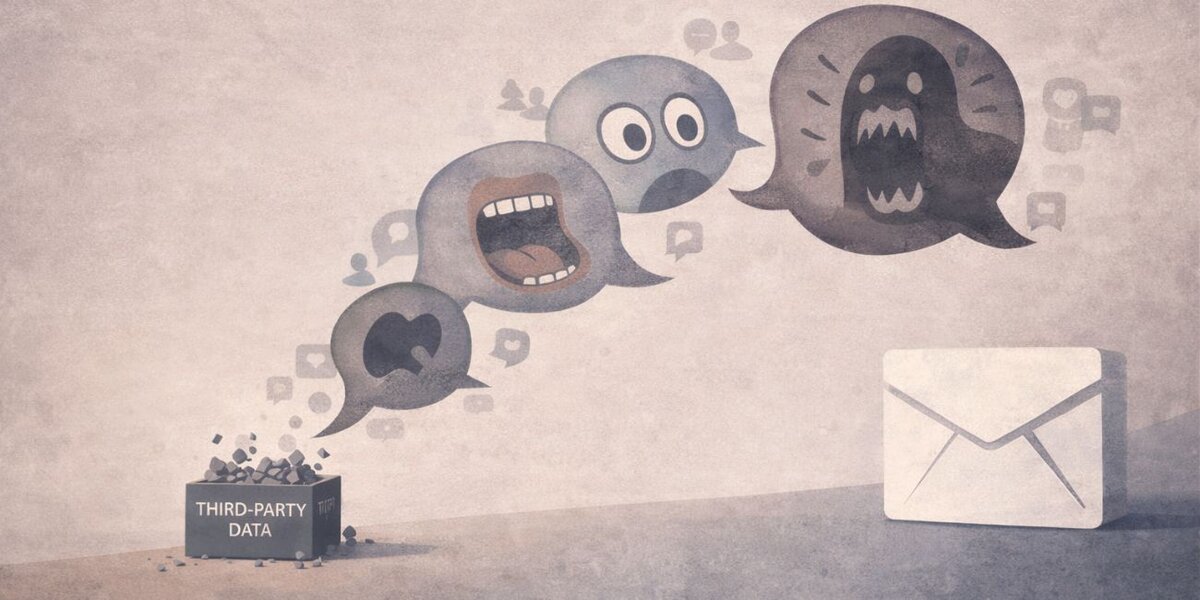

The confusion started after a smaller, third-party security incident. A hacker group known as ShinyHunters accessed a Salesforce-hosted database.
Google uses Salesforce for some business-related operations. This database did not contain Gmail user passwords. It did not confirm access to private inboxes. The exposed data involved limited business contact information.
Attackers then used this incident to spread exaggerated claims online.
What Data Was Exposed and What Was Not
Understanding the difference helps stop panic.
Data that was exposed:
- Business contact names
- Email addresses used for work communication
- Basic metadata linked to contacts
Data that was not exposed:
- Gmail passwords
- Email content or attachments
- Google Account login credentials
- Two-factor codes or recovery keys
This distinction matters. Exposed contact details can be misused for scams, but they do not give direct access to Gmail accounts.
Why Phishing and Vishing Attacks Increased
After the Salesforce incident, attackers used stolen contact data to run targeted scams. These scams feel real because they use correct names and email addresses.
Common tricks include:
- Emails that look like Gmail security alerts
- Messages warning about suspicious sign-ins
- Phone calls pretending to be Google support, also called vishing
These scams aim to steal login details by fear, not by hacking Gmail itself. This is classic phishing behavior.
The Truth About the “183 Million” and “2.5 Billion Users” Claims
Some reports claimed 183 million or even 2.5 billion Gmail users were breached. These numbers are misleading.
The so-called leaked data came from old credential collections. These collections combine usernames and passwords stolen years ago from unrelated websites. They are often reused in many fake breach stories.
This was not a new Gmail breach. It was recycled data presented as fresh news.
Why You Might See a Gmail Data Breach or Security Warning
You may still see warnings linked to your Google Account. That does not mean your data leaked.
Possible reasons include:
- Increased scam activity reported by users
- Login attempts from new devices or locations
- Use of VPNs or shared networks
- Automated security checks by Google
Google sends alerts to prevent damage early. These alerts focus on safety, not confirmation of a breach.
How Google Protects Gmail Accounts
Google uses several layers of protection across Gmail and account services.
These include:
- Automated phishing and malware detection
- Login behavior analysis
- Device and location checks
- Account recovery monitoring
- Continuous system auditing
These protections work together to stop attacks before they reach inboxes.
How to Protect Your Google Account Right Now
You can reduce risk with a few simple steps.
- Turn on 2-Step Verification to block access even if a password leaks.
- Switch to passkeys where available.
- Review recent activity at myaccount.google.com.
- Run the Security Checkup.
- Ignore emails or calls asking for passwords or codes. Google does not do that.
These steps stop most account takeovers.
How to Spot Fake Gmail Breach Alerts


Real Google alerts and fake ones look different.
Real alerts usually:
- Appear inside your Google Account
- Use Google domains only
- Do not ask for passwords
Fake alerts often:
- Push urgent clicks
- Use shortened or external links
- Ask for verification codes
When unsure, open a new tab and go to Google Account settings directly.
Final Thoughts: Gmail Users Were Not Mass-Hacked
Gmail did not suffer a massive data breach. Google confirmed its systems remain secure. A third-party incident exposed limited business contact data, and attackers are using that to fuel scams.
Stay calm, stay alert, and protect your account with strong security settings. If this article helped clear the confusion, share it with others and leave a comment with questions or experiences.