


Managing a design team has always required a careful balance of creativity, structure, communication, and deadlines. Designers need room to explore ideas, but projects also need clear direction, predictable workflows, and measurable outcomes. As teams become more distributed and expectations for faster delivery increase, AI tools are becoming valuable partners in design team management, helping leaders coordinate work, reduce repetitive tasks, improve collaboration, and make better decisions without replacing human creativity.
TLDR: AI tools can improve design team management by automating routine tasks, organizing feedback, supporting project planning, and helping teams make faster, more informed decisions. They can also improve collaboration by summarizing meetings, tracking design revisions, and making creative resources easier to find. The best results happen when AI supports designers rather than controls them, allowing teams to spend more time on creative thinking, strategy, and high-quality execution.
Why Design Team Management Is Becoming More Complex
Modern design teams rarely work on one simple project at a time. A single team may be responsible for brand identity, product interfaces, marketing visuals, social media graphics, presentations, user research assets, design systems, and campaign support. At the same time, stakeholders expect quick turnarounds, consistent branding, and designs that perform well across multiple platforms.
This creates a management challenge. Design leaders must assign tasks, monitor workload, review creative work, collect feedback, maintain quality, and protect the team from burnout. When communication is scattered across emails, chat tools, project boards, and design files, it becomes easy for important details to get lost.
AI tools can reduce this complexity by acting as a layer of intelligence across the design workflow. They can help managers understand what is happening, predict what may go wrong, and give designers easier access to the information they need.

Smarter Project Planning and Task Assignment
One of the most practical ways AI improves design team management is through better planning. Traditional project management often depends on manual estimates and status updates. A design lead may ask, “How long will this landing page take?” or “Who has capacity for a new campaign?” The answers are often based on intuition rather than data.
AI-powered project management tools can analyze previous projects, designer availability, current workloads, deadlines, and task complexity. This helps managers create more realistic timelines and assign work more fairly. For example, if one designer is already handling several urgent revisions, AI can flag the risk of overload and suggest another team member with more capacity.
These tools can also help break large creative projects into smaller tasks. Instead of a vague assignment like “redesign the onboarding flow,” AI can help generate a task structure that includes research review, wireframes, visual concepts, usability checks, stakeholder review, and final handoff. This makes progress easier to track and prevents hidden work from being ignored.
Reducing Administrative Work for Design Leaders
Design managers often spend a surprising amount of time on administrative duties: writing briefs, documenting decisions, creating meeting notes, updating project boards, chasing approvals, and summarizing feedback. While these tasks are important, they can take time away from coaching designers, improving creative direction, and focusing on strategy.
AI can automate or assist with many of these responsibilities. For example, it can:
- Summarize meetings and extract action items automatically.
- Draft creative briefs based on campaign goals, audience information, and brand guidelines.
- Organize feedback from multiple stakeholders into clear themes.
- Update task statuses when linked files or comments change.
- Create progress reports for leadership without requiring manual documentation.
This does not mean managers become less involved. Instead, it allows them to spend less time acting as project administrators and more time doing the work that requires judgment, empathy, and creative leadership.
Improving Feedback and Review Cycles
Feedback is essential in design, but it is also one of the biggest sources of frustration. Comments may be vague, contradictory, or scattered across different channels. One stakeholder might say a design feels “too busy,” while another asks to add more content. Without clear organization, designers can waste hours trying to interpret what people really mean.
AI tools can improve feedback management by grouping similar comments, identifying conflicts, and translating vague input into more actionable suggestions. For example, if several stakeholders mention that a homepage feels confusing, AI can highlight that the main issue may be information hierarchy. If two comments contradict each other, AI can flag the disagreement so the design lead can resolve it before the designer starts revising.
AI can also help maintain a record of design decisions. This is especially useful when stakeholders revisit old ideas or ask why something was changed. Instead of searching through old threads, the team can quickly retrieve summaries of past discussions and approvals.
Supporting Creative Exploration Without Replacing Designers
There is a common misunderstanding that AI in design is mainly about generating images or replacing creative work. In reality, some of the most useful AI applications are about speeding up exploration and giving designers more space to think.
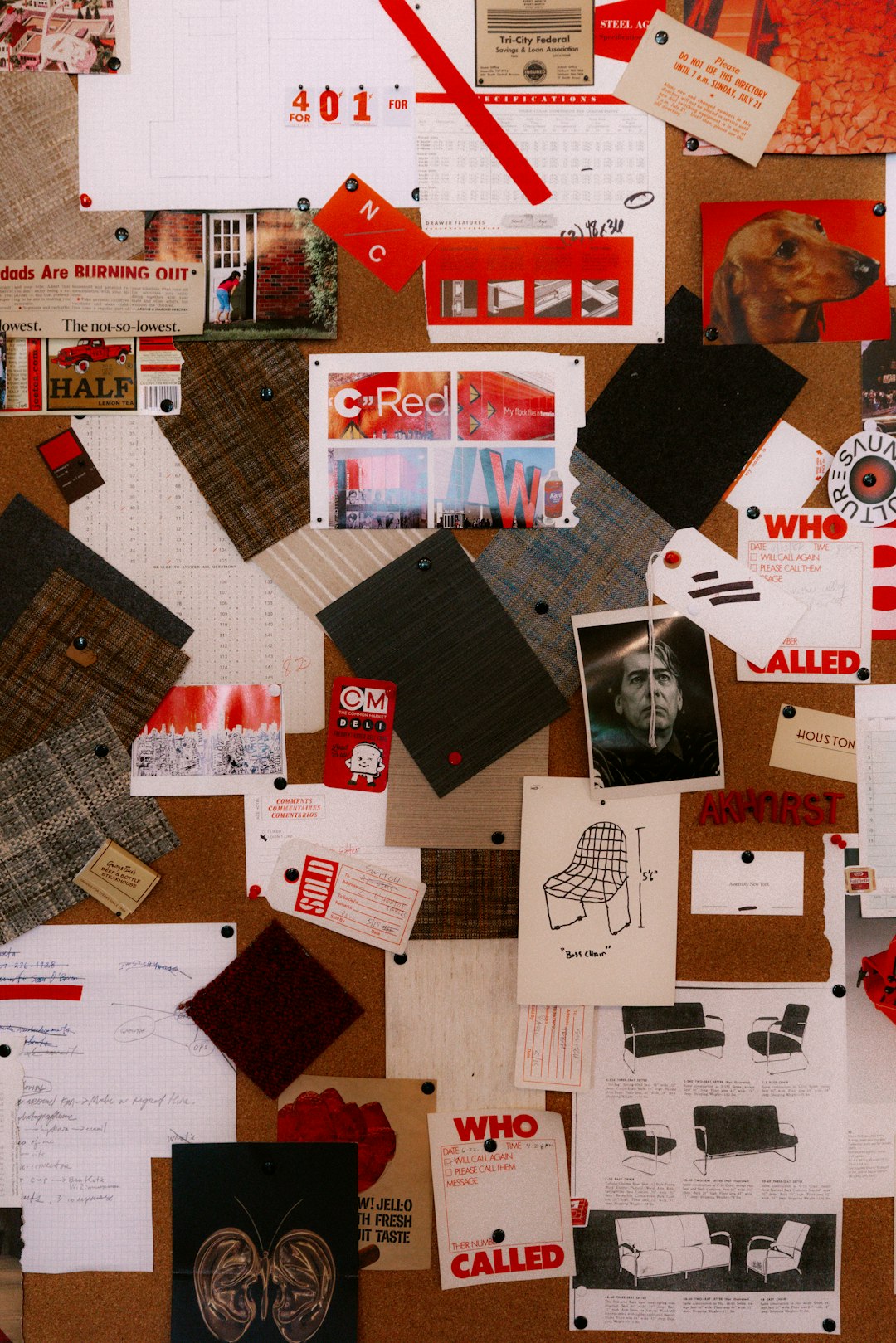
AI can help generate mood board directions, color palette options, layout variations, content placeholders, competitive references, and style explorations. A designer can use these outputs as starting points, not finished solutions. This is particularly helpful during early concept development, when the goal is to explore many possibilities quickly.
For managers, this can improve the creative review process. Instead of waiting several days to compare two visual directions, a team might use AI-assisted exploration to review a wider range of ideas earlier. The final decisions still depend on human taste, brand understanding, user needs, and business context.

Better Knowledge Sharing Across the Team
Design teams generate a lot of knowledge: research findings, brand rules, component documentation, accessibility notes, user personas, campaign learnings, and design system updates. Unfortunately, this knowledge is often hard to find. New team members may ask the same questions repeatedly, while experienced designers may rely on memory rather than documentation.
AI-powered knowledge assistants can make internal information easier to access. A designer could ask, “What are the accessibility rules for button contrast?” or “Which illustration style did we use for the last product launch?” and receive an answer based on approved team documentation.
This improves team management in several ways. It reduces interruptions, speeds up onboarding, and helps maintain consistency. It also makes the team less dependent on a few individuals who hold important knowledge in their heads. When information is easier to find, designers can work more independently and confidently.
Strengthening Design System Management
Design systems are powerful, but they require ongoing maintenance. Components change, guidelines evolve, and teams need to know which assets are current. Without strong management, design systems can become cluttered or outdated, leading to inconsistent work.
AI tools can help by detecting duplicate components, identifying inconsistent styles, checking whether designs follow system rules, and suggesting reusable patterns. For example, if a designer creates a new card layout that closely resembles an existing component, AI can recommend using the approved version instead.
This is not just about enforcing rules. A healthy design system gives designers more time to focus on meaningful problems because they do not have to reinvent common elements. AI can help keep the system clean, searchable, and practical for everyday use.
Improving Communication in Remote and Hybrid Teams
Many design teams now work across cities, countries, and time zones. Remote work can increase flexibility, but it can also make collaboration harder. People may miss discussions, misunderstand priorities, or feel disconnected from the creative process.
AI can improve communication by summarizing asynchronous discussions, translating messages, creating meeting recaps, and highlighting decisions that affect specific team members. If a designer in another time zone misses a review meeting, they can receive a concise summary with key feedback, decisions, and next steps.
AI can also help managers notice communication gaps. For instance, if a project has many unresolved comments or repeated questions, the tool may indicate that the brief is unclear or that stakeholders are not aligned. This allows the manager to step in before confusion becomes a major delay.
Using Data to Make Better Management Decisions
Design management often involves subjective judgment, but data can still be useful. AI tools can analyze workflow patterns and reveal insights that are difficult to see manually. These insights might include where projects slow down, which types of tasks require the most revisions, how workload is distributed, or which approval stages create bottlenecks.
For example, a manager may discover that social media design requests are completed quickly, but product design reviews consistently stall during legal approval. Or they may notice that one designer receives far more urgent assignments than others. With this information, leaders can improve processes instead of simply asking the team to work faster.
Useful AI-driven metrics may include:
- Average review time for each project type.
- Revision frequency by stakeholder, team, or deliverable.
- Workload balance across designers.
- Deadline risk based on current progress and dependencies.
- Asset reuse from design systems or libraries.
The goal is not to turn creativity into a factory. The goal is to identify friction, protect quality, and help the team work in a more sustainable way.


Encouraging Better Collaboration Between Designers and Non Designers
Design teams rarely work alone. They collaborate with marketers, product managers, developers, executives, researchers, and clients. AI can help bridge the communication gap between creative and non creative roles.
For example, AI can turn a rough stakeholder request into a clearer creative brief by asking for missing details such as target audience, message priority, required formats, deadline, and success criteria. It can also help designers explain their decisions in business-friendly language. Instead of simply saying, “This layout feels cleaner,” AI can help frame the rationale around readability, conversion goals, accessibility, or user behavior.
This kind of support improves trust. Stakeholders understand design decisions more clearly, and designers receive better input at the beginning of a project.
Managing Quality and Consistency
AI can also act as a quality control assistant. It can check files for missing assets, inconsistent spacing, incorrect colors, off-brand typography, low contrast, broken links, or export errors. These checks are especially helpful before handoff to developers, printers, or marketing teams.
Quality control often becomes stressful near deadlines. By catching issues earlier, AI reduces last-minute corrections and protects the team’s reputation. It also gives junior designers helpful guidance while allowing senior designers to focus on higher-level critique.
Potential Risks and How to Avoid Them
AI tools are useful, but they should be introduced thoughtfully. Poor implementation can create confusion, privacy concerns, or overreliance on automated suggestions. Design leaders should set clear expectations about how AI will be used and where human judgment remains essential.
Important guidelines include:
- Protect sensitive information by understanding how each tool stores and uses data.
- Review AI outputs instead of accepting them automatically.
- Preserve creative ownership so designers remain responsible for final decisions.
- Train the team on effective prompting, review, and ethical use.
- Avoid measuring designers only by speed, because quality and originality matter too.
AI should support a healthier creative process, not create pressure to produce more work with less thought.
The Future of AI in Design Team Management
As AI becomes more integrated into design platforms, project management systems, and communication tools, its role will likely become more seamless. Instead of using AI as a separate add-on, teams will experience it as an assistant built into everyday workflows.
The strongest design teams will not be the ones that automate everything. They will be the ones that use AI to remove unnecessary friction while strengthening human collaboration. Great design still depends on curiosity, empathy, taste, experimentation, and strategic thinking. AI can help manage the noise around that work so teams can focus on what matters most.
Ultimately, AI tools can improve design team management by making work clearer, faster, and more coordinated. They help leaders plan intelligently, support designers effectively, and create better conditions for creativity. When used with care, AI does not make design teams less human. It gives them more time and energy to do the deeply human work of solving problems beautifully.