


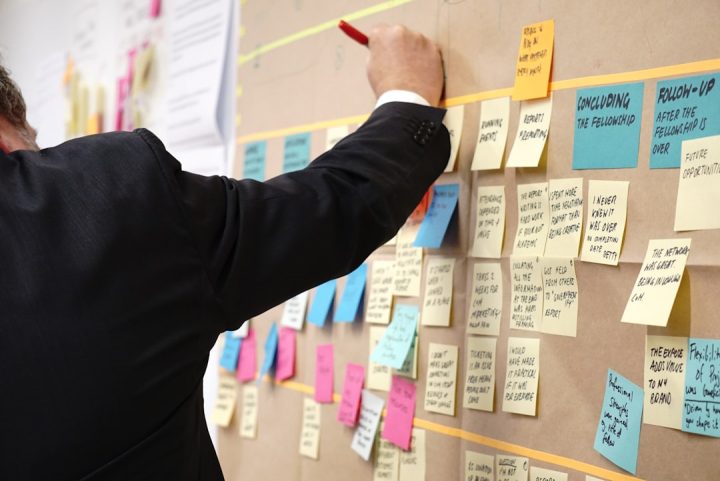
Jira Software is one of the most widely used platforms for managing software delivery, task tracking, and agile workflows. Used properly, it gives teams a structured way to plan work, assign responsibility, monitor progress, and improve delivery predictability. Whether you are running Scrum, Kanban, or a hybrid approach, Jira can act as the operational center for your team’s day-to-day execution.
TLDR: Jira Software helps teams track tasks, manage agile boards, plan sprints, and measure delivery performance in one centralized system. To use it effectively, teams should define clear issue types, maintain disciplined workflows, estimate work consistently, and review reports regularly. The biggest value comes not from configuring every feature, but from keeping the system simple, transparent, and aligned with how the team actually works.
Understanding Jira’s Role in Agile Work
At its core, Jira Software is a work management tool designed to support agile teams. It allows teams to break larger initiatives into manageable units, track those units through defined stages, and maintain visibility across the delivery lifecycle. In agile environments, this structure is essential because work changes frequently and teams need a reliable way to adapt without losing control.
Jira organizes work primarily through issues. An issue can represent a user story, task, bug, spike, improvement, or any other type of work item. Each issue contains information such as a summary, description, assignee, priority, status, due date, estimate, comments, attachments, and links to related work. This makes Jira more than a simple checklist; it becomes a shared record of decisions, commitments, and progress.
For agile teams, Jira’s main strength is its ability to connect individual tasks with broader planning structures. A single task can belong to a story, a story can belong to an epic, and an epic can support a larger product goal. This hierarchy helps teams understand not only what they are doing, but also why the work matters.
Setting Up Projects for Effective Task Tracking
The first step in using Jira effectively is creating a project structure that reflects how your team works. A Jira project is a container for issues, workflows, boards, permissions, and reporting. For many organizations, one project per product, service, or long-running team is a practical starting point.
When setting up a project, avoid making the configuration unnecessarily complex. A trustworthy Jira setup is usually one that team members can understand quickly. If users need extensive training just to move a task from one status to another, the system is likely overengineered.
Key setup decisions include:
- Project type: Choose a Scrum project if your team works in timeboxed sprints, or a Kanban project if work flows continuously.
- Issue types: Define the categories of work your team actually uses, such as stories, tasks, bugs, and epics.
- Workflow statuses: Create clear stages such as To Do, In Progress, Code Review, Testing, and Done.
- Permissions: Ensure the right people can create, edit, assign, and close issues.
- Fields: Use only the fields needed for planning, delivery, and reporting.
A good project setup supports clarity. Everyone should understand where work belongs, who owns it, what state it is in, and what must happen next.
Image not found in postmetaCreating and Managing Issues
Task tracking in Jira begins with well-written issues. A vague issue leads to confusion, rework, and unreliable reporting. A clear issue provides enough information for a team member to start work without needing to reconstruct the intent from scattered conversations.
For user stories, teams often use a standard format such as: As a user, I want to perform an action so that I receive a benefit. This format is not mandatory, but it encourages clarity by identifying the user, the need, and the value. For technical tasks or bugs, the description should include relevant context, expected behavior, actual behavior, acceptance criteria, screenshots, logs, or links to related documentation.
Every issue should ideally include:
- A concise summary that explains the work at a glance.
- A detailed description with context and requirements.
- An assignee when the work is ready to be owned.
- A priority that reflects business or technical urgency.
- Acceptance criteria that define what “done” means.
- Links to related issues, designs, incidents, or specifications.
Teams should also be disciplined about updating issues as work progresses. Jira is only reliable when it reflects reality. If a task is complete but still marked In Progress, or if blocked work is not identified, the board becomes misleading. Regular updates are not administrative overhead; they are part of responsible team communication.
Using Boards to Visualize Work
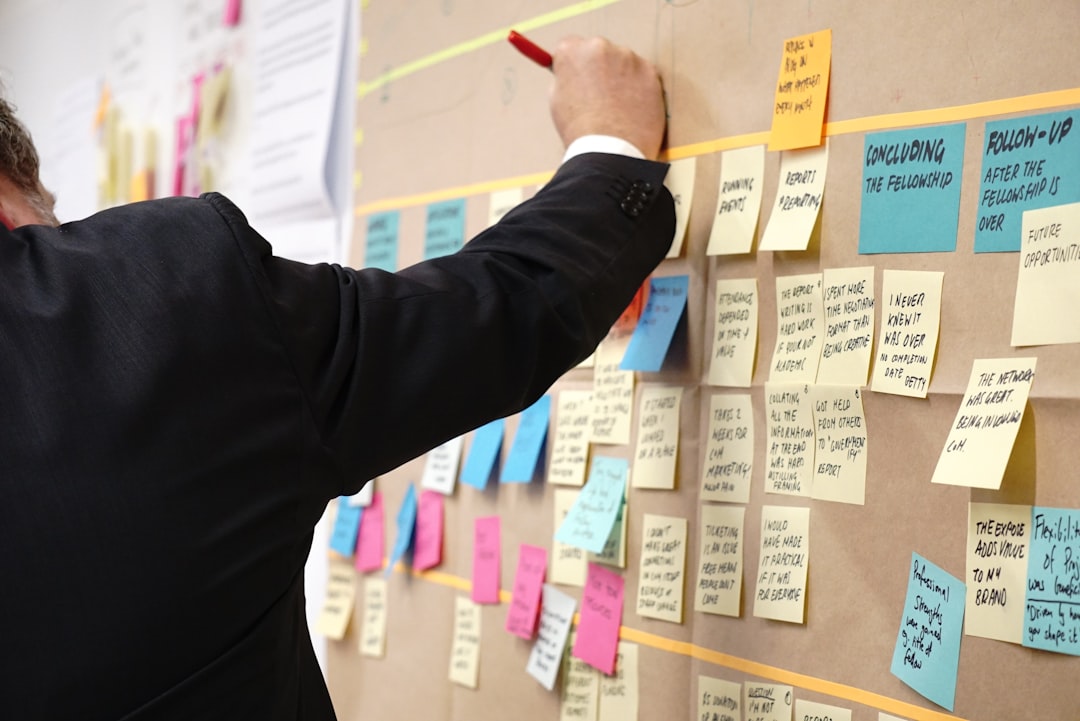
Jira boards provide a visual representation of work and are central to agile task tracking. A board typically displays issues as cards arranged in columns that represent workflow statuses. This makes it easy to see what is planned, what is underway, what is blocked, and what is complete.
In a Scrum board, work is organized into sprints. The team selects a set of issues for a fixed period, commonly one or two weeks, and focuses on completing that work before the sprint ends. Scrum boards are useful when teams want regular planning cycles, sprint goals, and structured retrospectives.
In a Kanban board, work flows continuously. Teams pull tasks from a backlog as capacity becomes available. Kanban boards are useful for support teams, operations teams, maintenance teams, or any group that handles ongoing incoming work.
Regardless of the board type, it is important to keep columns meaningful. A board with too many columns may become difficult to read, while a board with too few columns may hide important process steps. Common columns include:
- Backlog: Work that has been identified but not yet selected.
- To Do: Work ready to begin.
- In Progress: Work actively being handled.
- Review: Work waiting for code review, business review, or peer validation.
- Testing: Work being verified.
- Done: Work completed according to the team’s definition of done.
Planning Sprints in Jira
For Scrum teams, sprint planning is one of Jira’s most important functions. The backlog contains candidate work, while the sprint represents a short-term delivery commitment. During planning, the team reviews the backlog, clarifies requirements, estimates effort, and selects work that fits the team’s capacity.
Using Jira’s backlog view, teams can rank issues by priority, group them under epics, refine descriptions, and assign estimates. Estimation may be done using story points, time estimates, or another method chosen by the team. The specific method is less important than using it consistently.
A practical sprint planning process in Jira may look like this:
- Review the product goal and current priorities.
- Confirm that high-priority backlog items are clear and ready.
- Estimate unresolved issues as a team.
- Check team capacity, holidays, and known interruptions.
- Move selected issues into the upcoming sprint.
- Define a realistic sprint goal.
- Start the sprint and monitor progress daily.
The sprint should not become a dumping ground for unrelated tasks. A strong sprint has a clear goal and a realistic scope. If urgent work enters mid-sprint, the team should make the tradeoff visible by adjusting scope rather than silently overloading members.

Managing Backlogs with Discipline
A healthy backlog is essential for effective agile delivery. Without regular refinement, the backlog becomes a storage area for outdated ideas, duplicate requests, and unclear tasks. Jira gives teams the tools to organize backlog items, but the team must provide the discipline.
Backlog refinement should happen regularly. During refinement, the team reviews upcoming work, breaks down large items, adds acceptance criteria, removes obsolete issues, and confirms priorities. Epics can be used to group related stories or tasks under larger objectives, making it easier to track progress across a feature or initiative.
Labels, components, and fix versions can also help organize the backlog, but they should be used carefully. Too many classification systems can create confusion. Before adding a new field or label, ask whether it will improve decision-making, reporting, or execution. If it will not, it may be unnecessary.
Using Workflows to Reflect Real Processes
Jira workflows define how issues move from creation to completion. A workflow should reflect the team’s actual delivery process while encouraging good practices. For example, software teams often include statuses for development, code review, quality assurance, and release readiness.
However, workflows should not be designed only from a management perspective. The people doing the work must be able to use them naturally. If the workflow is too restrictive, team members may avoid updating issues. If it is too loose, progress becomes hard to interpret.
Workflow transitions can include rules, conditions, and validations. For example, Jira can require a resolution before an issue is closed or prevent certain users from moving an issue to Done. These controls can improve process quality, but they should be applied thoughtfully. Excessive automation or restrictions can slow the team and create frustration.
Tracking Progress with Reports and Dashboards
Jira’s reporting features help teams understand performance and identify problems. Scrum teams commonly use burndown charts, sprint reports, velocity charts, and cumulative flow diagrams. Kanban teams often focus on cycle time, throughput, work in progress, and flow efficiency.
Useful Jira reports include:
- Burndown chart: Shows remaining work during a sprint and helps identify whether the team is on track.
- Sprint report: Summarizes completed and incomplete work after a sprint ends.
- Velocity chart: Shows how much work a team typically completes across sprints.
- Cumulative flow diagram: Highlights bottlenecks by showing how work accumulates across workflow stages.
- Control chart: Helps Kanban teams measure cycle time and delivery consistency.
Dashboards allow teams and stakeholders to monitor important information in one place. A dashboard might show assigned tasks, blocked work, upcoming releases, sprint progress, high-priority bugs, or unresolved incidents. The best dashboards are focused. A dashboard overloaded with charts may look impressive but fail to support decisions.
Image not found in postmetaImproving Collaboration and Accountability
Jira works best when it is treated as a shared collaboration system, not merely a reporting tool. Comments, mentions, attachments, and issue links help keep discussions connected to the relevant work. Instead of decisions being buried in private messages or long email threads, they can be recorded where the team will need them later.
Clear ownership is also important. Every active issue should have an assignee or a clear next step. Unassigned work in progress often indicates confusion. Similarly, blocked issues should be marked and discussed promptly. Blockers are not failures; they are signals that the team needs to coordinate.
Daily standups are more effective when the Jira board is used as the agenda. Rather than asking each person for a general status update, the team can review the board from right to left, focusing first on work closest to completion. This encourages delivery over activity and helps identify bottlenecks earlier.
Best Practices for Sustainable Jira Use
To get lasting value from Jira, teams should establish working agreements. These agreements define how issues are written, estimated, assigned, updated, and closed. They do not need to be complicated, but they should be explicit.
- Keep workflows simple: Add statuses only when they represent meaningful stages.
- Define “done” clearly: Make sure completed work meets agreed quality standards.
- Update issues promptly: The board should reflect the actual state of work.
- Limit work in progress: Too much parallel work reduces focus and slows delivery.
- Review metrics responsibly: Use reports to improve systems, not to pressure individuals.
- Refine the backlog regularly: Keep upcoming work clear, relevant, and prioritized.
It is also wise to review the Jira setup periodically. As teams mature, their workflows and reporting needs may change. A quarterly review can help remove unused fields, simplify statuses, improve dashboards, and correct habits that have drifted over time.
Conclusion
Jira Software can be a powerful platform for task tracking and agile workflows when it is configured with purpose and used with discipline. Its value comes from transparency, shared understanding, and reliable execution. By creating clear issues, maintaining practical workflows, planning realistic sprints, and reviewing meaningful reports, teams can use Jira to improve both daily coordination and long-term delivery performance.
The most successful teams do not try to make Jira solve every organizational problem. Instead, they use it as a structured, dependable system for making work visible and manageable. When combined with sound agile practices and honest communication, Jira becomes an effective foundation for predictable, accountable, and continuously improving software delivery.