


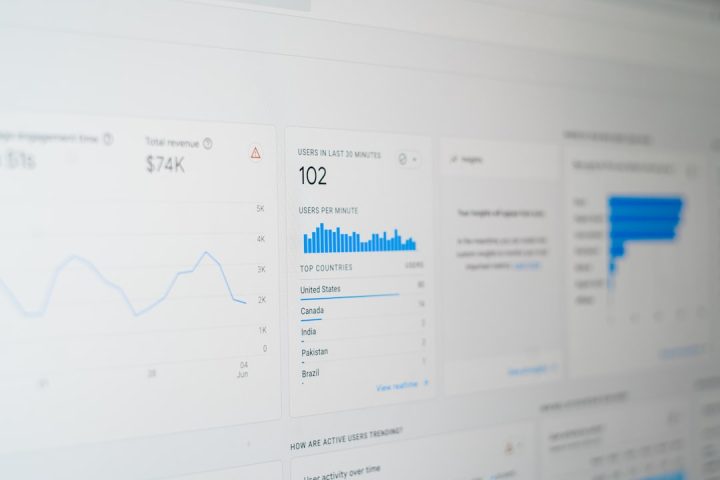
Traffic is the lifeblood of the internet. Every click, scroll, stream, and purchase flows through servers around the world. If you run a website or app, you need to know what is happening behind the scenes. That is where CDN log analytics tools come in. They help you see traffic patterns, performance issues, and security risks in simple dashboards and detailed reports.
TLDR: CDN log analytics tools help you understand traffic, speed, and user behavior. They turn raw server logs into clear insights you can act on. Tools like Datadog, New Relic, Splunk, and Logz.io work well with CDNs like Fastly. The right choice depends on your budget, team skills, and how deep you want to analyze your data.
Let’s break it down in a fun and easy way.
What Is CDN Log Analytics?
A CDN, or Content Delivery Network, delivers your content from servers close to your users. Fastly is one popular example. It speeds up websites and protects them from attacks.
But here’s the thing.
CDNs generate a lot of data. Every request creates a log entry. Multiply that by thousands or millions of users. You now have mountains of raw data.
Log analytics tools:
- Collect this data
- Organize it
- Visualize it
- Help you find problems fast
Think of it like turning noise into music.

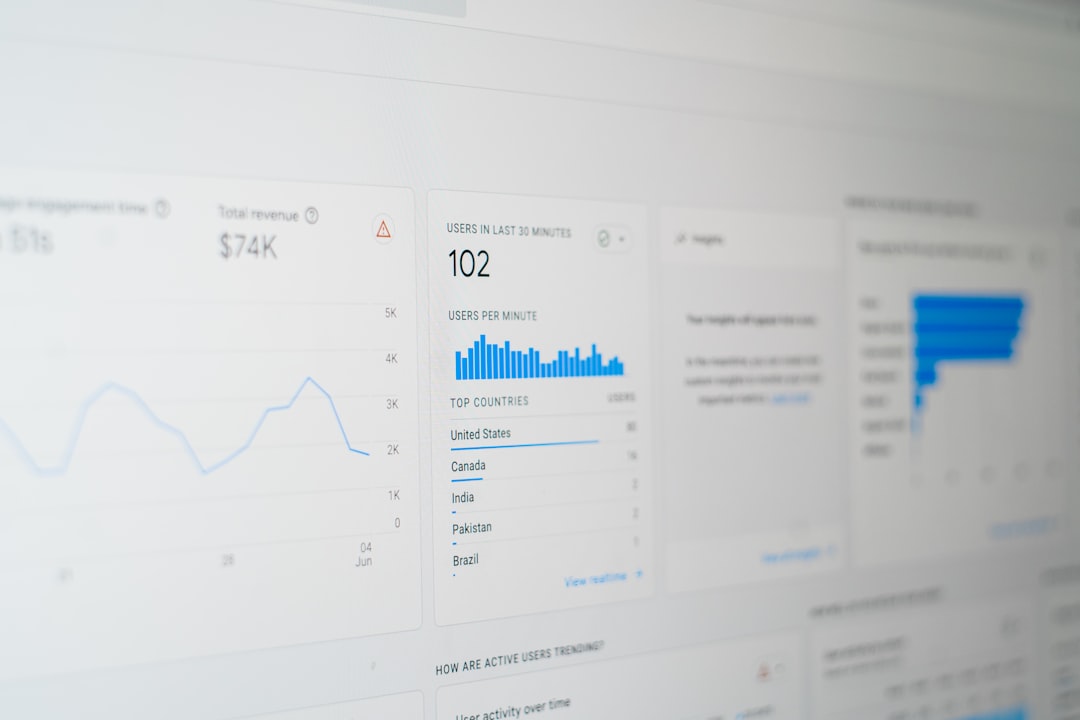
Why You Actually Need Log Analytics
You might think, “My site seems fast. Why bother?”
Here’s why it matters:
- Find slow pages before customers complain.
- Detect attacks like DDoS or bot traffic.
- Monitor uptime in real time.
- Understand user behavior by region and device.
- Reduce costs by spotting traffic spikes or waste.
Without analytics, you are flying blind. With it, you are the pilot with radar.
What Makes a Great CDN Log Analytics Tool?
Before we jump into the top tools, let’s define what “great” means.
A strong tool should offer:
- Real-time processing
- Advanced search and filtering
- Custom dashboards
- Alerts and notifications
- Security monitoring
- Easy integration with Fastly or other CDNs
Bonus points if it is simple to use. Complex tools waste time.
Now let’s dive into the top four options.
1. Datadog
Datadog is a favorite in the DevOps world. It offers powerful monitoring for logs, infrastructure, and applications.
It works very well with Fastly. You can stream CDN logs directly into Datadog for analysis.
Why People Love It
- Clean and modern dashboards
- Real-time log ingestion
- AI-driven anomaly detection
- Built-in security monitoring
Datadog makes complex data look simple. You can create custom views for traffic spikes, caching performance, and error rates.
It also connects your logs with metrics and traces. This means you can follow a single user request from the CDN all the way to your backend.
That is powerful.
Best For
Teams that want an all-in-one monitoring platform. It is great for fast-growing companies and SaaS businesses.
Watch Out
Pricing can increase quickly as log volume grows. Plan carefully.


2. New Relic
New Relic is another big name in performance monitoring. It provides deep visibility into application performance and infrastructure.
Its log management features are strong and flexible.
Why It Stands Out
- Unified platform for logs, metrics, and traces
- Powerful query language
- Custom alerts and automation
- Strong visualization tools
New Relic allows you to slice and dice CDN logs in creative ways. Want to see traffic by country? Easy. Need error trends per minute? Done.
You can also build custom queries to track specific events, like cache misses or unusual status codes.
It feels like having a magnifying glass for your traffic.
Best For
Businesses that want deep performance insights across both frontend and backend systems.
Watch Out
The learning curve can be steep if your team is new to advanced monitoring tools.
3. Splunk
Splunk is a powerhouse. It is built for handling massive amounts of machine data.
If your CDN traffic is huge, Splunk can handle it.
Why Splunk Is Powerful
- Extremely scalable
- Advanced search capabilities
- Strong security and compliance tools
- Customizable dashboards
Splunk shines when it comes to security. It can detect unusual traffic patterns and alert you before small issues become major incidents.
For example:
- Sudden spikes in 404 errors
- Unusual traffic from one region
- Repeated suspicious requests
Splunk can flag these instantly.
It also supports deep historical analysis. You can compare traffic trends over months or even years.
Best For
Large enterprises with high traffic volume and strict security requirements.
Watch Out
It can be expensive. Setup and maintenance may require skilled engineers.


4. Logz.io
Logz.io is a cloud-native log analytics platform built on open-source tools like ELK.
It combines flexibility with ease of use.
Why It Is Attractive
- Managed ELK stack
- AI-based insights
- Simple integration with CDNs
- Security analytics included
If you like the idea of ELK but do not want to manage it yourself, Logz.io is a solid choice.
You get:
- Powerful search
- Modern dashboards
- Anomaly detection
All without worrying about infrastructure.
Best For
Startups and mid-sized companies that want open-source flexibility without the operational headache.
Watch Out
Very high data volumes can increase costs.
How To Choose the Right Tool
There is no “one-size-fits-all” answer.
Ask yourself these questions:
- How much traffic do we handle daily?
- Do we need advanced security monitoring?
- Do we have engineers for setup and tuning?
- What is our monthly budget?
- Do we need real-time alerts?
If you are a startup moving fast, simplicity may matter most.
If you are an enterprise handling sensitive data, security and compliance will be key.
If you are scaling quickly, automation and AI insights can save hours of manual analysis.
Common Use Cases for CDN Log Analytics
Let’s make this even more practical.
Here are everyday ways companies use these tools:
1. Performance Optimization
Identify slow endpoints. Improve caching rules. Reduce latency.
2. Traffic Analysis
Discover peak usage times. Plan infrastructure upgrades wisely.
3. Security Monitoring
Spot bot activity. Block suspicious IPs. Prevent fraud.
4. Cost Management
Detect bandwidth abuse. Optimize CDN configuration to reduce spending.
Data is not just numbers. It is opportunity.
Final Thoughts
CDNs like Fastly do an excellent job delivering content fast. But speed without visibility is risky.
Log analytics tools turn raw data into insight. Insight leads to better decisions.
- Datadog is powerful and modern.
- New Relic offers deep performance visibility.
- Splunk excels at scale and security.
- Logz.io blends open-source flexibility with convenience.
The best tool is the one that fits your goals, budget, and technical skills.
Start small if needed. Measure what matters. Improve step by step.
Because in today’s internet world, data is not optional. It is your competitive edge.
And with the right CDN log analytics tool, you are not just reacting to problems. You are staying ahead of them.