


Great logos are everywhere. On websites. On coffee cups. On your favorite sneakers. A strong logo makes a brand feel real. It builds trust fast. The good news? You no longer need a big agency or a huge budget to get one. Today’s logo makers and design tools are smart, simple, and surprisingly powerful.
TLDR: You can create a professional logo without hiring an expensive designer. Modern logo makers use templates, drag-and-drop tools, and even AI to help you build a polished brand fast. Some tools are best for beginners. Others give you deeper design control. Choose the one that fits your skills, budget, and business goals.
What Makes a Logo Look Professional?
Before we jump into the tools, let’s talk basics. A professional logo is:
- Simple – Easy to recognize at any size.
- Memorable – Sticks in people’s minds.
- Scalable – Looks sharp on a billboard or a business card.
- Relevant – Matches your industry and vibe.
- Versatile – Works in color and black and white.
The best logo tools help you hit all these points. They guide you through design basics. They offer ready-made templates. And some even suggest designs using AI.
1. Canva – The All-Round Favorite
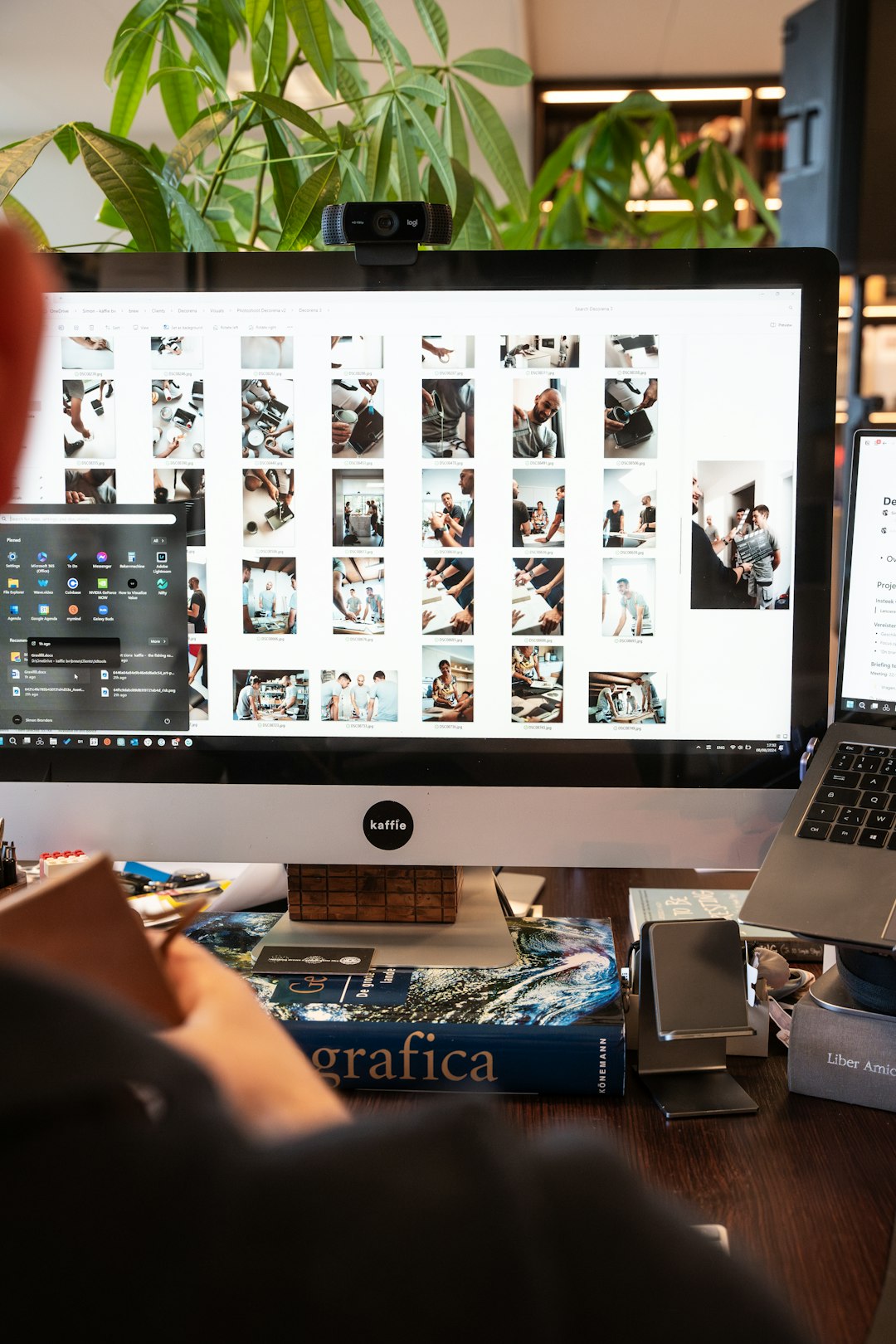
Canva is everywhere. And for good reason. It’s simple. It’s fast. It works right in your browser.
Canva offers thousands of logo templates. You pick one. Then you change colors, fonts, and icons. It’s all drag-and-drop.

Why people love Canva:
- Huge template library
- Beginner-friendly interface
- Free version available
- Built-in brand kit in Pro version
- Easy export for social media and print
Best for: Small businesses, freelancers, and beginners who want fast results.
Canva may not replace a pro designer. But for many startups, it does the job beautifully.
2. Looka – AI-Powered Simplicity
Looka uses artificial intelligence. You enter your business name. Choose your style. Pick colors you like. The system generates logo ideas in seconds.
It feels almost magical.
The designs are clean and modern. You can tweak fonts, symbols, and layouts. But not as freely as in advanced design tools.
Why Looka stands out:
- AI-generated concepts
- Full brand kits available
- Social media assets included
- No design skills needed
Best for: Entrepreneurs who want quick, polished branding without overthinking it.
It’s fast. It’s guided. It’s stress-free.
3. Adobe Express – Power Meets Simplicity
Adobe is a big name in design. But not everyone can master Illustrator. That’s where Adobe Express steps in.
It’s simpler than full Adobe tools. Yet still powerful.
You get access to quality fonts and professional layouts. The designs feel premium.
Good things about Adobe Express:
- Strong brand credibility
- High-quality assets
- Easy resizing for different platforms
- Integration with Adobe ecosystem
Best for: Users who want more design control without going full pro.
If you think you might grow into advanced design later, this is a smart place to start.
4. Wix Logo Maker – Great for Website Builders
Wix is known for websites. But its logo maker is impressive too.
Like Looka, it uses AI. You answer questions about your brand. It suggests logos based on your answers.
The real power shows when connecting it to your Wix website. Everything matches smoothly.
Top benefits:
- AI-driven suggestions
- Website and logo integration
- Customizable templates
- Multiple file formats available
Best for: Business owners already using Wix.
It keeps your branding consistent. That matters more than you think.
5. Tailor Brands – Full Branding in One Place
Tailor Brands is more than a logo maker. It’s a branding platform.
It creates logos using AI. Then it helps with:
- Business cards
- Social media posts
- Brand guidelines
- Even LLC formation in some regions

Why it’s good:
- Complete branding packages
- Subscription model with ongoing tools
- Clean and modern logo styles
Best for: Startups that want everything in one dashboard.
It’s less about deep customization. It’s more about convenience.
6. Fiverr Logo Designers – Human + Budget Friendly
Sometimes tools aren’t enough. You want a human touch. But you also want affordable pricing.
That’s where Fiverr comes in.
You can find freelance designers at different price points. Some are beginners. Some are very skilled.
What makes Fiverr interesting:
- Wide range of pricing
- Direct communication with designers
- Custom-made logos
- Revision options
Best for: Business owners who want a custom logo but have a limited budget.
Tip: Always check portfolios. Read reviews carefully.
7. Adobe Illustrator – The Pro Standard
If you want full control, this is it.
Adobe Illustrator is not beginner magic. It has a learning curve. But it’s the industry standard.
Every curve. Every line. Every detail is in your hands.


Why professionals love it:
- Full vector control
- Unlimited design flexibility
- Perfect scalability
- Used by agencies worldwide
Best for: Designers and serious brand builders.
If you invest time in learning it, the results can be outstanding.
Comparison Chart: Which Tool Should You Choose?
| Tool | Ease of Use | Customization | Pricing | Best For |
|---|---|---|---|---|
| Canva | Very Easy | Medium | Free + Paid | Beginners and small businesses |
| Looka | Very Easy | Low to Medium | One-time + Packages | Quick AI logos |
| Adobe Express | Easy | Medium to High | Free + Paid | Growing brands |
| Wix Logo Maker | Easy | Medium | Paid | Wix website owners |
| Tailor Brands | Very Easy | Medium | Subscription | All-in-one branding |
| Fiverr Designers | Depends | High | Varies | Custom human designs |
| Adobe Illustrator | Advanced | Very High | Subscription | Professional designers |
How to Pick the Right One
Ask yourself a few simple questions:
- What is my budget?
- Do I enjoy designing?
- Do I want full control?
- Do I need a full brand kit?
- Will I redesign in the future?
If you want fast and easy, use Canva or Looka.
If you want full branding support, try Tailor Brands.
If you want custom creativity, hire through Fiverr.
If you want pro-level design control, learn Illustrator.
Common Mistakes to Avoid
Even the best tools can’t fix bad decisions. Watch out for:
- Too many fonts
- Overly complex icons
- Too many colors
- Following trends too closely
- Ignoring scalability
Keep it clean. Keep it bold. Keep it flexible.
Final Thoughts
You don’t need a giant budget to look professional. You need clarity. You need focus. And you need the right tool.
Modern logo makers are powerful. They save time. They reduce stress. And they open creative doors for everyone.
Some people love DIY tools. Others prefer working with designers. Both paths can lead to amazing results.
Your logo is often the first thing people see. Make it count. Choose wisely. Keep it simple. And build something you’re proud to put on everything you create.
Because in the end, a great logo isn’t just a graphic. It’s a promise. And now, you have all the tools you need to design one that truly delivers.