


When a commit is stuck loading in Cursor, the editor shows a spinner but never finishes the commit. No error appears. No success message shows. The commit does not reach the local Git history.
This usually means Cursor is waiting for Git to finish a task but never receives a response. The issue can come from Git hooks, authentication, repository size, or Cursor’s own Git integration.
Importantly, this does not always mean your code or repository is broken.
What Does “Commit Stuck Loading” Mean in Cursor?
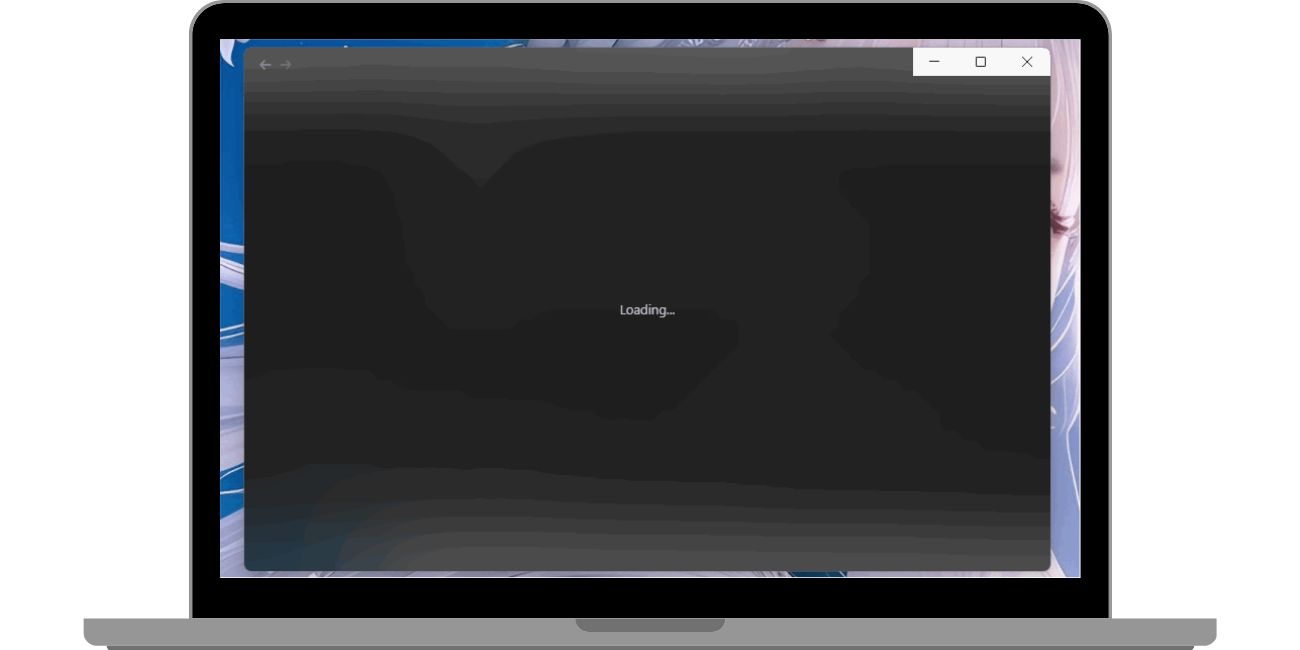

When you click Commit in Cursor, the editor sends a request to Git through its source control panel. Git then runs several checks before saving the commit.
If the commit gets stuck loading, it means:
- Git did not complete its pre-commit process
- Cursor is still waiting for Git output
- The commit never gets created locally
This happens before the commit reaches the repository. That is why you do not see it in git log.
Is This a Cursor Issue or a Git Issue?
In most cases, Git itself still works.
Cursor is built on Visual Studio Code, but it adds AI features, background analysis, and extra processes. These additions can interfere with Git timing or block prompts.
A quick way to tell:
- If Git works in the terminal, the issue is Cursor
- If Git fails everywhere, the issue is Git or the repository
This distinction matters before you try fixes.
What Are the Most Common Reasons Cursor Commit Freezes?
Several causes appear repeatedly in real-world use.
- Git hooks running scripts that never finish
- Authentication prompts not appearing inside Cursor
- Very large numbers of changed files
- Corrupt Git index or repository state
- Cursor background indexing still running
- Extensions interfering with Git commands
One of these alone is enough to block the commit.
How Do Git Hooks Cause Cursor Commits to Hang?
Git hooks are scripts that run automatically during commits. A common one is pre-commit.
Problems happen when:
- The hook runs linters or tests that hang
- The hook waits for terminal input
- The hook fails silently without output
Cursor waits for the hook to finish. If it never does, the commit spinner never stops.
To test this, commit from the terminal. If it also hangs there, a hook is blocking the process.
How Can You Check If Git Works Outside Cursor?
This step isolates the problem.
Open a terminal in your project folder and run:
- git status
- git commit -m “test commit”
If this works:
- Git is healthy
- The repository is fine
- Cursor integration is the issue
If this fails:
- Look for hook errors
- Check authentication
- Inspect repository state
This test saves a lot of time.
Can Authentication Issues Cause Cursor Commit to Get Stuck?
Yes, very often.
Authentication problems occur when:
- Git uses HTTPS and needs a token
- SSH keys are missing or expired
- Credential helpers fail silently
Cursor may not show the login prompt. Git waits for credentials that never arrive. The spinner continues forever.
Running Git commands in the terminal often reveals the hidden prompt immediately.
Why Do Large Repositories Make Commits Slower in Cursor?

Large repositories increase commit time.
Common problems include:
- Thousands of modified files
- build folders tracked by mistake
- node_modules added to Git
- missing or incorrect .gitignore rules
Cursor scans files before committing. Large scans slow everything down and may appear frozen.
Reducing tracked files often fixes the issue instantly.
Does Cursor Behave Differently Than VS Code With Git?
Yes, sometimes.
Cursor adds AI analysis, code indexing, and background tasks. These features can delay Git operations or compete for system resources.
VS Code may commit instantly in the same repository. That does not mean Cursor is broken. It means Cursor’s extra processes interfered at that moment.
What Are the Best Temporary Workarounds?
While fixing the root cause, you can keep working safely.
- Commit using the terminal
- Push changes manually
- Open the repo in VS Code and commit there
- Disable heavy extensions temporarily
These methods do not affect your code or Git history.
When Should You Reinstall Cursor?
Reinstalling helps when:
- Cursor freezes on every commit
- Reloading never fixes the issue
- Git works everywhere else
- Settings files may be corrupted
A clean reinstall resets Cursor without touching your repository or Git data.
What Checklist Should You Follow Before Retrying a Commit?
Before trying again, confirm these points:
- Git works in the terminal
- No Git hooks are blocking commits
- Authentication is resolved
- Cursor restarted cleanly
- Repository state is normal
Most commit issues disappear once one item here is fixed.
Final Thoughts
A Cursor commit stuck loading feels serious, but it rarely is. In most cases, Git is waiting for something that Cursor hides or delays. Once you uncover that blocker, commits return to normal.
If you solved this issue another way, share it in the comments. Real fixes help other developers unblock faster.