


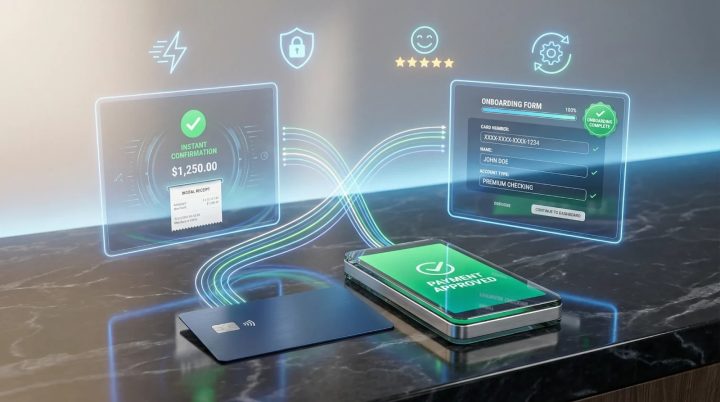
Checkout abandonment is one of the most costly and underappreciated problems in digital commerce. Research across the payments industry consistently identifies manual card data entry as a leading contributor to drop-off during online checkout — particularly on mobile devices, where typing a sixteen-digit card number, expiration date, and security code on a small touchscreen is slow, error-prone, and genuinely frustrating for users. The same friction applies to digital onboarding flows where customers are asked to register a payment method before accessing a service.
The challenge is structural. Businesses invest heavily in acquisition — driving traffic, running promotions, optimizing landing pages — only to lose a significant share of customers at the final step, where the payment experience itself creates unnecessary resistance. That’s why automated card data capture has become an increasingly important component of conversion optimization strategies across fintech, e-commerce, subscription platforms, and digital banking.
A debit card scanner is the technology that addresses this friction directly. It allows users to capture their card details automatically — by pointing a camera at the physical card — rather than entering data field by field. Given this capability, the impact extends well beyond convenience: it reduces transcription errors, accelerates onboarding completion, and measurably improves payment success rates. Understanding how this technology works and where it delivers the most value is essential for any business managing a digital payment flow.

What Is a Debit Card Scanner?
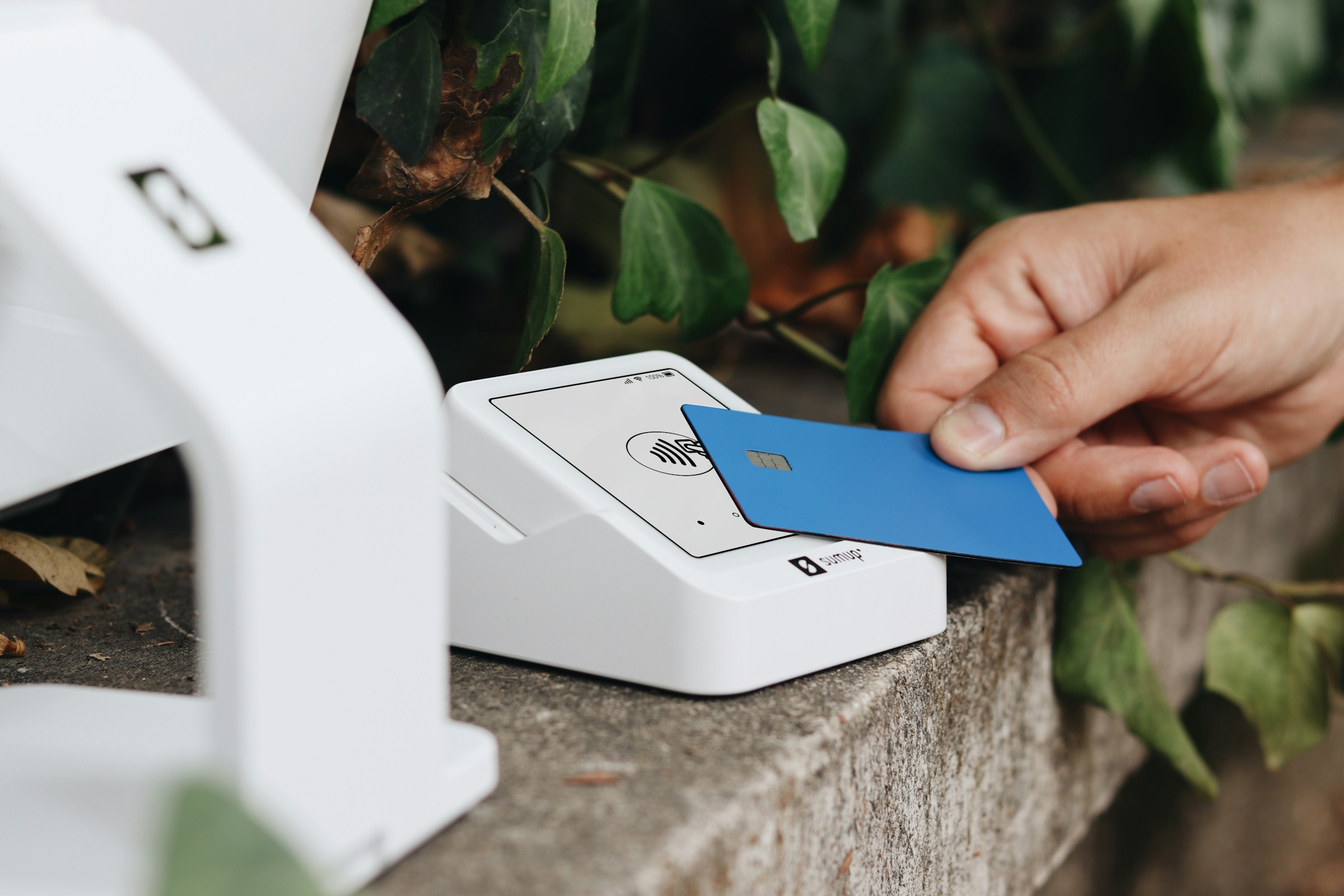
A debit card scanner is a software-based tool — typically delivered as a mobile SDK or a web API — that uses optical character recognition (OCR) and image processing algorithms to read the data printed or embossed on a debit card. It captures the card number, expiration date, and cardholder name from a camera image and populates the corresponding fields in a payment form automatically, without requiring manual input.
In other words, the user holds their card up to the device camera for a moment, the software processes the image in real time, and the payment form fills itself. The entire interaction takes seconds. Debit card scanner technology is designed to function under real-world conditions — variable lighting, minor hand movement, different card designs and font styles — making it reliable enough for production deployment across consumer-facing applications.
What is also important here is that this technology does not store or transmit raw card images. The data extraction process is designed to operate locally or within a secure processing environment, with only the structured field data passed to the payment system. This is a critical distinction for businesses operating under PCI DSS — the Payment Card Industry Data Security Standard — compliance requirements.
When Does It Make Sense to Use a Debit Card Scanner?
Automated card capture delivers measurable value wherever payment method registration or checkout is part of the user journey. The most highly demanded options are found in contexts where mobile usage is high and conversion rates are closely monitored. These include:
- Mobile commerce applications: Reducing checkout abandonment by eliminating the primary source of input friction during purchase completion.
- Digital banking and neobank onboarding: Enabling customers to link an existing debit card to a new account quickly during the initial setup flow.
- Subscription and SaaS platforms: Accelerating payment method registration so that trial conversions are not lost to form fatigue.
- Peer-to-peer payment apps: Allowing users to add a debit card as a funding source with minimal effort during first-time setup.
- Hospitality and travel platforms: Streamlining card capture during digital pre-check-in or booking confirmation flows.
- Healthcare billing portals: Reducing administrative burden when patients register payment methods for co-pays or recurring billing.
Apart from this, businesses with high rates of card re-registration — where customers update expired or replaced cards periodically — will find that scanner-assisted re-entry significantly reduces support ticket volume related to failed recurring payments.
Key Features of Reliable Debit Card Scanning Solutions
Not every card scanning implementation delivers the same accuracy or user experience in production. When evaluating options, you should look for solutions that combine technical precision with seamless UX. A reliable debit card scanning solution should have:
- High OCR accuracy across card types: The solution should reliably read both embossed and flat-printed characters across major card network designs and a range of card conditions.
- Real-time capture guidance: On-screen feedback should guide users to adjust card positioning, lighting, or distance before extraction is attempted — reducing failed scan rates.
- Luhn algorithm validation: Extracted card numbers should be validated against the Luhn algorithm — a standard checksum formula used to verify card number integrity — before being passed to the payment form.
- Low-light and motion tolerance: The scanning algorithm should perform reliably under imperfect conditions, reflecting how users actually behave in real environments.
- PCI DSS-aligned data handling: Card image data should not be stored or logged; only structured field output should be passed downstream.
- Cross-platform SDK availability: The solution should function consistently on iOS and Android, with web-based implementation options where relevant.
- Graceful fallback to manual entry: When scanning fails or the user prefers to type, the transition to manual input should be smooth and immediate.
Pay attention to whether the vendor provides accuracy benchmarks derived from real-world testing rather than controlled laboratory conditions. Production performance is what determines whether the technology genuinely reduces friction or simply adds a scanning step before manual correction.

How to Implement a Debit Card Scanner Effectively
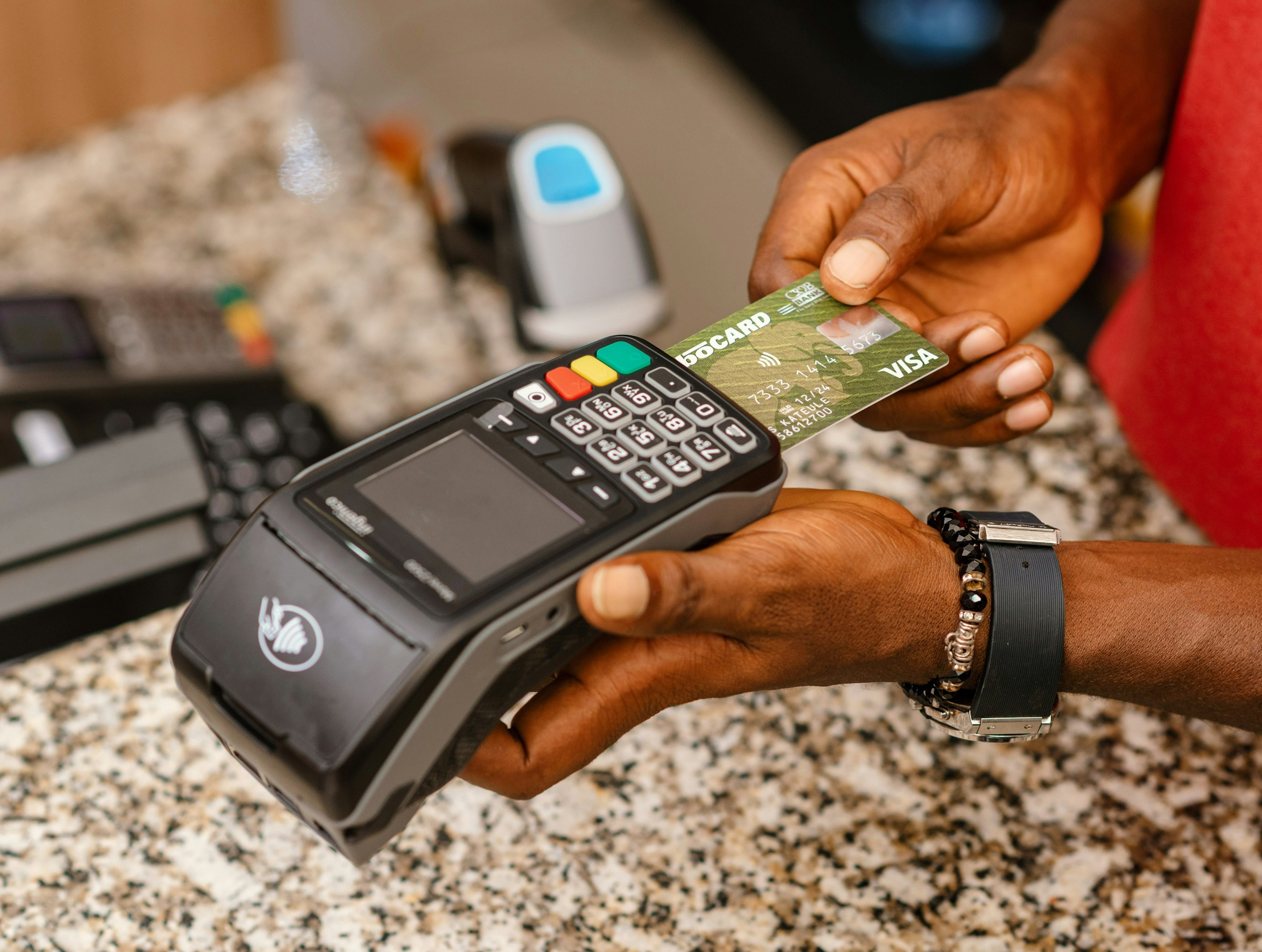
Integrating card scanning into a payment or onboarding flow requires deliberate planning to ensure it delivers the intended UX improvement. We recommend the following implementation approach:
- Define the integration point with precision. You should attentively analyze whether scanning is needed at checkout, at payment method registration, or at both — as each context may require different handling of the extracted data and different fallback behaviors.
- Select an SDK that matches your platform stack. The most widely used options are native mobile SDKs for iOS and Android, though some vendors offer web-based implementations using browser camera APIs for cross-platform coverage.
- Design the scanning UX as a primary flow, not an afterthought. If you want users to adopt the scanner rather than defaulting to manual entry, you need to present it as the prominent, default option with clear visual guidance.
- Implement Luhn validation before form submission. When extraction occurs, card number validity should be confirmed immediately — surfacing errors at capture rather than at payment submission reduces user frustration significantly.
- Build robust fallback behavior. Typical integrations that underperform in production often lack a smooth transition to manual entry when scanning fails — this path should be tested as thoroughly as the happy path.
- Instrument post-launch metrics. Track scanner adoption rate, successful extraction rate, and checkout completion rate by input method — this data will reveal whether the implementation is delivering the expected conversion improvement.
It will be helpful to conduct moderated user testing before full launch. Observing how real users interact with the scanning flow in context will surface UX issues — such as unclear camera framing guidance or confusing error states — that are difficult to anticipate through internal testing alone.
Conclusion
Manual debit card entry is a persistent source of friction that costs businesses measurable revenue at checkout and reduces completion rates during digital onboarding. Debit card scanner technology removes this bottleneck by automating data capture through the device camera — delivering faster, more accurate payment form completion without requiring any additional hardware.
The majority of businesses investing seriously in mobile conversion optimization are already exploring or deploying card scanning as a standard component of their payment UX. If your current checkout or onboarding flow still relies entirely on manual card entry, you should evaluate whether that friction is suppressing conversion rates that could otherwise be recovered. The right implementation could significantly improve payment success rates and onboarding completion — with a development investment that is well within reach for teams of any size.