



Online privacy is no longer just a concern for journalists, activists, or cybersecurity professionals. Today, everyday users are increasingly aware that browsers, websites, advertisers, and even ISPs collect far more data than most people realize. From fingerprinting and behavioral tracking to IP logging and cross-site profiling, the modern web is designed to identify you, unless you take deliberate steps to protect your privacy.
The growing privacy and security awareness has pushed privacy-focused browsers into the spotlight, and while Tor remains the most famous option, it is far from the only solution. Today, you can choose dozens of TOR browser alternatives that offer a better balance between anonymity, usability, and performance, especially when Tor’s slow speeds or blocked access become a limitation.
To understand which solution is right for you, it helps to break privacy tools into three major categories: privacy browsers, proxy-based browsing, and antidetect browsers. Each serves a different purpose, and confusing them often leads to unrealistic expectations.


What Makes a Browser “Privacy-Focused”?
A privacy browser is designed to minimize data leakage at the browser level. This includes blocking trackers, limiting fingerprinting, isolating sessions, and preventing websites from building detailed behavioral profiles, and unlike traditional browsers such as Chrome or Edge, privacy browsers assume that tracking is the default, and actively work against it.
Tor Browser: Maximum Anonymity, Maximum Trade-Offs
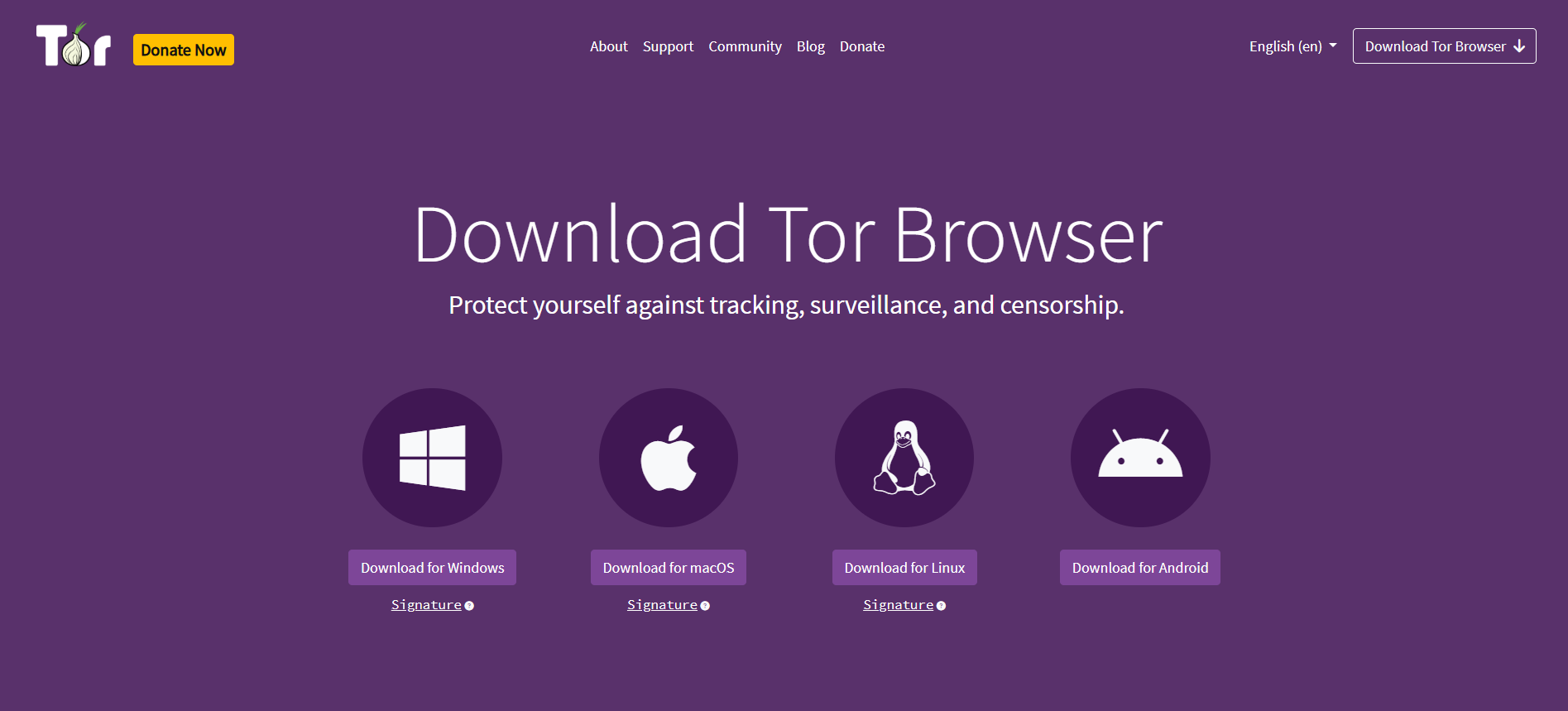

Tor Browser is the most popular browser built on the Tor network, which routes your traffic through multiple encrypted nodes before it reaches the destination. This design makes it extremely difficult to trace your real IP address or identify your physical location.
However, Tor’s strength is also its weakness, resulting in pages often loading slowly, many websites blocking Tor exit nodes, and frequent CAPTCHA challenges can make normal browsing frustrating for everyday users. For users who require strong anonymity, Tor is still unmatched, but for daily use, many people find it impractical.
Tor is best viewed as a special-purpose anonymity tool, not a general browsing solution.
1Browser: Privacy Through Profile Isolation
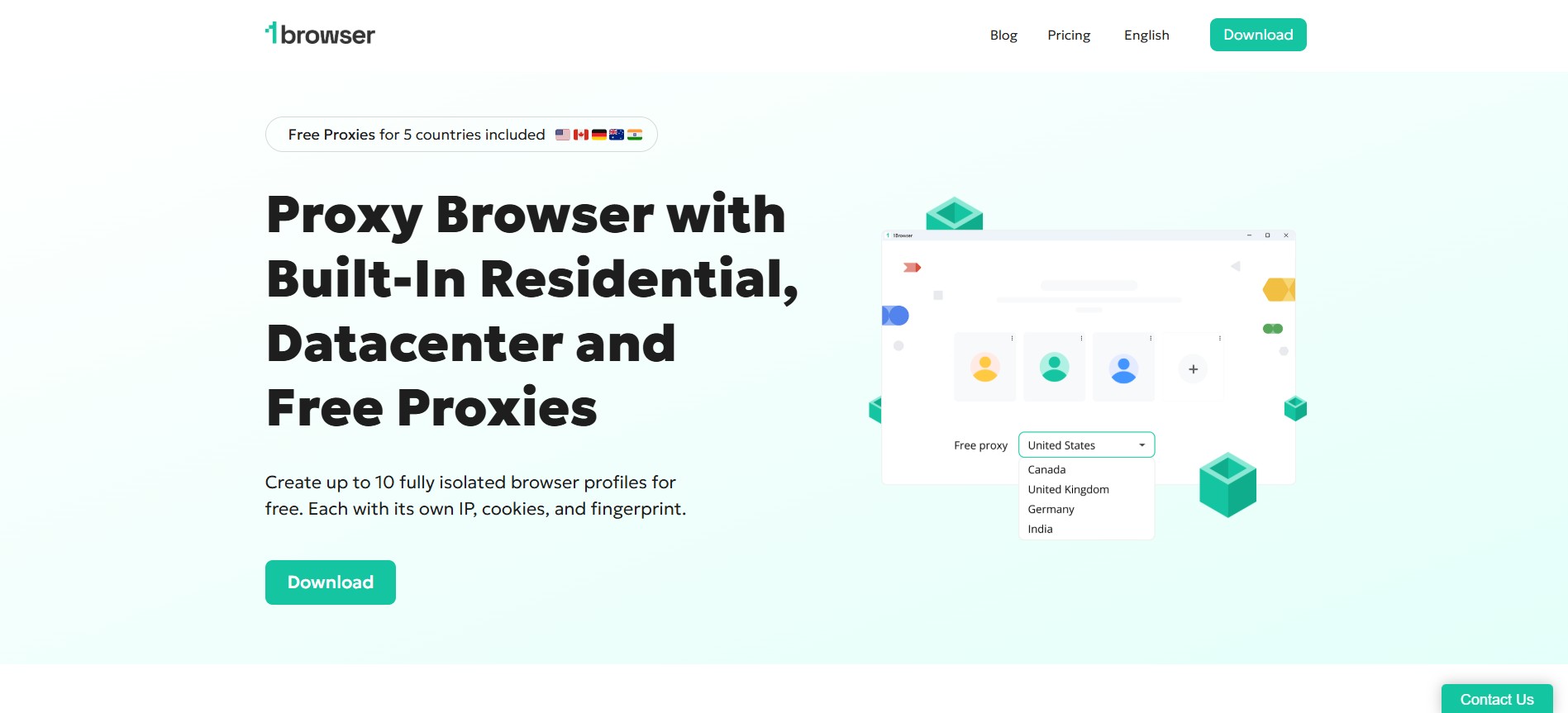

1Browser is a Chromium-based privacy browser designed for users who need multiple isolated profiles, built-in proxies, and a familiar browsing experience. It’s especially useful for managing multiple accounts while keeping sessions separate.
Most notable features:
- Isolated browser profiles with separate cookies and fingerprints
- Built-in proxy support, including free proxies and custom proxy integration
- Chrome-like interface, so there’s virtually no learning curve
- Cloud sync for accessing profiles across devices
Pros
- Easy to use, even for beginners
- No account cross-tracking between profiles
- Free plan available
- Good option for privacy-focused multi-account browsing
Cons
- Fewer advanced features than full antidetect platforms
- Free proxies may vary in speed and reliability
- Not a replacement for a full VPN
In conclusion, 1Browser is a solid, lightweight privacy browser for users who want simple profile isolation and proxy support without complexity.
Brave Browser: Privacy Without Breaking the Web
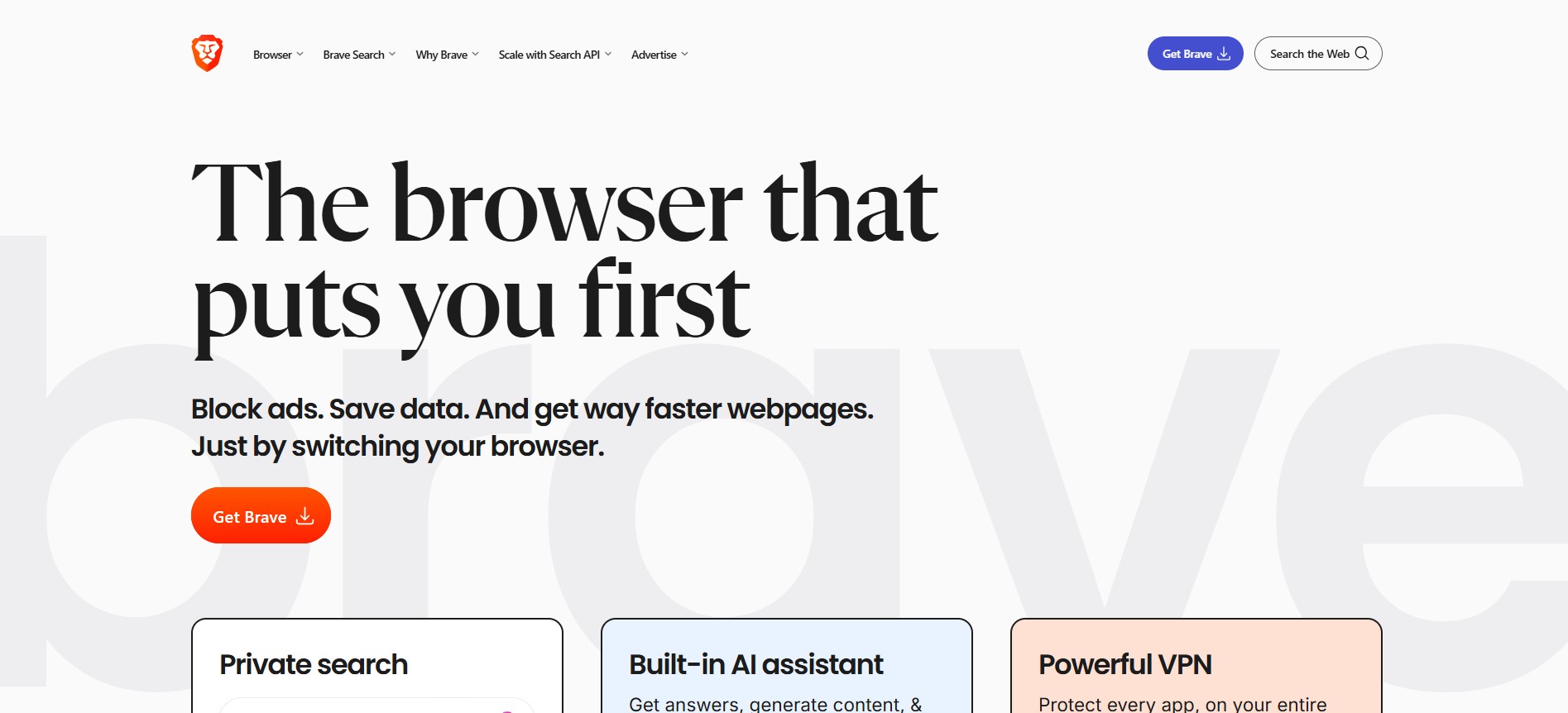

Another popular solution after Tor is definitely Brave, which has become one of the most popular privacy browsers because it feels familiar to other casual browsers while still offering good protection. Built on Chromium, Brave by default blocks ads, trackers, and third-party cookies, while also introducing features like fingerprinting resistance and HTTPS upgrades.
Unlike Tor, Brave does not hide your IP address on its own. Instead, it focuses on preventing trackers from following you across the web. Its optional Private Window with Tor feature allows users to route traffic through Tor when needed, offering a hybrid approach.
In conclusion, Brave is ideal for users who want better privacy without sacrificing speed, compatibility, or convenience.
Firefox and Hardened Browsers
Mozilla Firefox remains one of the most flexible browsers for privacy enthusiasts. With the right configuration, or hardened forks like LibreWolf, Firefox can significantly reduce tracking and fingerprinting.
Its key advantages include:
- Container tabs for isolating sessions
- Extensive privacy extensions
- Open-source transparency
- Strong developer support
However, Firefox requires manual setup to reach its full privacy potential, but in general, it is more private than Chrome, but less aggressive than Tor and similar natural-privacy browsers.
Mullvad Browser and Emerging Privacy Projects
Another one on the list of privacy-focused solutions is Mullvad Browser – developed in collaboration with the Tor Project, which aims to reduce fingerprinting while maintaining better usability than Tor Browser itself. It standardizes browser behavior across users, making individual identification more difficult.
Proxy Browsers: Changing IPs Without Full Privacy
Proxy browsers and proxy-based browsing tools focus primarily on IP masking, not full anonymity. When you use a proxy, your traffic is routed through another server, making it appear as if you’re browsing from a different location.
This principle can be useful for:
- Bypassing geo-restrictions
- Accessing region-locked content
- Simple IP rotation
Proxies do not encrypt traffic end-to-end, nor do they prevent browser fingerprinting. This means websites can still identify users through screen resolution, fonts, system behavior, and cookies.
In short, proxies solve location issues, not identity issues.
Anti-detect Browsers: Controlling Digital Fingerprints
Instead of trying to hide your identity, anti-detect browsers allow you to create and manage multiple digital identities intentionally, as they occupy a completely different category.
Each browser profile can have:
- A unique fingerprint
- Separate cookies and storage
- Different IP addresses (via proxies)
- Isolated environments
- Antidetect browsers are commonly used in:
- E-commerce account management
- Affiliate marketing
- Ad verification
- Social media automation
- Web scraping
Examples include Multilogin, AdsPower, GoLogin, and similar tools, as these browsers are not about anonymity in the traditional sense, they are about controlled consistency. When configured properly, each profile looks like a real, stable user rather than a suspicious or anonymous one, meaning anti-detect browsers are powerful, but also unsuitable for casual users.


Privacy Browser vs Proxy vs Antidetect: Key Differences
Understanding the differences between these tools is crucial:
- Privacy browsers reduce tracking and improve anonymity during normal browsing.
- Proxies change your IP address but leave your fingerprint intact.
- Antidetect browsers actively manage fingerprints to simulate multiple users.
Using the wrong tool for the wrong purpose often leads to poor results. For example, using Tor for account management can raise red flags, while using a proxy alone for privacy offers a false sense of security.
Choosing the Right Tool for Your Needs
There is no “best” privacy browser, only the right one for your situation.
- If you need maximum anonymity, Tor or Tor-based browsers are still the gold standard.
- If you want privacy-friendly everyday browsing, Brave or hardened Firefox setups are far more practical.
- If you manage multiple online identities, anti-detect browsers paired with quality proxies are the correct solution.
- If your goal is simply location masking, a proxy or VPN may be sufficient.
The key is aligning expectations with technical reality.
The Future of Privacy Browsing
As tracking technologies become more sophisticated, privacy tools will continue to evolve. Browser fingerprinting, AI-based behavior analysis, and cross-device tracking are already pushing developers to rethink traditional defenses.
Modern privacy browsers focus less on hiding and more on blending in, while antidetect tools move toward realistic, stable identities rather than obvious automation. This shift reflects a deeper understanding of how the web actually detects users today.
Privacy is no longer a single feature; it’s a strategy.
Final Thoughts
Privacy browsers, proxy tools, and antidetect platforms each play a distinct role in protecting users online. Tor remains iconic, but it is no longer the only viable option. For many users, modern TOR browser alternatives offer better usability without sacrificing meaningful privacy.
Ultimately, staying private online isn’t about choosing one tool; it’s about understanding how identity, tracking, and visibility really work on today’s web, and using the right solution for the right purpose.