

Clean video exports are the final checkpoint between a well-crafted edit and a professional delivery. Whether you are producing content for broadcast, online platforms, or long-term archival, the quality of your H.264, HEVC, or ProRes output depends heavily on the export tools you use. The right software can preserve color accuracy, avoid compression artifacts, and ensure compatibility across devices and workflows.
TLDR: Choosing the right video export tool directly affects image quality, file size, and playback reliability. Adobe Media Encoder, DaVinci Resolve, Apple Compressor, FFmpeg, HandBrake, Final Cut Pro, and Shutter Encoder are among the most reliable options for clean H.264, HEVC, and ProRes output. Each tool serves a different type of user, from professional editors to technical specialists. Understanding their strengths helps ensure consistent, standards compliant exports.
What Defines a Clean Video Export?
A clean export is not just about visual sharpness. It is about predictable encoding behavior, accurate color space handling, stable bitrates, and adherence to codec specifications. Poor export tools can introduce banding, gamma shifts, or inconsistent frame pacing, all of which degrade professional work.
For H.264 and HEVC, clean output means efficient compression without visible artifacts. For ProRes, it means maintaining near lossless quality with reliable playback performance. Export tools that are respected in professional environments typically offer transparent control over these parameters.

1. Adobe Media Encoder
Adobe Media Encoder is widely trusted in professional post production environments. It is tightly integrated with Premiere Pro and After Effects, making it an obvious choice for editors working in the Adobe ecosystem.
Its strength lies in consistent, predictable exports. The H.264 and HEVC encoders produce clean results with minimal artifacts, provided the presets are tuned correctly. Media Encoder also supports ProRes on both macOS and Windows, which is critical for cross-platform workflows.
- Reliable presets for broadcast and web delivery
- Strong color management when used correctly
- Excellent batch rendering capabilities
2. DaVinci Resolve Studio
DaVinci Resolve Studio has earned a reputation for exceptional quality output, especially in color critical workflows. Its export engine is deeply integrated with its color management system, reducing the risk of gamma shifts and color inconsistencies.
Resolve handles H.264 and HEVC with impressive clarity and offers full support for ProRes on macOS. The Studio version also unlocks hardware accelerated encoding, which results in faster exports without sacrificing quality.
- Superior color accuracy during export
- Advanced bitrate and profile control
- Preferred choice for high end finishing
3. Apple Compressor
Apple Compressor is a specialized export and transcoding tool designed to complement Final Cut Pro. While it lacks editing features, its focus on encoding quality makes it one of the best ProRes export tools available.
Apple Compressor offers very fine control over H.264 and HEVC parameters, including GOP structure and entropy coding. When paired with Final Cut Pro, it produces exceptionally clean and standards compliant ProRes files.
- Deep integration with macOS and Final Cut Pro
- Excellent ProRes quality and reliability
- Ideal for mastering and delivery tasks
4. FFmpeg
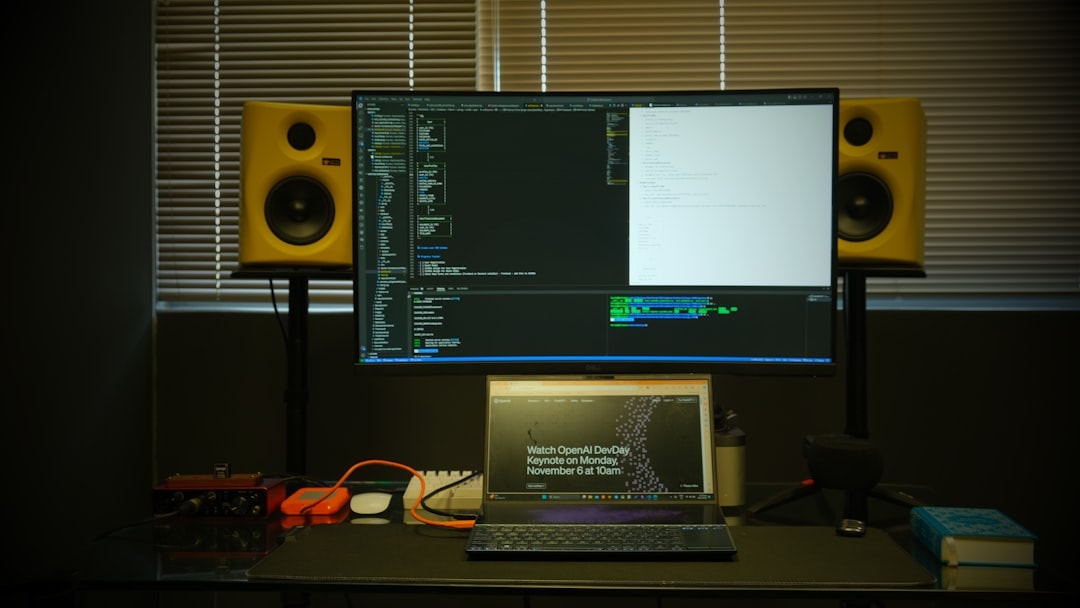
FFmpeg is the backbone of many video encoding tools and services. While it lacks a graphical interface, its flexibility and raw encoding power are unmatched.
For users who understand command line workflows, FFmpeg can produce some of the cleanest H.264 and HEVC encodes available. It also supports ProRes through multiple encoder profiles, making it suitable for broadcast grade workflows when configured properly.
- Maximum control over encoding parameters
- Extremely consistent and transparent results
- Best suited for technical users and automation
5. HandBrake
HandBrake is a popular open source tool designed primarily for video compression rather than editing. It is widely used for clean H.264 and HEVC exports for online and archival use.
While HandBrake does not support ProRes export, its strength lies in its quality to file size efficiency. With well designed presets and advanced tuning options, it can deliver visually clean results that hold up even at lower bitrates.
- User friendly interface
- Excellent H.264 and HEVC compression
- Ideal for web and streaming delivery
6. Final Cut Pro
Final Cut Pro is more than just an editor. Its export engine is optimized for Apple hardware and delivers extremely clean ProRes output with minimal effort.
H.264 and HEVC exports are fast and visually accurate, particularly on Apple silicon systems. While it offers fewer advanced export controls compared to Compressor, its default exports are trusted by many professionals for speed and reliability.
- Optimized for macOS and Apple silicon
- Excellent default ProRes exports
- Fast turnaround with minimal configuration
7. Shutter Encoder
Shutter Encoder is a lesser-known but highly respected tool built on FFmpeg. It provides a user friendly interface while retaining professional level export control.
Shutter Encoder supports H.264, HEVC, and ProRes with transparent parameter access. It is frequently used by broadcasters and media technicians who need clean, repeatable exports without writing command line scripts.
- Professional features with simple interface
- Strong ProRes and HEVC support
- Cross platform and regularly updated
Choosing the Right Tool
The best export tool depends on your workflow rather than a single universal standard. Editors working in integrated environments may benefit from Media Encoder or Final Cut Pro, while colorists often prefer DaVinci Resolve. Technical users and engineers may find FFmpeg or Shutter Encoder more suitable for precision tasks.
What truly matters is consistency. A clean export is the result of predictable encoding, proper color management, and adherence to delivery specifications. The tools listed above have proven themselves in real world production environments and remain reliable choices for professional H.264, HEVC, and ProRes output.

