

LinkedIn is not just a place to update your resume. It is a goldmine for B2B marketing. The right tools can turn random scrolling into smart prospecting, better content, and clear analytics. But with so many options, it is easy to feel lost. Do not worry. This guide makes it simple and fun.
TLDR: LinkedIn marketing works best when you use the right tools. Some tools help you find leads. Others schedule content or track performance. The seven tools below cover prospecting, automation, and analytics so you can grow faster with less effort.
Let’s explore 7 powerful LinkedIn marketing tools that help with prospecting, content scheduling, and analytics.
1. LinkedIn Sales Navigator
If LinkedIn were a video game, Sales Navigator would be the cheat code.
It is built for B2B prospecting. You can search for leads using advanced filters. Think job title, company size, industry, and even recent activity.
Why it is awesome:
- Advanced lead and company search
- Real-time sales updates
- Lead recommendations
- CRM integrations
This tool helps you find decision-makers instead of guessing. No more sending cold messages into the void.
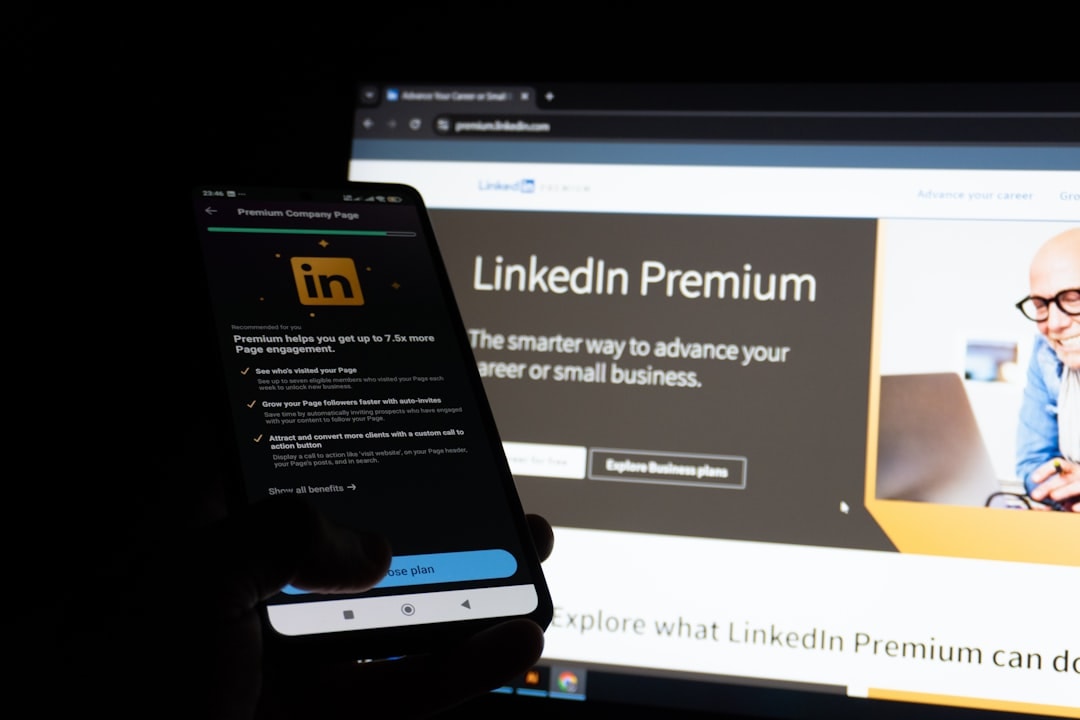
It is not cheap. But for serious B2B teams, it is worth every dollar.
2. Expandi
Expandi is a LinkedIn automation tool. It helps you scale outreach safely.
You can send connection requests. Follow up automatically. Personalize messages. All without spending hours every day.
Top features:
- Automated connection campaigns
- Smart inbox management
- Personalization with custom variables
- Cloud-based safety system
The magic is in personalization. You can tailor messages at scale. That makes outreach feel human.
Remember. Automation works best with great targeting. Pair it with Sales Navigator for best results.
3. Taplio
Content is king on LinkedIn. But creating it daily is hard.
Taplio makes content creation and scheduling easier. It is built specifically for LinkedIn.
Why marketers love it:
- AI-powered post ideas
- Content inspiration from viral posts
- Post scheduling
- Performance analytics
You can write posts inside the platform. You can schedule them at optimal times. You can track engagement.
This is perfect for founders and marketers building personal brands.
4. Hootsuite
You have probably heard of Hootsuite. It is one of the big names in social media management.
It does not focus only on LinkedIn. It works across multiple platforms. That makes it useful for full marketing teams.
Main strengths:
- Multi-platform scheduling
- Centralized content calendar
- Team collaboration
- Detailed analytics reports
If your company posts on LinkedIn, Twitter, and Facebook, this tool keeps everything in one place.

It saves time. It reduces chaos. It keeps everyone aligned.
5. Shield Analytics
Want deep LinkedIn analytics? Meet Shield.
Shield focuses on personal LinkedIn analytics. It tracks post performance over time. It helps you see what content works.
What you can track:
- Engagement rate
- Follower growth
- Post reach
- Content trends
You get clean dashboards. You get downloadable reports. You get real clarity.
This tool is great for creators and executives building thought leadership.
6. Phantombuster
Phantombuster sounds cool. And it is.
It automates data extraction and actions on LinkedIn.
You can:
- Scrape search results
- Extract profile data
- Send automated messages
- Sync data to your CRM
This tool is powerful. Very powerful. That means you must use it responsibly.
For growth hackers and advanced marketers, it unlocks serious scale.
7. Sprout Social
Sprout Social is like Hootsuite’s polished cousin.
It offers publishing, analytics, listening, and reporting in one clean interface.
Key features:
- Smart scheduling
- Advanced analytics
- Social listening tools
- Custom reports
Its LinkedIn analytics are strong. Especially for company pages. If data matters to your team, this is a great choice.

Quick Comparison Chart
| Tool | Best For | Prospecting | Scheduling | Analytics | Best User |
|---|---|---|---|---|---|
| Sales Navigator | Lead generation | ★★★★★ | No | Basic | B2B sales teams |
| Expandi | Automation | ★★★★☆ | No | Basic | Outbound marketers |
| Taplio | Content creators | No | ★★★★★ | ★★★★☆ | Founders, creators |
| Hootsuite | Multi-platform teams | No | ★★★★★ | ★★★★☆ | Marketing teams |
| Shield | Personal branding | No | No | ★★★★★ | LinkedIn creators |
| Phantombuster | Data automation | ★★★★☆ | No | Limited | Growth hackers |
| Sprout Social | Enterprise analytics | No | ★★★★★ | ★★★★★ | Large teams |
How To Choose The Right Tool
Do not buy everything at once. Start with your goal.
Want more leads?
Start with Sales Navigator. Add Expandi if you need automation.
Want consistent content?
Use Taplio. Or Hootsuite if you post everywhere.
Care about deep analytics?
Shield for personal brands. Sprout Social for company pages.
Keep it simple. One tool per main goal is often enough.
Pro Tips For Better Results
Tools help. Strategy wins.
- Define your ideal customer clearly.
- Personalize every outreach message.
- Post consistently, not randomly.
- Review analytics weekly.
- Double down on what works.
Also, avoid spammy behavior. LinkedIn rewards authenticity. Real conversations beat automation tricks.
Final Thoughts
LinkedIn marketing does not have to be complicated.
The secret is simple. Use smart tools. Stay consistent. Track your data.
Whether you are a solo founder, a small B2B agency, or a global sales team, these seven tools can transform how you prospect, schedule content, and analyze results.
Start small. Test one tool. Measure results.
Then scale what works.
The opportunity on LinkedIn is huge. With the right setup, you are not just posting. You are building relationships. You are generating leads. You are growing your brand.
And now, you have the toolkit to do it the smart way.

