

Project management should feel clear. Not chaotic. Yet many teams outgrow their tools. Or simply want something easier. Or cheaper. Or more flexible. If you’re looking beyond Monday.com, you’re not alone. There are many smart and powerful tools out there that can help you manage projects and workflows without the stress.
TLDR: There are many great alternatives to Monday.com that offer powerful project and workflow tools. ClickUp is feature-packed, Asana is clean and organized, Trello is simple and visual, and tools like Wrike, Notion, Smartsheet, and Airtable each shine in their own way. The best choice depends on your team size, budget, and how complex your projects are. This guide breaks it down in plain English.
Let’s dive in.
1. ClickUp
Best all-in-one alternative
ClickUp is often the first name people mention when replacing Monday.com. And for good reason.
It does almost everything.
- Task management
- Docs and notes
- Time tracking
- Goals
- Dashboards
- Automations
All in one place.
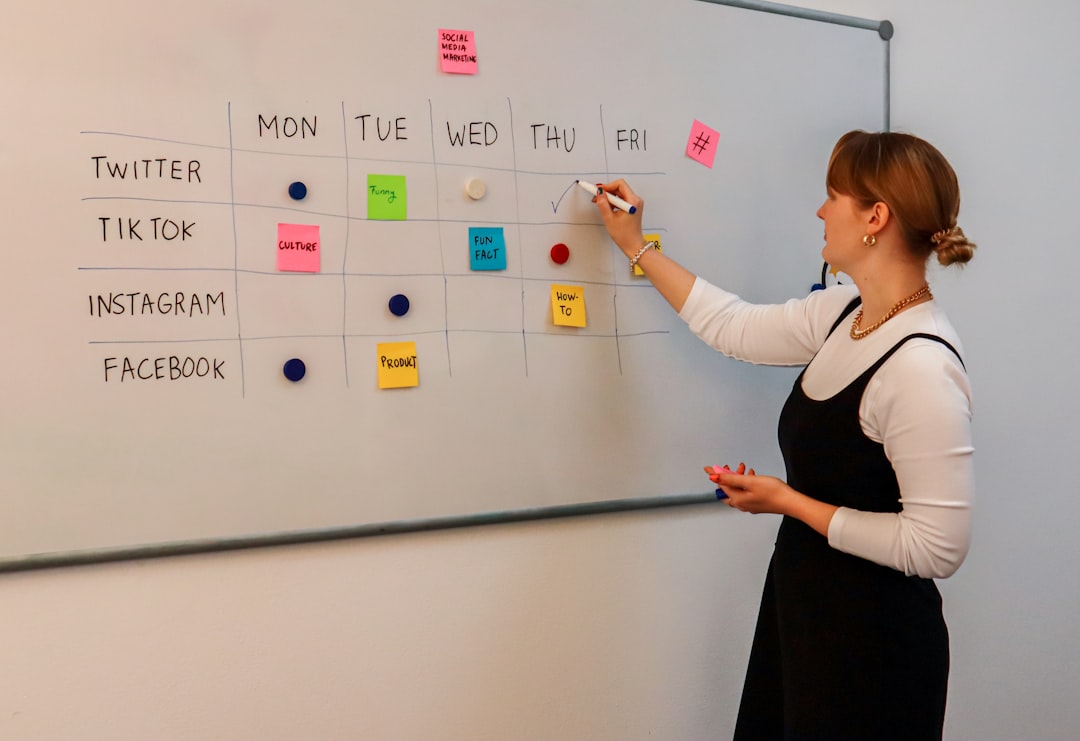
Its interface is flexible. You can view work as a list. A board. A calendar. A Gantt chart. Or even a timeline. It adapts to your style.
Why teams love it:
- Generous free plan
- Lots of integrations
- Deep customization
Downside? It can feel overwhelming at first. So many features. So many settings. But once you learn it, it’s powerful.
If you want maximum control, ClickUp is a strong bet.
2. Asana
Best for organized teams
Asana feels clean. Calm. Structured.
It is built for teams that manage many moving parts. Marketing campaigns. Product launches. Client work. Internal projects.
You can:
- Create tasks and subtasks
- Set dependencies
- Assign owners
- Track deadlines
Its timeline view is especially popular. You can see how tasks depend on each other. If one thing slips, you know what gets affected.
Why choose Asana?
- Simple layout
- Strong collaboration features
- Great for growing teams
Things to consider: Advanced features require higher-tier plans. And the free plan has limits.
If you love structure and clarity, Asana delivers.
3. Trello
Best for simplicity
Trello is visual. Really visual.
At its core, it uses boards and cards. That’s it.
You create columns. For example:
- To Do
- In Progress
- Done
Then you drag cards across.
It’s simple. And that’s its magic.
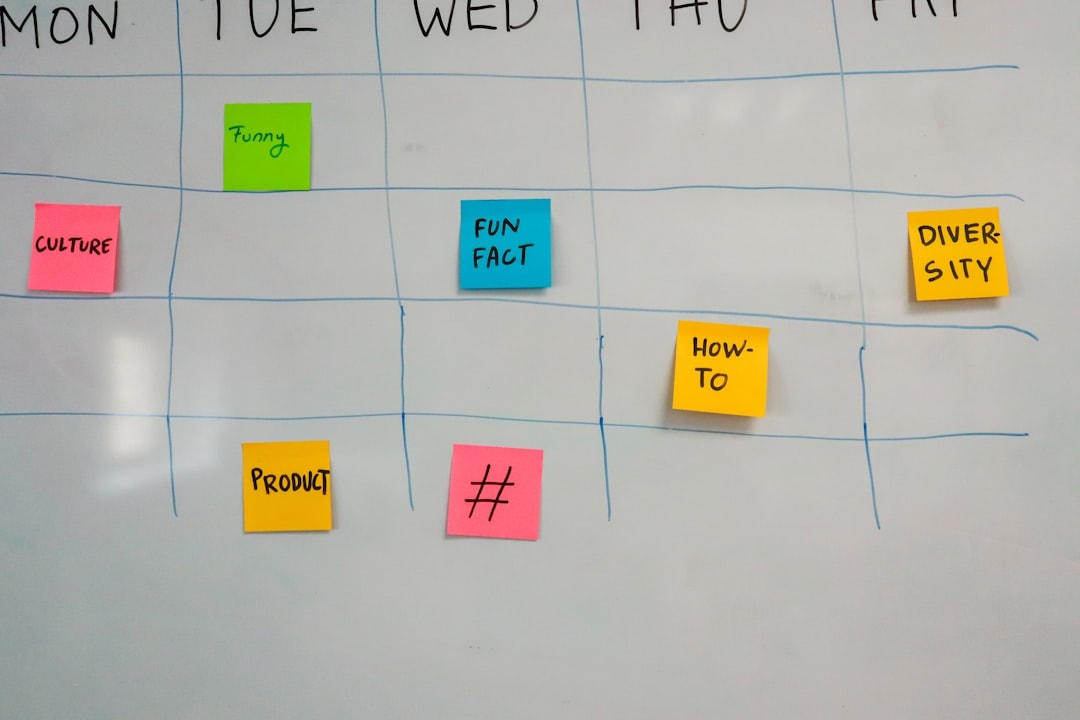
Trello works great for:
- Small teams
- Personal projects
- Content planning
- Event planning
Pros:
- Very easy to use
- Quick setup
- Clean interface
Cons:
- Limited advanced features
- Not ideal for complex projects
If Monday.com feels too heavy, Trello might feel like fresh air.
4. Wrike
Best for large teams and enterprises
Wrike is powerful. And serious.
It’s built for bigger teams with complex needs. Think agencies. Corporations. Multi-department groups.
You get:
- Advanced reports
- Resource management
- Custom workflows
- Detailed analytics
It also offers strong security and permission controls. That matters in larger organizations.
Why pick Wrike?
- Scales well
- Deep reporting features
- Enterprise-level controls
Watch out for: Pricing. It can get expensive. And the learning curve is real.
If you need structure at scale, Wrike is worth exploring.
5. Notion
Best for flexibility and creativity
Notion is different.
It’s not just a project management tool. It’s a workspace. A blank canvas.
You can build:
- Task boards
- Wikis
- Databases
- Notes
- Roadmaps
All connected.
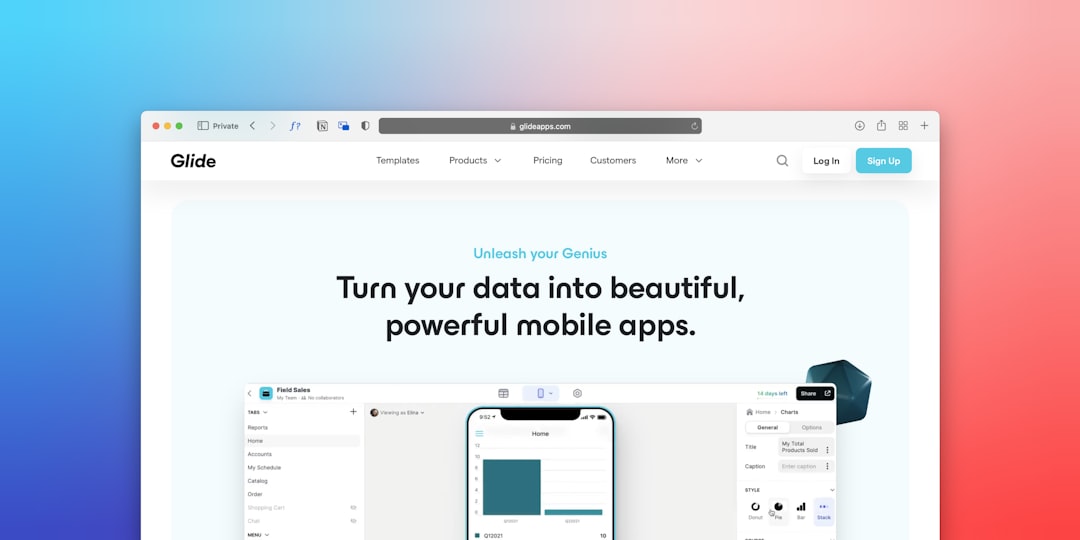
Notion shines when you want everything in one place. Docs. Tasks. Processes.
Why people love Notion:
- Clean design
- Highly customizable
- Great for documentation
Potential downside: You build a lot yourself. If you want ready-made structures, it may slow you down at first.
Perfect for startups. Creatives. And teams that like to design their own system.
6. Smartsheet
Best for spreadsheet lovers
If you live in Excel, Smartsheet will feel familiar.
It looks like a spreadsheet. But acts like a project management platform.
You can:
- Track tasks in rows and columns
- Create Gantt charts
- Automate workflows
- Generate reports
This makes it great for teams that rely heavily on data.
Pros:
- Strong reporting
- Logical layout
- Good automation tools
Cons:
- Less visually modern
- May feel rigid to creative teams
If Monday.com’s colorful layout isn’t your thing, Smartsheet offers a more traditional feel.
7. Airtable
Best for powerful data-driven workflows
Airtable blends spreadsheets with databases.
It’s flexible. But structured.
You can organize projects like a spreadsheet. Then switch to a calendar view. Or Kanban. Or gallery view.
It works beautifully for:
- Editorial calendars
- Product tracking
- CRM systems
- Inventory management
Strengths:
- Customizable fields
- Strong integrations
- Automation options
Weakness: Advanced features can become pricey.
If your workflows rely on structured data, Airtable can be a powerful Monday.com replacement.
Comparison Chart
| Tool | Best For | Ease of Use | Free Plan | Scalability |
|---|---|---|---|---|
| ClickUp | All-in-one management | Medium | Yes | High |
| Asana | Organized team workflows | Easy | Yes | High |
| Trello | Simple task tracking | Very Easy | Yes | Medium |
| Wrike | Large enterprises | Medium | Limited | Very High |
| Notion | Custom workflows | Medium | Yes | Medium |
| Smartsheet | Spreadsheet-style planning | Medium | Limited | High |
| Airtable | Data-driven projects | Medium | Yes | High |
How to Choose the Right One
Start simple.
Ask yourself:
- How big is my team?
- How complex are our projects?
- Do we need automation?
- What’s our budget?
- Do we value simplicity or customization?
If you’re a small team, tools like Trello or Notion might be perfect.
If you’re scaling fast, check out ClickUp or Asana.
If you manage complex operations, Wrike or Smartsheet could be better.
And if data is your backbone, Airtable shines.
Final Thoughts
Monday.com is a strong platform. But it’s not the only one.
The best tool is the one your team will actually use. Every day. Without complaints.
Try free plans. Test features. Let your team explore.
Because great project management isn’t about fancy dashboards.
It’s about clarity. Focus. And getting things done.
Now you have seven smart options to choose from.
Pick one. And make Monday feel less stressful already.

