

Ordering business cards, flyers, or banners from Vistaprint is quick and convenient, but many customers eventually ask the same question: Can you download a master file from Vistaprint? Whether you want to reuse your design, share it with another printer, or archive it for brand consistency, understanding Vistaprint’s file access policies can save you time and frustration.
TLDR: In most cases, you cannot download a true master file (like a fully editable AI, PSD, or high-resolution PDF) directly from Vistaprint unless you uploaded the file yourself. Vistaprint is primarily a print service, not a file distribution platform. However, there are practical workarounds, including exporting previews, recreating designs, or contacting support. Planning ahead is the best way to ensure you retain full control of your creative assets.
Understanding What a “Master File” Actually Means
Before diving into limitations, it’s important to define what people usually mean by a “master file.” In design terms, a master file is the original, fully editable version of your artwork. This often includes:
- Vector formats: AI, EPS, SVG
- Layered files: PSD, INDD
- High-resolution PDFs with bleeds and crop marks
- Embedded fonts and graphics
These files allow you or a designer to make changes later without starting from scratch.
Vistaprint, however, is designed primarily as a print fulfillment service. While it provides easy-to-use templates and editing tools, it does not typically position itself as a file storage or design asset delivery platform.
Can You Download a Master File From Vistaprint?
Short answer: Usually no, unless you originally uploaded your own design.
Let’s break this down into scenarios:
1. If You Uploaded Your Own File
If you created your design externally and uploaded it to Vistaprint for printing:
- Vistaprint does not create a new editable master file for you.
- You may be able to re-download the file you uploaded (depending on your account and order type).
- However, you already have the original file on your own computer.
In this case, your “master file” lives wherever you saved it originally.
2. If You Used Vistaprint’s Online Designer
This is where most confusion arises.
If you built your design using Vistaprint’s templates, graphics, and fonts:
- You typically cannot download the fully editable source file.
- You generally cannot export it as AI, PSD, or layered PDF.
- The design remains within Vistaprint’s ecosystem.
In most cases, you can reorder the product — but you can’t extract the production-ready master artwork.
Why Doesn’t Vistaprint Provide Master Files?
This limitation exists for several practical and business reasons:
1. Proprietary Templates and Assets
Many elements in Vistaprint’s templates — such as graphics, layouts, and licensed fonts — are not owned by the end user. Allowing downloads could violate licensing agreements.
2. Business Model Focused on Printing
Vistaprint earns revenue primarily through physical product printing, not file distribution. Providing full master files would reduce their competitive advantage.
3. Technical Infrastructure
Their design interface is built for ease of use, not professional export-level control. Converting browser-based template designs into clean, editable design files is more complex than it appears.
What You Can Download From Vistaprint
While true master files are generally unavailable, you may be able to access:
- Order previews (low resolution PDFs or images)
- Proof files (sometimes available before final approval)
- Invoice records
- Reorder access within your account dashboard
These files are useful for reference but rarely sufficient for professional reprinting elsewhere.
Workarounds If You Need the Master File
If you didn’t plan ahead, don’t worry — there are still viable options.
1. Contact Vistaprint Support
While unlikely, some users report occasional success requesting high-resolution PDFs for certain products. Results vary.
What to try:
- Explain that you need a print-ready PDF for brand consistency.
- Provide order number and account details.
- Ask specifically for a high-resolution, bleed-included PDF.
Be prepared for the possibility of refusal.
2. Recreate the Design
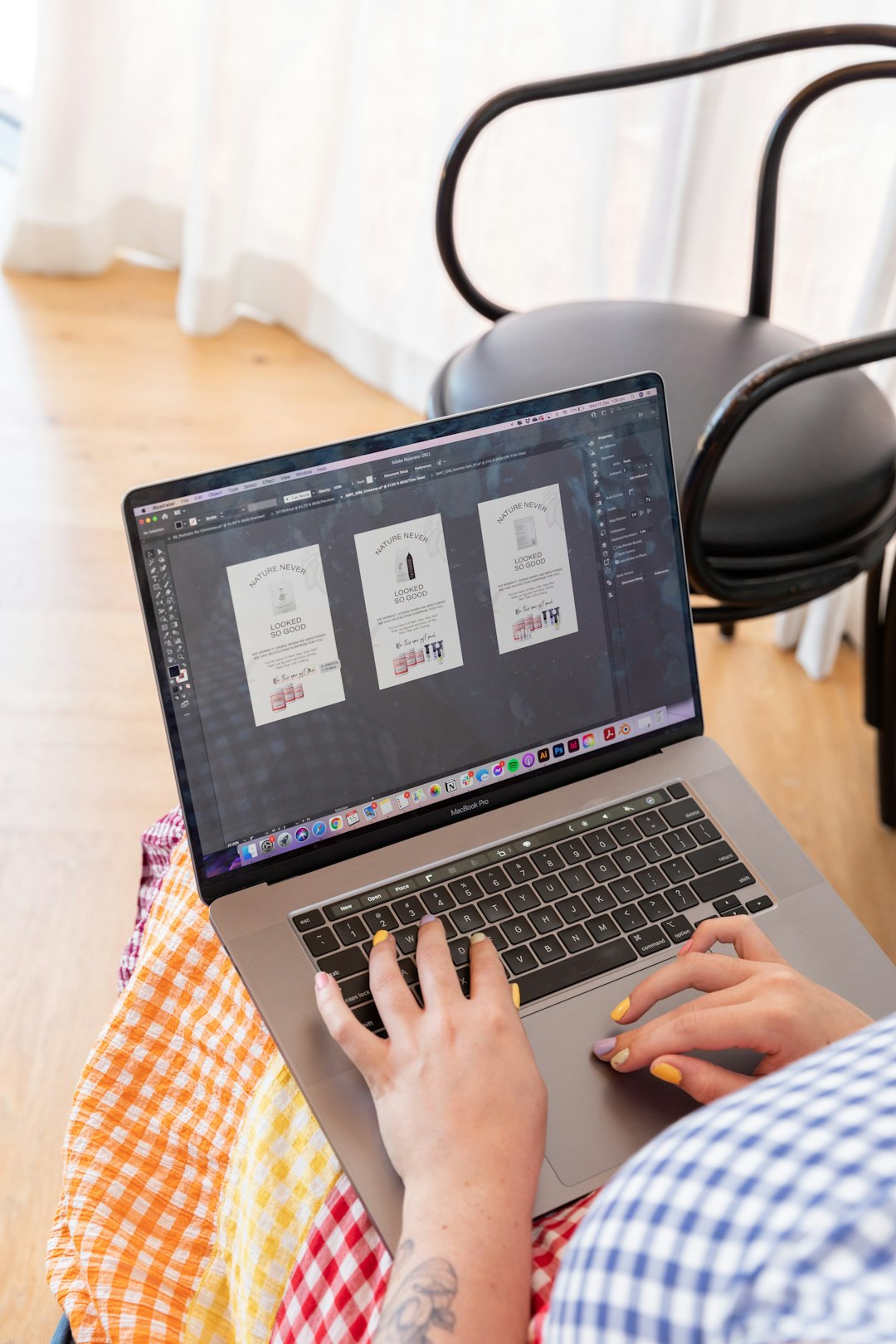
If you only have a preview copy, a designer can reconstruct your design in professional software.
This approach works best when:
- The design is relatively simple.
- You have access to original logos and fonts.
- You can provide high-resolution proof images.
Though it may involve a cost, this gives you permanent ownership moving forward.
3. Use Alternative Design Tools for Future Projects
If file ownership is important, consider designing elsewhere and then uploading your final print-ready file to Vistaprint.
Here’s a comparison of popular design tools for creating master files:
| Tool | Best For | Editable Export Formats | Skill Level |
|---|---|---|---|
| Adobe Illustrator | Professional vector design | AI, EPS, SVG, PDF | Advanced |
| Adobe InDesign | Multi-page print layouts | INDD, PDF | Advanced |
| Canva Pro | Easy branding materials | PDF Print, SVG (Pro) | Beginner-Intermediate |
| Affinity Designer | Affordable vector design | AI (limited), SVG, PDF | Intermediate |
Using one of these tools ensures that you always own the master file, regardless of where you print.
Common Scenarios and What to Do
Scenario 1: You’re Rebranding
If you’re changing your logo or color palette, you’ll likely need layered source files. Without them, every redesign requires starting over. Rebuilding your design professionally now may save long-term costs.
Scenario 2: Switching Printers
If you want to compare prices or try a local print shop, you will need a properly formatted, high-resolution PDF with bleed. A Vistaprint preview file usually won’t meet commercial printer standards.
Scenario 3: Expanding Product Lines
Maybe you designed a business card and now want matching packaging or signage. Without the original file, scaling and adapting the design is harder and less precise.
Tips to Avoid This Problem in the Future
Here are proactive strategies to maintain control over your creative assets:
- Design first, print second. Create your artwork in professional software before uploading.
- Keep organized backups. Store files in cloud storage plus a local backup.
- Export print-ready PDFs with bleed.
- Outline fonts before sending to print.
- Ask about file access policies before designing.
Thinking ahead transforms Vistaprint into a simple print vendor rather than your only source of design access.
Is It Ever Worth Using Vistaprint’s Built-In Designer?
Absolutely — depending on your needs.
It may be a good choice if:
- You need quick printed materials.
- You don’t expect to reuse or modify the design extensively.
- You’re launching a short-term campaign.
- You don’t have graphic design experience.
It may not be ideal if:
- Brand consistency is critical.
- You work with multiple vendors.
- You anticipate scaling your brand.
- You need full intellectual control of design assets.
The Bottom Line
In most cases, you cannot download a fully editable master file from Vistaprint if you created the design within their online platform. While you may access previews or reorder products, the original layered artwork typically stays inside their system.
This limitation isn’t unusual for print-first platforms — but it does highlight the importance of understanding ownership and file access before designing.
If keeping control over your brand assets matters to you, the smartest strategy is simple: create and store your master files independently, then use Vistaprint purely as a printer.
That small shift in workflow ensures flexibility, long-term scalability, and full creative freedom — without being locked into any one platform.

