

Remote work has given millions of people more flexibility, fewer commutes, and the freedom to design a workday around real life. But it has also created a quieter problem: the workday now lives inside a screen that never really closes. Between video calls, chat apps, email, project dashboards, phone alerts, and the tempting glow of social media, many remote workers are not just tired from work—they are tired from being digitally available all the time.
TLDR: Digital minimalism for remote workers is about using technology more intentionally, not abandoning it. Reduce screen fatigue by creating better boundaries, simplifying your app stack, limiting notifications, and scheduling genuine offline recovery time. The goal is to make your devices serve your work and life, instead of letting them control your attention. Small changes—like notification batching, app audits, and screen-free rituals—can dramatically improve focus, energy, and mental clarity.
What Digital Minimalism Really Means
Digital minimalism is not about becoming anti-technology. It is about choosing tools, habits, and workflows that support your priorities while removing the digital clutter that drains your attention. For remote workers, this matters because the same device is often used for deep work, meetings, entertainment, errands, banking, news, and social connection. Without boundaries, your laptop becomes an office, cinema, shopping mall, social club, and stress machine all at once.
The minimalist approach asks a simple question: Does this tool or habit genuinely improve my work or life? If the answer is no, it may need to be removed, restricted, or redesigned. This applies to obvious distractions like social media, but also to “productive-looking” tools: unnecessary Slack channels, duplicate task managers, email newsletters, and analytics dashboards you check out of anxiety rather than need.
Why Remote Workers Are Especially Vulnerable
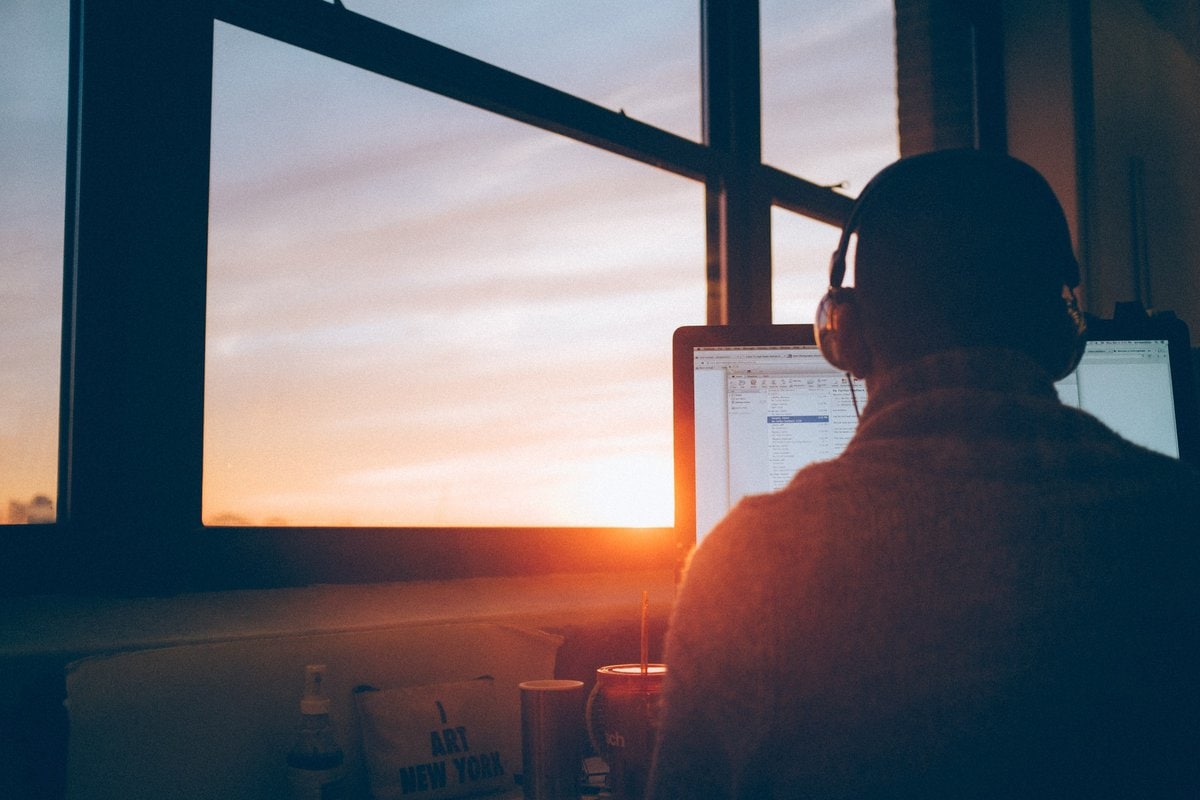
In a traditional office, the environment creates natural transitions. You commute, enter a workplace, attend meetings in specific rooms, and leave at the end of the day. Remote work removes many of those signals. Your personal space becomes your professional space, and your digital tools become the main proof that you are “present.”
This is why remote workers often feel pressure to reply instantly. A notification becomes more than a message—it becomes a test of responsiveness. Over time, this trains the brain to stay in a constant state of partial attention. You may be working on a report, but part of your mind is waiting for the next ping.
That state is exhausting. It fragments concentration, increases mistakes, and makes meaningful rest harder. Even after the laptop closes, the nervous system may still feel “on call.” Digital minimalism helps restore a healthier rhythm by separating what is urgent from what is merely loud.
Start with a Digital Audit
Before deleting apps or buying blue light glasses, begin with a practical audit. For one week, observe your digital behavior without judgment. Notice which tools help you produce valuable work and which ones mainly create noise.
Ask yourself:
- Which apps do I open automatically, even when I have no clear reason?
- Which notifications interrupt me most often?
- Which tools duplicate the function of another tool?
- When during the day do I feel most mentally drained?
- Which digital habits make me feel informed, and which make me feel anxious?
You may discover that your biggest problem is not one app, but the constant switching between many apps. Every switch has a cognitive cost. Moving from a spreadsheet to a chat message to an email to a calendar alert may seem harmless, but repeated hundreds of times, it leaves your brain feeling scattered.
Reduce Notifications Ruthlessly
Notifications are one of the biggest enemies of focused remote work. They are designed to interrupt you, and they often succeed even when you do not respond. A banner appearing in the corner of your screen can break concentration before you consciously decide what to do with it.
A useful rule is: only people and systems that require timely action should be allowed to interrupt you. Everything else can wait.
Try this notification reset:
- Turn off all non-human notifications. Disable alerts from shopping apps, news apps, social platforms, and newsletters.
- Batch email checks. Instead of keeping your inbox open, check it two to four times daily at scheduled times.
- Use priority channels. Agree with your team on what counts as urgent and where urgent messages should go.
- Mute unnecessary group chats. If a channel is mostly FYI, it does not deserve instant access to your attention.
- Separate work and personal alerts. Use different devices, browsers, profiles, or app settings when possible.
This is not about becoming unresponsive. It is about becoming intentionally responsive. When people know when and how to reach you, communication often improves.
Design a Screen Fatigue Recovery Plan
Screen fatigue is not only caused by brightness or blue light. It comes from a combination of visual strain, mental overload, poor posture, lack of movement, and endless close-range focus. Remote workers often stare at a screen for hours without the natural interruptions of an office hallway, lunch outing, or meeting-room walk.
Use the 20-20-20 rule: every 20 minutes, look at something 20 feet away for at least 20 seconds. It sounds simple, but it gives your eye muscles a chance to relax. Also consider increasing text size, using warmer display settings in the evening, and placing your monitor at eye level to reduce neck strain.
But physical adjustments are only part of the solution. The deeper fix is to build non-screen intervals into your day. Take phone calls while walking. Review printed notes when possible. Brainstorm on paper. Eat lunch away from your desk. These small acts remind your body that work is not identical to screen time.
Create App Boundaries Instead of Relying on Willpower
App addiction is rarely a failure of discipline. Many apps are built to pull you back through infinite scrolling, variable rewards, badges, streaks, and algorithmic feeds. If you rely only on willpower, you are competing against teams of designers optimizing for your attention.
Digital minimalism works better when you change the environment. Remove the easiest path to distraction.
- Delete high-distraction apps from your phone and access them only from a desktop browser.
- Log out after each use so opening the app becomes a conscious choice.
- Use website blockers during deep work blocks.
- Move distracting apps off your home screen or into folders with neutral names.
- Turn your phone grayscale during work hours to make it less visually rewarding.
The goal is not to make entertainment impossible. It is to make unconscious use less automatic. If you choose to watch a video, read the news, or browse social media, do it deliberately—not because your thumb opened the app before your mind caught up.
Simplify Your Work Tech Stack
Remote teams often accumulate tools slowly. One app for messages, another for project management, another for documents, another for quick notes, another for meetings, another for whiteboards, another for time tracking. Each tool may be useful, but together they can create a maze.
Review your work stack and look for consolidation. Can one project management tool replace three status spreadsheets? Can a shared document reduce meeting time? Can fewer communication channels make expectations clearer?
A strong remote workflow usually includes:
- One primary communication tool for team conversation.
- One project management system for tasks, deadlines, and ownership.
- One documentation hub for decisions, processes, and reference material.
- One calendar system that accurately reflects availability.
When tools have clear roles, your day feels less chaotic. You stop wondering where information lives and spend more energy doing the actual work.
Protect Deep Work with Digital Rituals
Remote work is full of shallow tasks: checking messages, updating statuses, joining calls, approving forms, and replying to comments. These tasks are necessary, but they should not consume your best mental energy. Deep work—writing, strategy, design, coding, analysis, planning—requires longer stretches of undisturbed attention.
Create a ritual that tells your brain it is time to focus. It might include closing chat apps, putting your phone in another room, opening only the tabs you need, starting a focus playlist, and setting a 60 to 90 minute timer. The ritual matters because it reduces friction. Instead of deciding how to focus every day, you follow a repeatable pattern.
If possible, mark deep work blocks on your calendar. Treat them as real appointments. Remote workers often protect meetings more fiercely than their own concentration, but your most valuable output may happen when you are unavailable for a while.
Make Meetings Less Digitally Draining
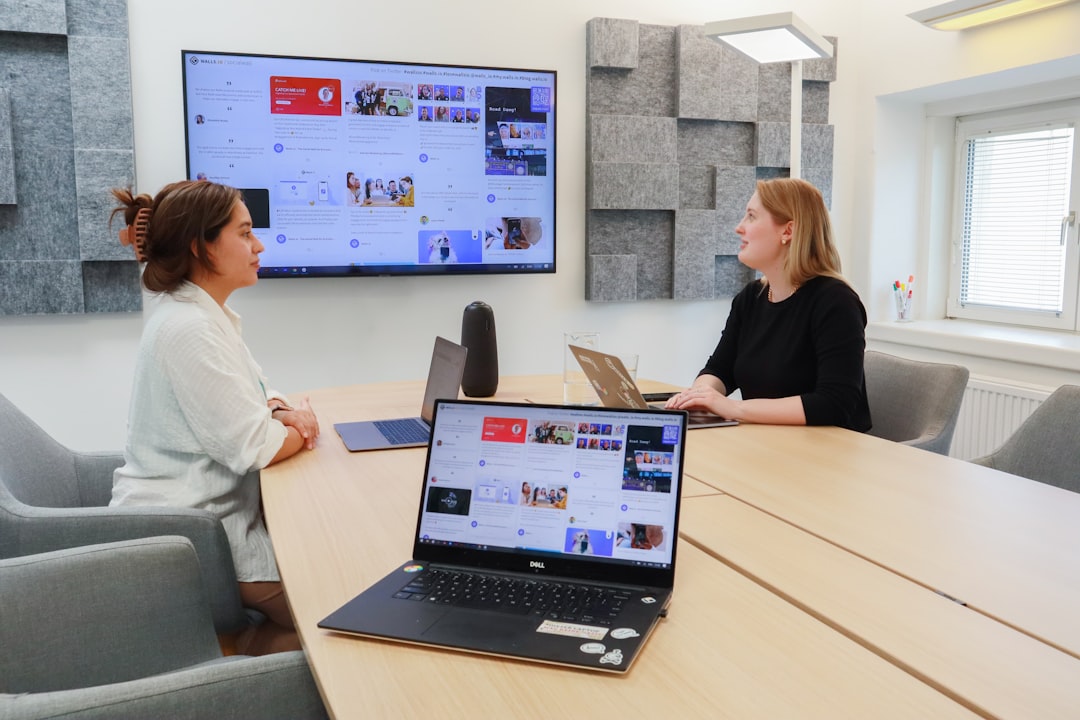
Video calls are uniquely tiring because they require intense visual attention, social processing, and screen focus at the same time. You are watching faces, monitoring your own expression, interpreting tone, checking chat, and sometimes reviewing shared documents all at once.
Not every meeting needs video. Consider audio-only calls for routine updates. Use shared documents for asynchronous feedback. Shorten default meeting lengths from 60 minutes to 45, or from 30 minutes to 25, to create breathing room between calls.
For meetings that remain necessary, improve the experience:
- Hide self-view to reduce self-monitoring fatigue.
- Use agendas so attention has a clear path.
- End with decisions and next steps to avoid follow-up confusion.
- Take notes by hand occasionally to reduce tab switching.
Build a Shutdown Routine
One of the most powerful digital minimalist habits is a workday shutdown ritual. Without it, remote work can leak into the evening through “just one more email” or “one quick check.” A shutdown routine creates psychological closure.
At the end of the day, review open tasks, write tomorrow’s top priorities, close work tabs, quit communication apps, and physically step away from your workspace. If you use the same room for work and personal life, create a small transition: close the laptop, cover your monitor, change lighting, take a walk, or play music that signals the end of work.
This boundary is not only good for rest; it improves tomorrow’s productivity. A brain that truly recovers returns with more creativity and patience.
Replace Digital Compulsions with Better Rewards
If you remove a digital habit without replacing it, your brain will search for it again. Many people check apps because they are bored, lonely, tired, or seeking a small reward after effort. Digital minimalism becomes easier when you create healthier alternatives.
Keep a short list of low-friction offline options: stretch for five minutes, make tea, step outside, water plants, read a physical book, tidy your desk, or write in a notebook. These activities may sound ordinary, but they give your nervous system a different kind of input. They refresh rather than overstimulate.
The Real Goal: A Calmer Relationship with Technology
Digital minimalism is not about having the fewest apps or the most austere home screen. It is about building a working life where technology supports attention, communication, creativity, and rest. For remote workers, this is essential because the digital environment is the workplace.
Start small. Turn off five unnecessary notifications. Remove one addictive app from your phone. Schedule one daily block of uninterrupted work. Take one screen-free lunch. These changes may seem modest, but they compound quickly. Over time, your devices become less like noisy bosses and more like useful tools.
The best remote work setup is not the one with the most software, the fastest responses, or the busiest calendar. It is the one that helps you do meaningful work, stay healthy, and still have energy for the life you are working to support.

