

Every gamer knows the thrill of scoring a win or pulling off an epic move in a video game. But keeping those moments forever? That’s not always so easy. Unless, of course, you’ve got the right tool. Meet iTop Screen Recorder — your new best friend for game recording on Windows.
TLDR:
If you’re a Windows gamer who wants an easy way to record your gameplay, iTop Screen Recorder is the tool for you. It’s simple, powerful, and doesn’t slow down your games. Plus, it’s free to get started and has all the features you need. Start recording your wins in just a few clicks!
Why Record Your Gameplay?
Gamers record for all sorts of reasons, like:
- Sharing cool moments on YouTube or social media
- Creating tutorials for other players
- Rewatching gameplay to improve skills
- Keeping those brag-worthy kills just for fun
Whatever your reason, the right screen recorder makes it a breeze.
What Makes iTop Screen Recorder So Great?
There are tons of screen recorders out there, but iTop stands out for a few key reasons:
- It’s Free! (Yes, really.)
- Super easy to use with one-click recording
- Low impact on performance so your game won’t lag
- High-quality recording in up to 4K resolution
- Built-in video editor for quick tweaks & trims
Sounds good? Let’s dig into how it works.
Simple Setup – No Headaches
Getting started with iTop Screen Recorder is a piece of cake.
- Visit the official website and download the installer
- Run the installer and follow the simple prompts
- Launch the app and you’re ready to roll
Yep, that’s it. Seriously.
Customize It Your Way
Once iTop is up and running, you can tweak a few settings to make it perfect for your games.
Select your recording area:
- Full screen for complete gameplay
- Custom windows if you want to show just the game
Choose your input sources:
- System sound (for in-game audio)
- Microphone (for your voice)
- Webcam (if you stream with facecam)
iTop makes it all simple to set up with quick-access toggles. No technical nonsense.
One Click = Instant Recording
When you’re ready to play, iTop is ready to record.
Just hit the red “REC” button before jumping into your game. That’s it. You’re live.
During recording, you can:
- Use hotkeys to pause or stop recording
- Record unlimited gameplay (no time limit!)
- Keep the FPS smooth and steady
So go ahead—take that headshot. Crush that final boss. iTop won’t miss a second.
Edit Like a Pro (Even If You’re Not One!)
After the game, do a quick edit without needing fancy tools.
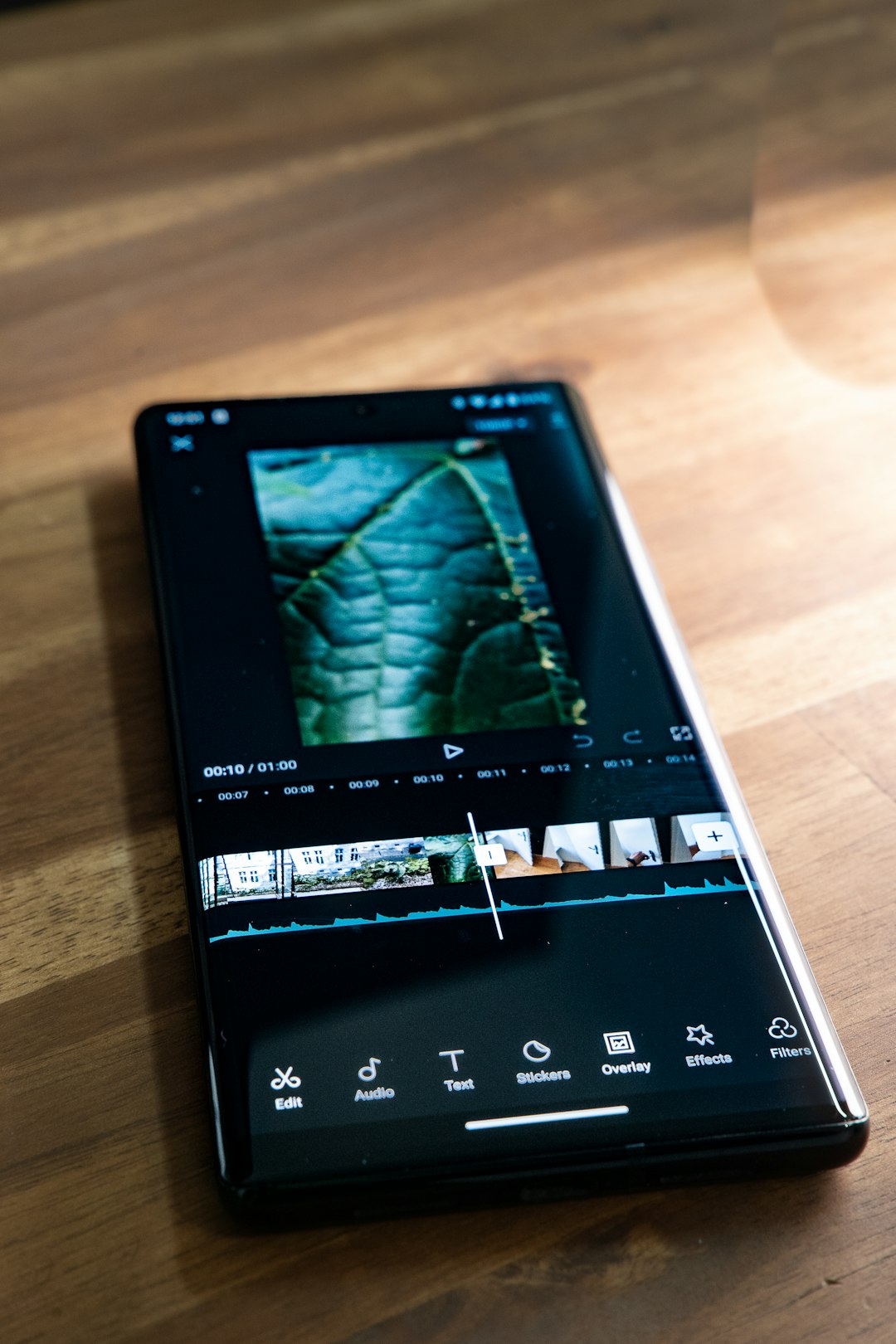
iTop Screen Recorder comes with a built-in video editor. This means you can:
- Trim the boring bits
- Add music or text overlays
- Cut out mistakes
- Export videos in various formats (MP4, AVI, MOV, etc.)
Make your gameplay shine without needing to learn advanced editing software.
Perfect for Streamers Too
iTop isn’t just for recording. It helps with streaming too.
You can record and save streams in HD. So if your followers miss a live session, don’t worry. Post the replay with ease. Plus, the low system impact means you won’t suffer from dropped frames while streaming and recording simultaneously.
How Does It Compare to Other Tools?
Let’s size it up. Here’s how iTop compares with popular recording options:
| Feature | iTop Screen Recorder | OBS Studio | Windows Game Bar |
|---|---|---|---|
| Ease of Use | Very Easy | Moderate | Easy |
| Built-in Editor | Yes | No | No |
| Performance Impact | Low | Medium to High | Low |
| Recording Quality | Up to 4K | Up to 4K | 1080p Max |
| Free Version | Yes | Yes | Yes |
As you can see, iTop holds its own—especially if you’re new to recording or want a hassle-free setup.
Extra Features You’ll Love
Wait, there’s more! iTop also gives you:
- Screenshot during recording (perfect for thumbnails!)
- Scheduled recording if you want to record a game at a certain time
- Mouse effect and click animation so viewers follow the action clearly
Small details that make a big difference.
Safe, Secure and Reliable
Worried about privacy? Don’t be. iTop Screen Recorder respects your system and data.
No weird pop-ups. No hidden junk. Just clean, safe software endorsed by millions of users across the globe.
Who Should Use iTop?
This handy recorder is perfect for:
- New gamers who want something simple
- Pros looking for a fast, no-lag recorder
- Content creators making tutorials and walkthroughs
- Streamers who need backup recordings
And honestly, anyone who wants to show off their skills!
Final Thoughts
It’s never been easier to start recording your games. With iTop Screen Recorder, you can capture high-quality footage without headaches or lag. No complicated setup. No learning curve. Just launch, play, and press record.
Ready to show the world your best gaming moments? Download iTop Screen Recorder now and start capturing like a pro.
Happy Gaming!

