

Online shoppers expect instant access to their favorite marketplaces, which is why encountering a Temu Error 504 can be both confusing and frustrating. This common server error disrupts browsing, payments, and order tracking, often appearing without warning. Understanding what causes it and how to fix it can help shoppers and sellers quickly get back to normal.
TL;DR: A Temu Error 504 is a gateway timeout issue that usually occurs when servers fail to respond in time. It may be caused by high traffic, server overload, network issues, or browser-related problems. Most cases can be fixed by refreshing the page, clearing cache, switching networks, or waiting for Temu’s servers to stabilize. If the issue persists, contacting support may be necessary.
What Is Temu Error 504?
A 504 Gateway Timeout error happens when one server does not receive a timely response from another server it depends on. In simpler terms, Temu’s system tries to load information—such as product listings or checkout details—but the responding server takes too long.
This error is not exclusive to Temu. It is an HTTP status code that can affect any website. However, when it occurs on Temu, users may see messages such as:
- 504 Gateway Timeout
- Server timed out
- Unable to connect to server
These messages indicate a delay in communication between servers rather than a permanent failure.
What Causes Temu Error 504?
Several factors can trigger this issue. Understanding the root cause helps determine the right fix.
1. Server Overload
One of the most common reasons for a 504 error on Temu is high traffic volume. During flash sales, seasonal events, or special promotions, millions of users may access the site at once.
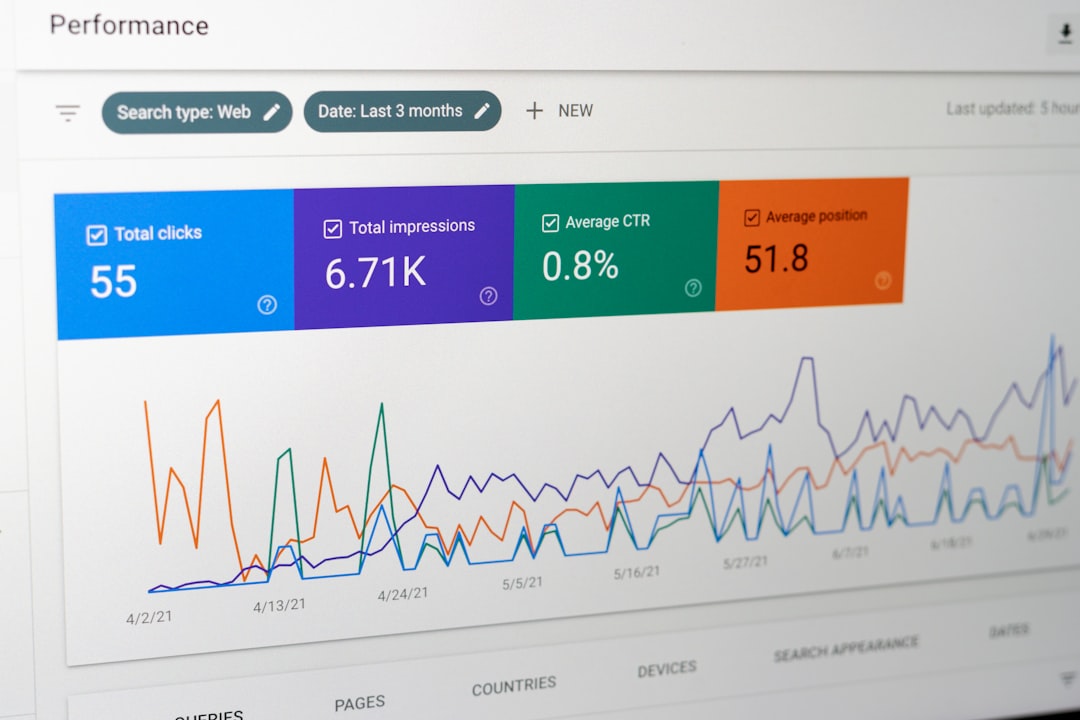
When servers become overwhelmed, they may struggle to respond to every request, causing timeouts.
2. Network Connection Problems
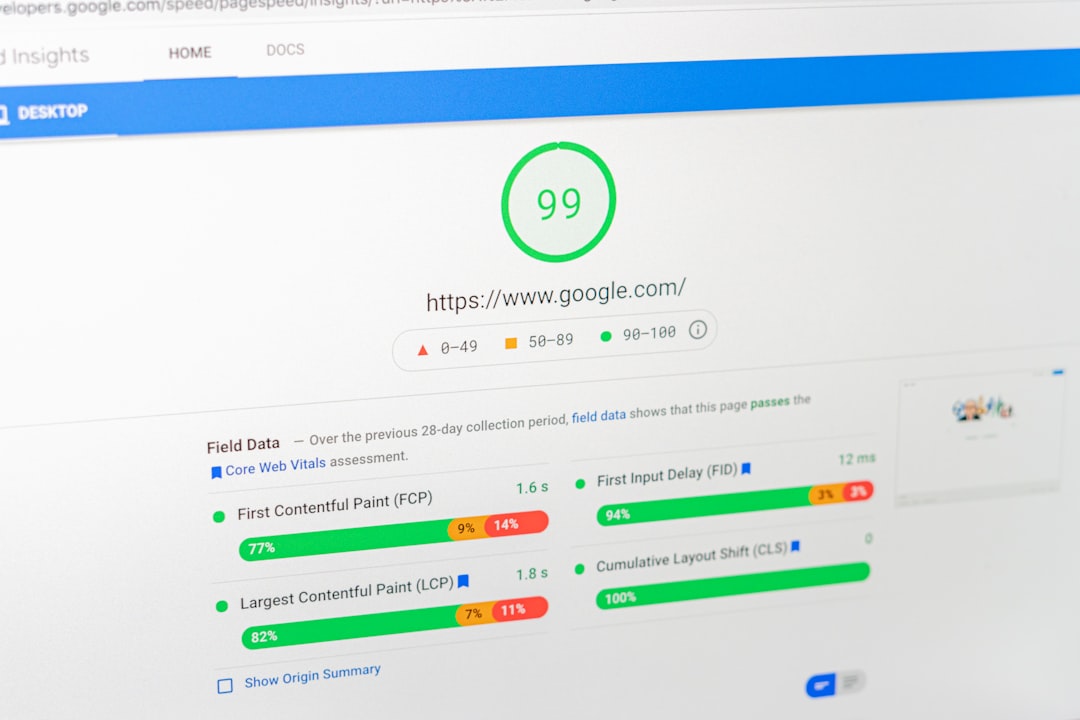
A slow or unstable internet connection can prevent the browser from communicating properly with Temu’s servers. If the connection drops or experiences high latency, the request may expire before completion.
3. Browser Cache and Cookies Issues
Corrupted or outdated browser cache files can interfere with loading processes. Residual data sometimes conflicts with updated elements on the website, leading to loading errors like 504.
4. DNS Problems
The Domain Name System (DNS) translates website names into IP addresses. If DNS servers are slow or misconfigured, requests may not reach Temu in time.
5. Firewall or VPN Interference
Security software, firewalls, or VPNs can occasionally block or delay connections. This is especially common if the VPN routes traffic through distant servers.
6. Temporary Server Maintenance
At times, Temu may conduct backend updates or maintenance. During these periods, server responsiveness can decrease temporarily.
How to Fix Temu Error 504
Although server-side issues must often be resolved by Temu itself, many users can solve the problem with simple steps.
1. Refresh the Page
The quickest solution is to reload the page:
- Click the refresh button in the browser.
- Press F5 or Ctrl + R (Windows).
- Press Command + R (Mac).
If the error was caused by a temporary glitch, refreshing may immediately resolve it.
2. Check Internet Connection
Users should verify that their internet connection is stable. They can:
- Restart the router.
- Switch between Wi-Fi and mobile data.
- Run a speed test to confirm stable performance.
3. Clear Browser Cache and Cookies
Clearing stored data can fix conflicts causing loading delays.
- Open browser settings.
- Select Privacy and Security.
- Choose Clear browsing data.
- Select cache and cookies.
- Restart the browser.
4. Try a Different Browser or Device
If the error persists, access Temu from another browser such as Chrome, Firefox, or Safari. Testing on another device can help determine whether the issue is device-specific.
5. Disable VPN or Proxy
If using a VPN, users should temporarily disable it and refresh the page. Connecting through a local server rather than an overseas one can also improve response time.
6. Flush DNS Cache
Flushing DNS can resolve outdated IP configurations.
On Windows:
- Open Command Prompt.
- Type
ipconfig /flushdnsand press Enter.
On Mac:
- Open Terminal.
- Type
sudo dscacheutil -flushcache; sudo killall -HUP mDNSResponder
7. Wait and Try Again Later
If Temu’s servers are overloaded or under maintenance, the only solution may be patience. Most server-related issues resolve within minutes to hours.
Is Temu Error 504 a Security Risk?
A 504 error itself is not a security threat. It does not indicate hacking, malware, or data breaches. Instead, it simply signifies a communication delay between servers.
However, users should still practice online safety:
- Avoid entering payment information repeatedly during errors.
- Ensure the website URL is correct.
- Use secure networks for transactions.
How Sellers on Temu Can Minimize 504 Errors
While shoppers have limited control over server infrastructure, sellers using Temu can take steps to reduce disruptions in their storefront management.

Optimize Product Listings
Large image files and heavy scripts can contribute to longer loading times. Sellers should optimize media files to ensure smooth browsing.
Monitor Traffic Spikes
Preparing for promotional events by anticipating increased traffic allows sellers to coordinate with support when necessary.
Regularly Update Apps and Integrations
Outdated browser extensions or third-party integrations may interfere with administrative dashboards.
When to Contact Temu Support
If none of the troubleshooting steps resolve the issue, contacting Temu support may be necessary. Users should provide:
- Screenshots of the error message.
- The time and date the error occurred.
- The device and browser used.
This information helps technical teams diagnose the issue more efficiently.
Preventive Tips for Avoiding Future 504 Errors
Although many 504 errors originate from servers, users can minimize disruptions by adopting best practices:
- Keep browsers updated.
- Use reliable internet connections.
- Limit excessive background applications that slow bandwidth.
- Restart devices periodically.
Staying proactive reduces the likelihood of encountering repeated loading issues.
Final Thoughts
Temu Error 504 may appear alarming at first glance, but it is typically a temporary gateway timeout issue. Whether caused by server overload, internet instability, or browser conflicts, the problem often has simple solutions. By refreshing the page, clearing cache, checking connections, or waiting for servers to normalize, most users can quickly resume shopping or managing orders. Understanding the error empowers users to troubleshoot confidently rather than panic.
Frequently Asked Questions (FAQ)
1. What does Temu Error 504 mean?
It means a gateway timeout occurred because a server did not receive a response in time from another server.
2. Is Error 504 caused by my device?
Not always. It can be server-related, but device issues like slow internet or corrupted cache can also contribute.
3. How long does a 504 error last?
It varies. Some resolve within minutes, while others may take longer if servers are undergoing maintenance.
4. Can clearing cache fix Temu Error 504?
Yes, in many cases clearing browser cache and cookies resolves loading conflicts.
5. Should I reinstall the Temu app if I see this error?
Reinstalling can help if the issue is app-specific, though refreshing or updating the app is usually sufficient.
6. Does a 504 error mean my payment failed?
Not necessarily. Users should check their order history or confirmation emails before attempting another payment.
7. Is it safe to continue shopping after fixing the error?
Yes. Once the error is resolved, shopping can continue normally if the connection is secure.
8. What should I do if the error keeps coming back?
If repeated attempts fail, users should contact Temu support and provide details about their device, browser, and connection type.

