

Modern websites are expected to load instantly, feel responsive, and operate smoothly across a wide range of devices and network conditions. Achieving that level of performance consistently requires more than optimization at the end of a project—it demands continuous measurement and clear boundaries. This is where web performance budgets and tools like Lighthouse play a critical role. By setting enforceable limits on performance metrics and resource usage, teams can build faster sites and prevent gradual degradation over time.
TLDR: Performance budgets define measurable limits for metrics such as load time, bundle size, and Core Web Vitals. Tools like Lighthouse allow teams to set, test, and track these limits automatically throughout development and deployment. By integrating performance budgets into CI/CD workflows, organizations can prevent regressions before they reach users. The result is more reliable, predictable, and competitive web experiences.
What Is a Web Performance Budget?
A performance budget is a set of predefined limits that a website must stay within. These limits can apply to file sizes, number of requests, rendering times, and user-centric performance metrics. Instead of passively measuring speed after launch, teams actively define what “good performance” means and enforce it.
Performance budgets usually fall into three broad categories:
- Resource-based budgets – Limits on JavaScript bundle size, image weight, CSS size, total page weight, or number of HTTP requests.
- Timing-based budgets – Limits on metrics such as First Contentful Paint (FCP), Largest Contentful Paint (LCP), Time to Interactive (TTI), or Total Blocking Time (TBT).
- Quantity-based budgets – Limits on third-party scripts, fonts, or API calls.
By committing to these thresholds, teams treat performance as a non-negotiable requirement, similar to functionality or security.
The Role of Lighthouse in Performance Budgeting
Lighthouse, developed by Google, is one of the most widely adopted tools for measuring web performance. It evaluates web pages across several dimensions, including performance, accessibility, SEO, and best practices. For performance budgeting specifically, Lighthouse offers both actionable metrics and automation capabilities.
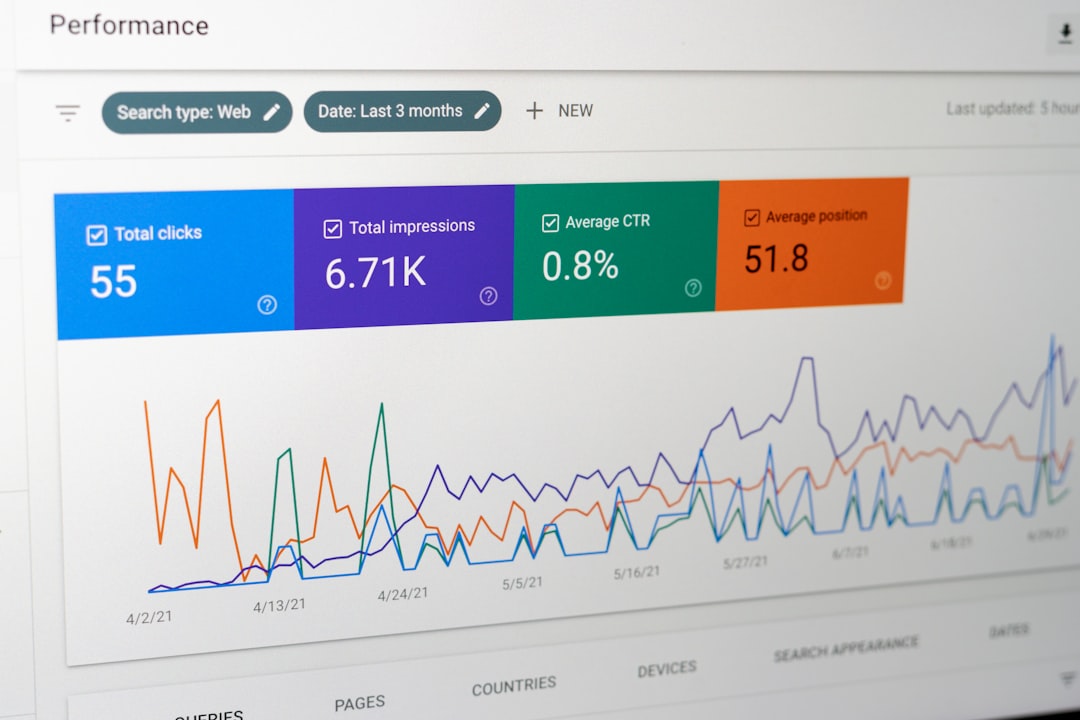
Key features of Lighthouse that support performance budgets include:
- Core Web Vitals reporting – Measures LCP, CLS (Cumulative Layout Shift), and interaction-related metrics.
- Performance scoring – Generates a weighted score based on lab data.
- Detailed diagnostics – Identifies render-blocking resources, unused JavaScript, and oversized images.
- CLI and CI integration – Enables automated checks during development and deployment.
While Lighthouse itself does not “enforce” budgets by default, it integrates seamlessly with tools that do. For example, you can define thresholds in configuration files and fail builds if metrics exceed acceptable limits.
Why Performance Budgets Matter
Performance degradation is rarely dramatic. Instead, it happens gradually: a new library here, an extra tracking script there, slightly larger images in a content update. Over time, these small additions accumulate into measurable slowdowns.
Performance budgets address this issue by:
- Creating accountability across development, design, and marketing teams.
- Preventing regressions before they reach production.
- Encouraging intentional trade-offs when adding features.
- Aligning stakeholders on measurable performance goals.
When performance is quantified and monitored continuously, teams are forced to make deliberate decisions. For example, adding a third-party analytics script may require optimizing another part of the application to stay within the budget.
Setting Effective Performance Limits
Setting realistic and meaningful budgets is critical. Overly strict limits may slow development unnecessarily, while overly lenient ones defeat the purpose.
Best practices for defining budgets include:
1. Align Budgets With Business Goals
If your organization depends on e-commerce conversions, prioritize metrics tied to user perception—such as LCP and Interaction to Next Paint. Research consistently shows that faster sites improve conversion rates and engagement.
2. Base Limits on Realistic Benchmarks
Use existing performance data to create initial thresholds. Analyze:
- Current Lighthouse reports
- Real user monitoring (RUM) data
- Competitor performance comparisons
Budgets should challenge teams to improve while remaining achievable.
3. Define Concrete Numbers
A vague goal like “make it fast” is ineffective. Instead, specify measurable targets:
- LCP under 2.5 seconds on mobile
- Total JavaScript under 170 KB compressed
- Total page weight under 1 MB
Clear numeric thresholds eliminate ambiguity and reduce internal debate.
Integrating Lighthouse Into CI/CD Pipelines
To be effective, performance monitoring must be automated. Manual audits are useful during development, but they do not scale.
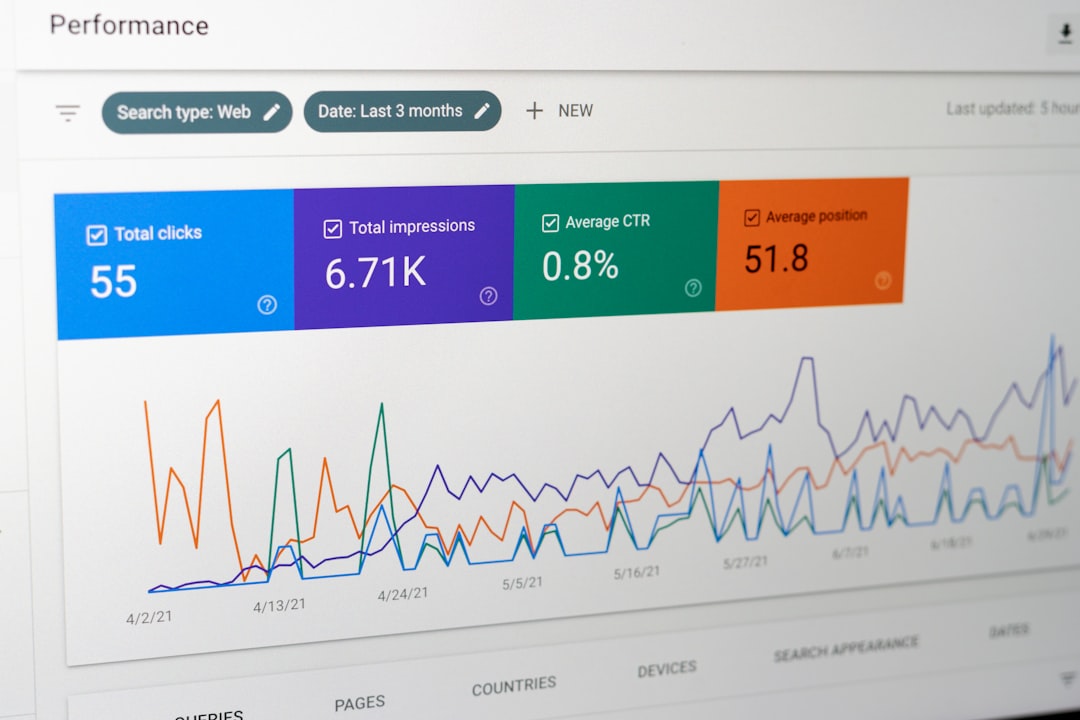
By integrating Lighthouse into CI/CD workflows, teams can:
- Run audits on every pull request
- Compare performance changes between commits
- Fail builds that exceed defined budgets
Common approaches include:
- Using Lighthouse CI to automate reports and enforce thresholds.
- Storing results in build artifacts for review.
- Sending alerts when performance drops below acceptable levels.
This automation transforms performance budgeting from a recommendation into a rule. Developers receive immediate feedback, allowing them to fix regressions before merging code.
Tracking Performance Over Time
Budgets are not static. As user expectations, device capabilities, and search engine standards evolve, performance standards must adapt.
Tracking should include:
- Trend analysis of performance scores over weeks and months.
- Monitoring Core Web Vitals in real-world conditions.
- Identifying recurring bottlenecks such as script execution delays.
While Lighthouse provides lab data, pairing it with field data from analytics or monitoring platforms offers a more comprehensive view. Lab tests simulate controlled conditions; real-user data reflects actual devices, networks, and behaviors.
Managing Third-Party Scripts
Third-party resources are among the most common causes of budget overages. Advertising, analytics, chat widgets, and social integrations can dramatically increase load times.
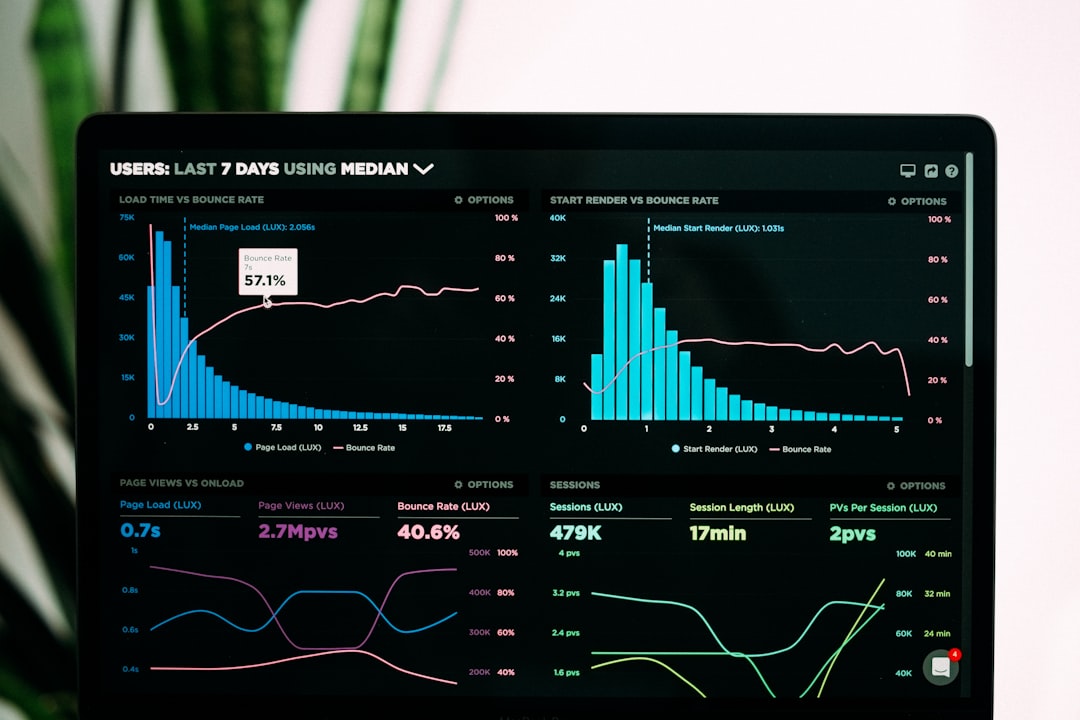
To control third-party impact:
- Set explicit limits on third-party script size and load time.
- Load non-essential scripts asynchronously.
- Audit third-party performance contributions regularly.
- Remove outdated or unused integrations.
A performance budget makes it easier to justify difficult conversations. Instead of subjective opinions, teams rely on objective measurements to determine whether an external tool is worth its cost.
Common Challenges and How to Overcome Them
Resistance to Constraints
Some teams view performance budgets as restrictive. However, constraints often drive innovation. Limiting JavaScript size, for instance, can encourage code splitting, lazy loading, and more efficient frameworks.
Fluctuating Lighthouse Scores
Lighthouse scores may vary slightly between runs due to environmental factors. To reduce noise:
- Run multiple audits and average results.
- Test in consistent environments using CI servers.
- Focus on metric trends rather than single-run scores.
Balancing Features and Speed
Every new feature impacts performance. The key is intentional trade-offs. If a feature delivers significant business value, other areas may need optimization to maintain compliance with budgets.
Beyond Lighthouse: Complementary Tools
While Lighthouse is highly capable, it performs best as part of a broader toolchain. Complementary solutions include:
- Bundle analyzers for visualizing JavaScript dependencies.
- Real User Monitoring tools for capturing field performance.
- Synthetic monitoring platforms for global performance testing.
Combining these tools provides deeper insight into performance trends and ensures that budgets are based on both simulated and real-world data.
Establishing a Performance-First Culture
Tools alone cannot guarantee fast websites. Organizations must adopt a mindset that treats performance as a core quality attribute.
This cultural shift includes:
- Introducing performance considerations early in design discussions.
- Training developers on optimization techniques.
- Reviewing performance metrics during sprint retrospectives.
- Celebrating improvements as measurable achievements.
When performance metrics become visible and consistently monitored, they naturally influence decision-making across teams. Over time, this leads to leaner codebases, faster deployments, and more satisfied users.
Conclusion
Web performance budgets, supported by tools like Lighthouse, provide a structured and enforceable framework for delivering fast digital experiences. By defining clear thresholds for resource usage and user-centric metrics, organizations move from reactive optimization to proactive governance. Integrating automated audits into CI/CD pipelines ensures continuous compliance, while trend tracking helps teams adapt to evolving standards.
In an increasingly competitive digital landscape, performance is not merely a technical concern—it is a strategic advantage. Establishing and enforcing performance budgets demonstrates discipline, foresight, and a commitment to user experience. Organizations that take this approach position themselves to deliver consistently fast, reliable, and trustworthy web applications.

